
Automation
Why Your TradingView Alert Fired but No Broker Order Appeared
Trace webhook delivery, validation, broker acknowledgement and fills without blindly retrying live orders.
On this page+
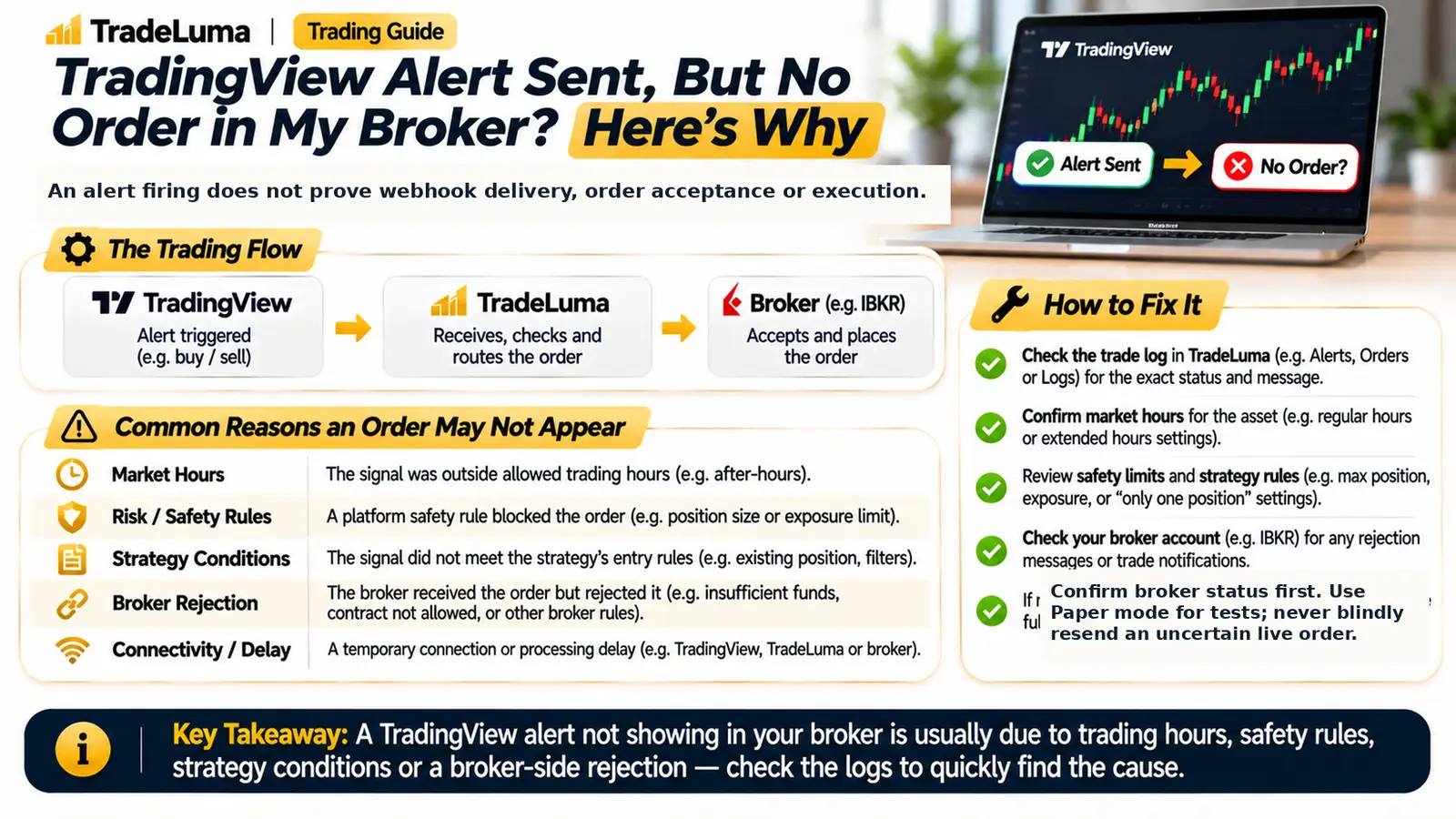
An alert firing is not proof of webhook delivery or broker execution. Each stage has its own status. First establish the actual broker order and position state before any live retry. This is general education, not personalised investment advice.
Alert and webhook
Confirm the active alert, trigger time, message and destination. TradingView alert snapshots may retain earlier script settings; recreating an alert may be necessary after changes.
Check receiver logs for delivery evidence. Do not expose webhook secrets or account credentials when seeking support. A fired alert may never have reached the receiver.
Validation and routing
If the receiver logged the alert, inspect its decision and reason: invalid symbol, duplicate event, unsuitable quantity, session rules, expired connection or contract mapping can matter.
TradeLuma is designed to show status and validation outcomes for supported configurations. A local record is not proof of broker acknowledgement. Beta and broker permissions vary.
Reconcile broker status
Check actual orders, executions and positions in the correct Paper or Live broker account. Look for rejection, acceptance, partial fills or uncertainty after a connection error.
Do not blindly resend a live order with unknown status. Resolve the outcome using identifiers and broker records first. A duplicate may create additional exposure.
Controlled recovery
After establishing state, investigate the specific issue and use Paper trading for end-to-end testing. Review duplicate-alert protection and broker reconciliation.
A trader balancing full-time work still needs an independent means to access the broker and timely incident response. Automation cannot guarantee a fill.
Frequently asked questions
Does an alert prove broker receipt?+
No. Delivery, validation, submission and acknowledgement are distinct.
Should I resend a missing live order?+
Not before reconciliation. Use Paper for tests.
What should I check?+
Alert history, receiver logs and actual broker orders, executions and positions.
Execution workflow
See how controlled automation is structured.
Explore TradeLuma's execution flow, live and paper modes, broker controls, monitoring, and reconciliation.
See how TradeLuma works →Continue learning
Related guides.
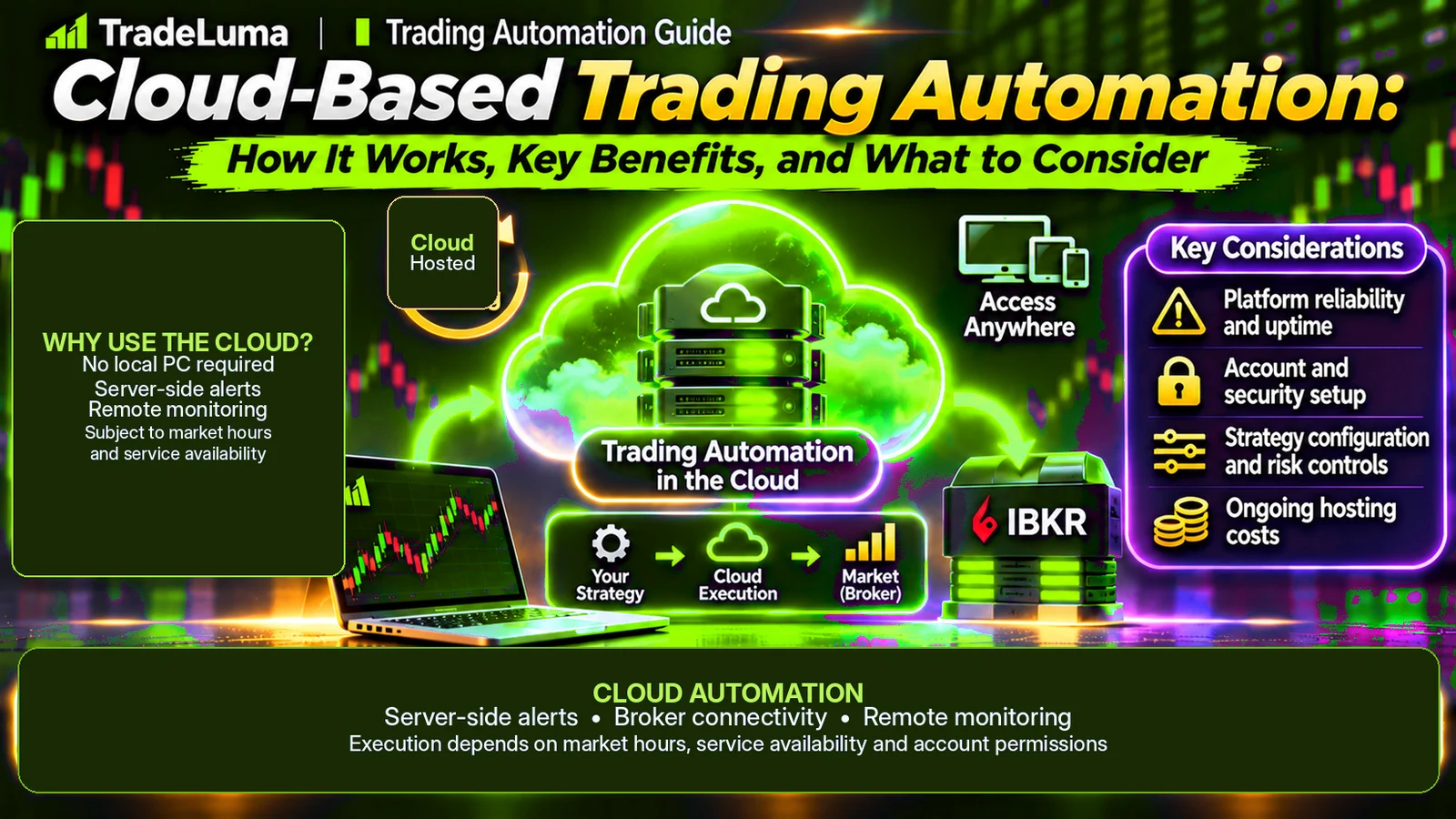
How to Automate Futures Trading Without Leaving Your Computer Running
Understand server-side TradingView alerts, cloud webhook processing, broker connectivity, order reconciliation and operational requirements.
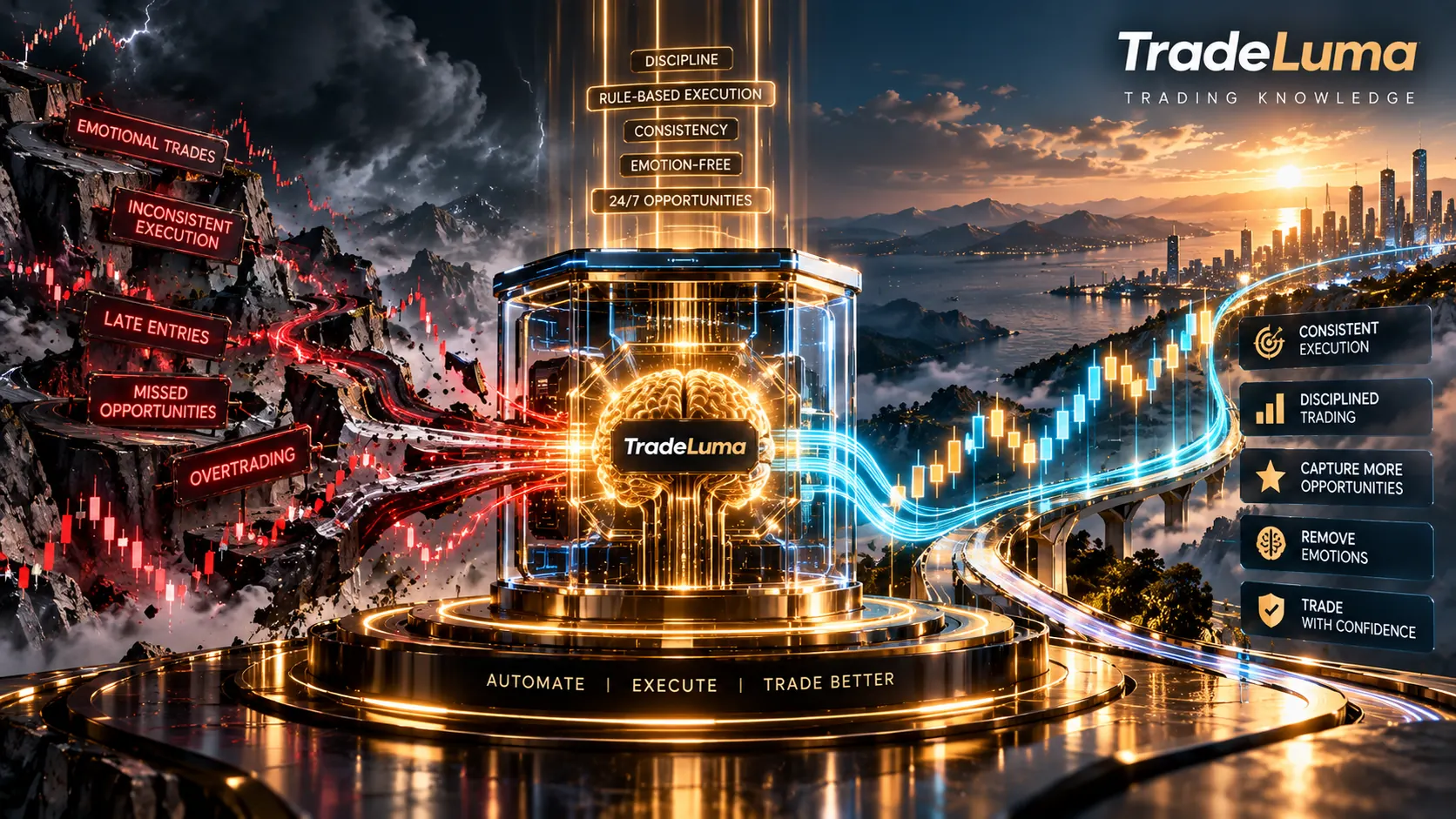
Why automated trading can solve inconsistent execution
Learn how automated trading reduces hesitation, missed signals, duplicate orders, and inconsistent execution while preserving strategy and risk control.
How to build a responsible autotrading workflow from signal to broker
A complete educational framework for strategy rules, paper testing, secure alerts, risk limits, live approval, monitoring, and continuous review.