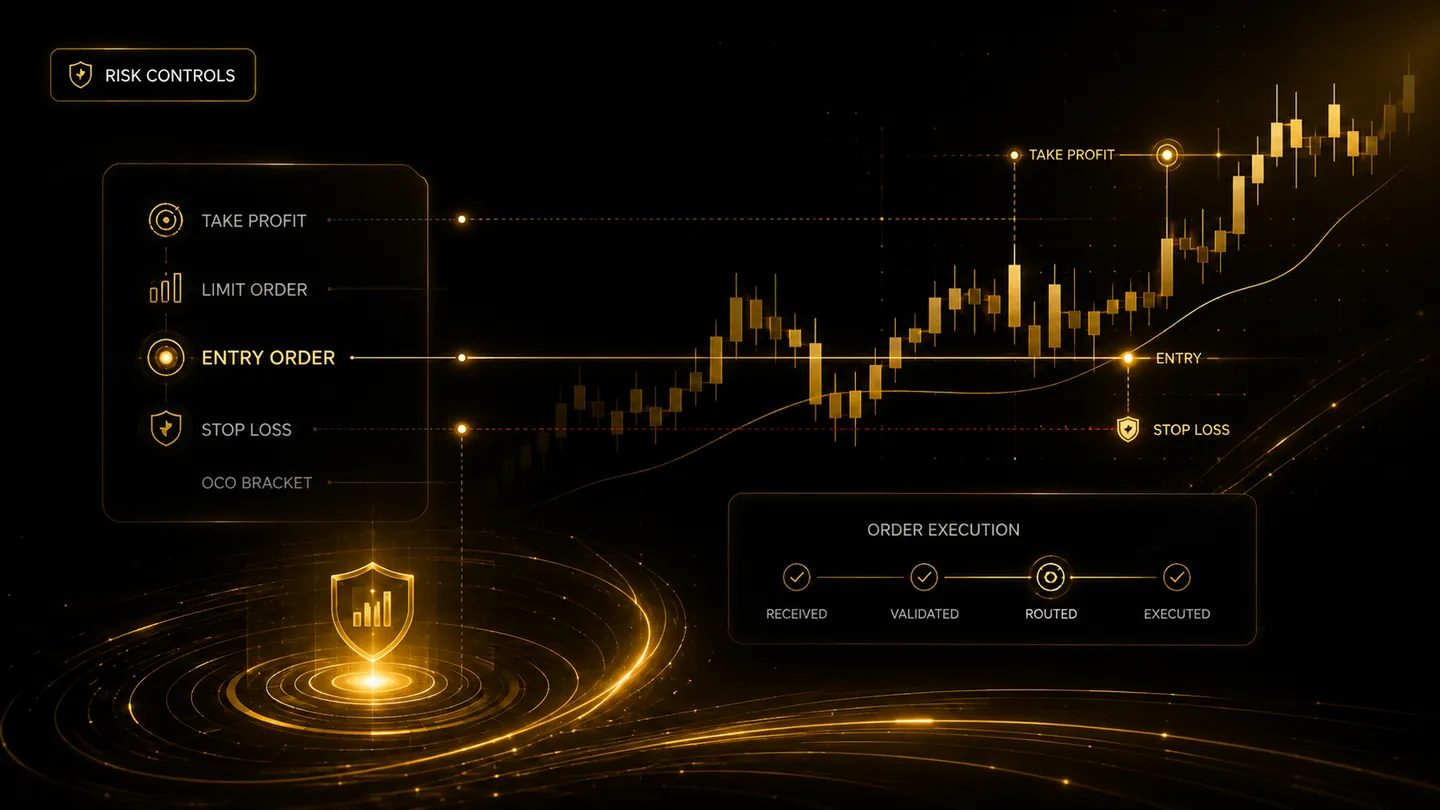
TradingView automationbuilt for controlledlive execution.
TradeLuma connects TradingView alerts to supported brokers for live and paper execution, with user-configured controls, broker-status visibility, and reconciliation from signal to outcome.
Execution timeline
Illustrative live workflow
TradingView alert received
MGC1 · buy · 1 contract
Execution controls passed
Strategy · symbol · quantity · duplicate checks
IBKR OAuth ready
Live account authenticated and available
Order submitted
Broker acknowledgement recorded
Fill received
Broker state reconciled
Live execution
TradingView signals routed with configured controls.
No custody
Brokerage assets remain in your broker account.
User controlled
Your strategies, connections, limits, and permissions.
Broker reconciliation
Orders, fills, and positions compared with broker state.
How it works
A structured path from signal to execution.
TradeLuma sits between the alert source and the broker, validating each instruction before it moves forward.
Connect your signal source
Send TradingView alerts to TradeLuma through a secure, strategy-specific workflow.
Validate against your rules
Check strategy permissions, symbol mapping, sizing, duplicate protection, daily limits, and broker readiness before routing an order.
Route and monitor execution
Route approved orders to the linked broker and track submissions, fills, cancellations, and blocked instructions with clearer operational visibility.
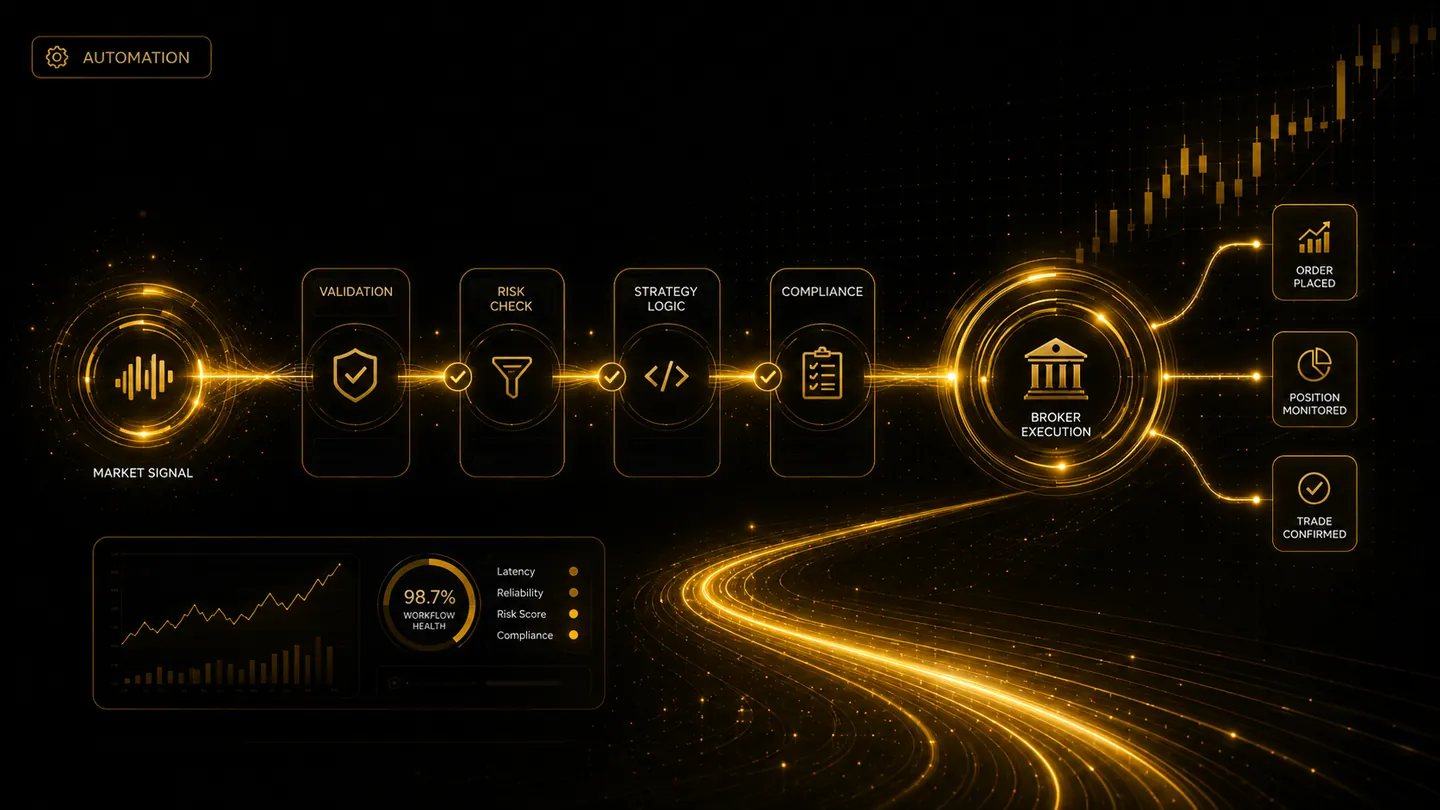
Execution flow
Every order moves through a defined control chain.
TradeLuma is designed to keep validation, risk checks, strategy rules, and broker execution visible rather than hidden behind a single webhook request.
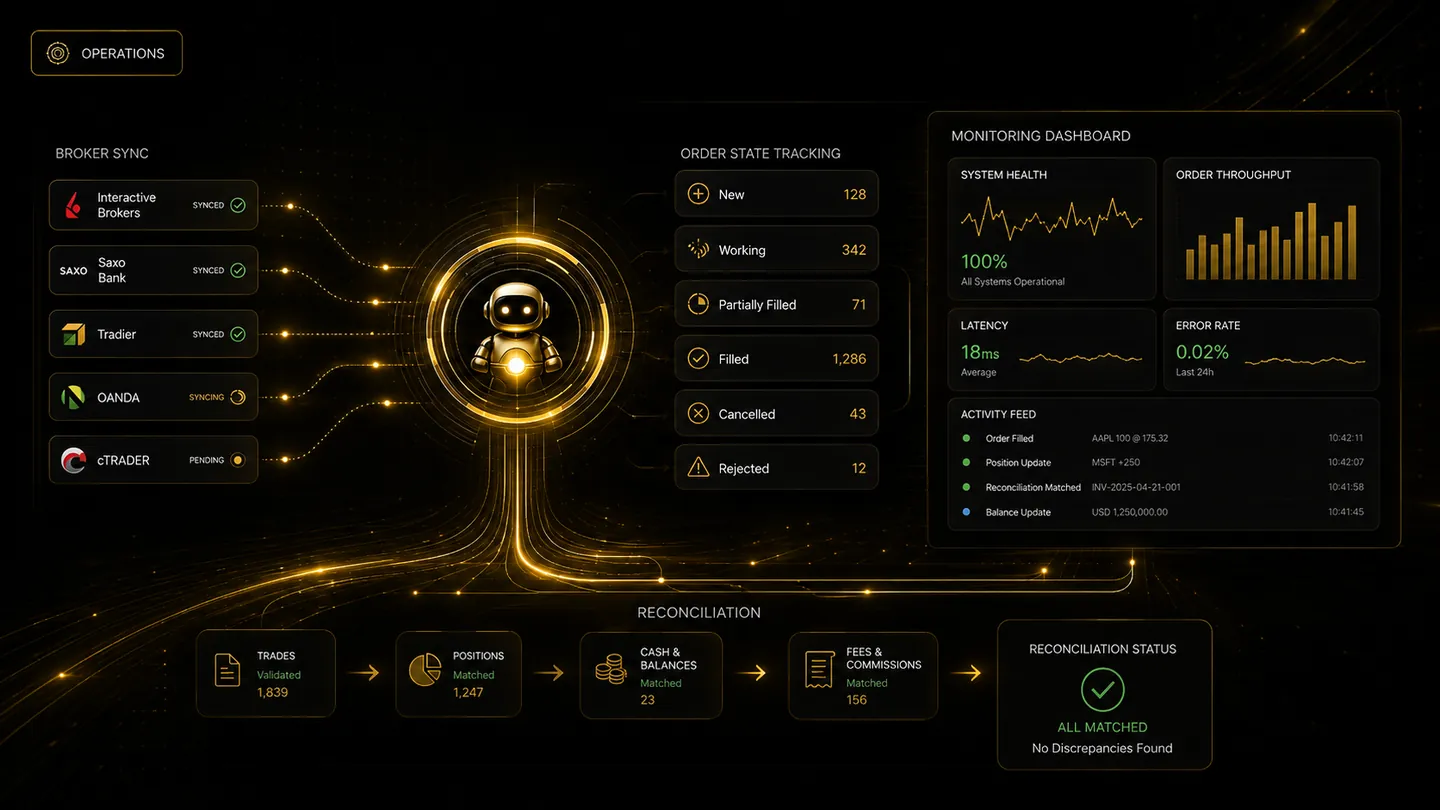
Why TradeLuma
Built for traders who want automation with governance, visibility, and control.
TradeLuma provides a structured environment for connecting alerts, applying execution controls, linking live and paper broker accounts, monitoring execution, and reviewing what happened at each stage of the order lifecycle.
Australia · ABN 93 700 748 625
Simple or strategy-driven alerts
Start with straightforward buy, sell, or close instructions, then add more structured strategy rules as your workflow matures.
Connection control
Decide which broker account is linked, whether live or paper execution is allowed, and when automation should pause or resume.
Event-by-event visibility
Review when an alert arrived, which controls were applied, and what the broker reported after submission.
Broker reconciliation
Compare order and position records with the broker so discrepancies are easier to identify and review.
Operational readiness
Operate live with explicit execution controls.
Live workflows apply strategy permissions, limits, broker-readiness checks, order tracking, and reconciliation. Paper mode remains available when you want to validate changes without live capital.