
Safety
Automation should be controlled, visible, and reversible where possible.
TradeLuma checks your rules before an order is sent and keeps the result visible after the broker receives it.
Live execution gates
Route live orders only when user settings, broker permissions, connection health, strategy rules, and platform safeguards all allow the instruction.
Duplicate protection
Reduce accidental repeated orders from duplicate TradingView alerts, retries, or repeated webhook messages.
Broker connection checks
Confirm the broker account is connected, available, and using the correct paper or live mode before sending an order.
Strategy limits
Control symbols, timeframes, buy or sell directions, order size, daily trade limits, and maximum open positions.
Paper validation mode
Use paper accounts to validate new or changed workflows without live capital while keeping live execution separately controlled.
Broker account comparison
Compare TradeLuma records with the broker so order or position differences can be found and reviewed.
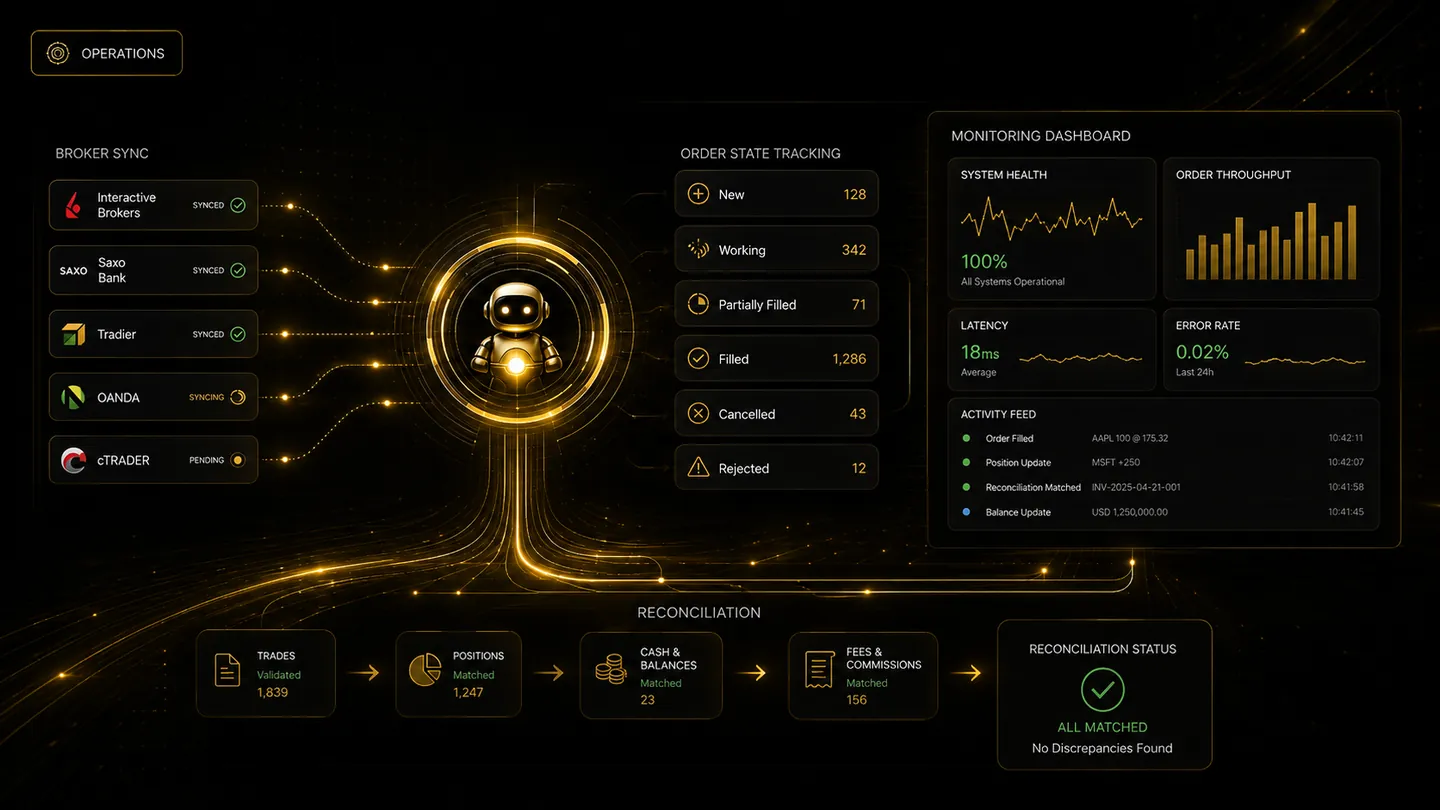
Connection visibility
Broker access should remain visible and under user control.
TradeLuma is designed to make account mode, connection health, permissions, order status, and reconciliation easier to review without taking custody of the user’s assets.