
Broker connection standards
Secure broker linking for self-directed trading automation.
Users choose when to connect a broker account, which permissions are granted, and when access is removed. TradeLuma uses supported broker and connection-provider methods.
User consent
Brokerage accounts are connected only when the user starts the connection flow, authorizes the connection, and accepts the relevant provider and broker steps.
Account control
Users keep their brokerage account with their broker. TradeLuma does not custody assets, move money, open brokerage accounts, or become the user's broker.
Clear permissions
Account data, order history, and trading access are treated separately. TradeLuma checks the account mode and granted permissions before sending an order.
Reconnect and revoke
Broker sessions can expire or require multi-factor authentication. Users should be able to reconnect a broker account or disconnect access when it is no longer needed.
Purposeful account checks
TradeLuma limits background account updates and avoids requesting broker data more often than needed.
Provider compatibility
Broker availability, OAuth behaviour, MFA, trading support, order types, market data, and data freshness may vary by broker, account, region, and connection provider.
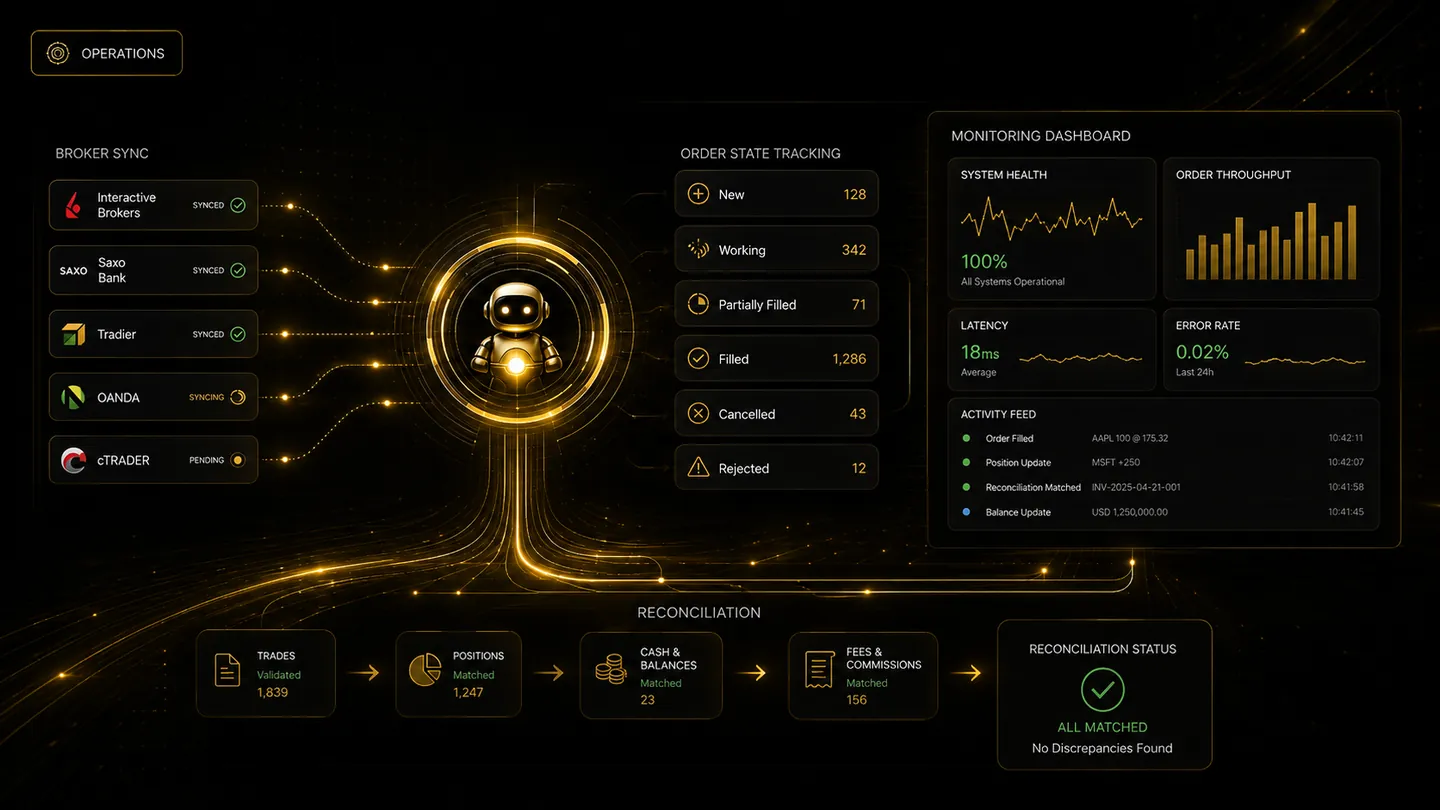
Connection visibility
Broker access should remain visible and under user control.
TradeLuma is designed to make account mode, connection health, permissions, order status, and reconciliation easier to review without taking custody of the user’s assets.