
TradingView
TradingView webhook trading: how alerts become controlled broker orders
Learn how TradingView webhook trading works, what a secure alert should contain, and how TradeLuma controls execution before orders reach a broker.
On this page+
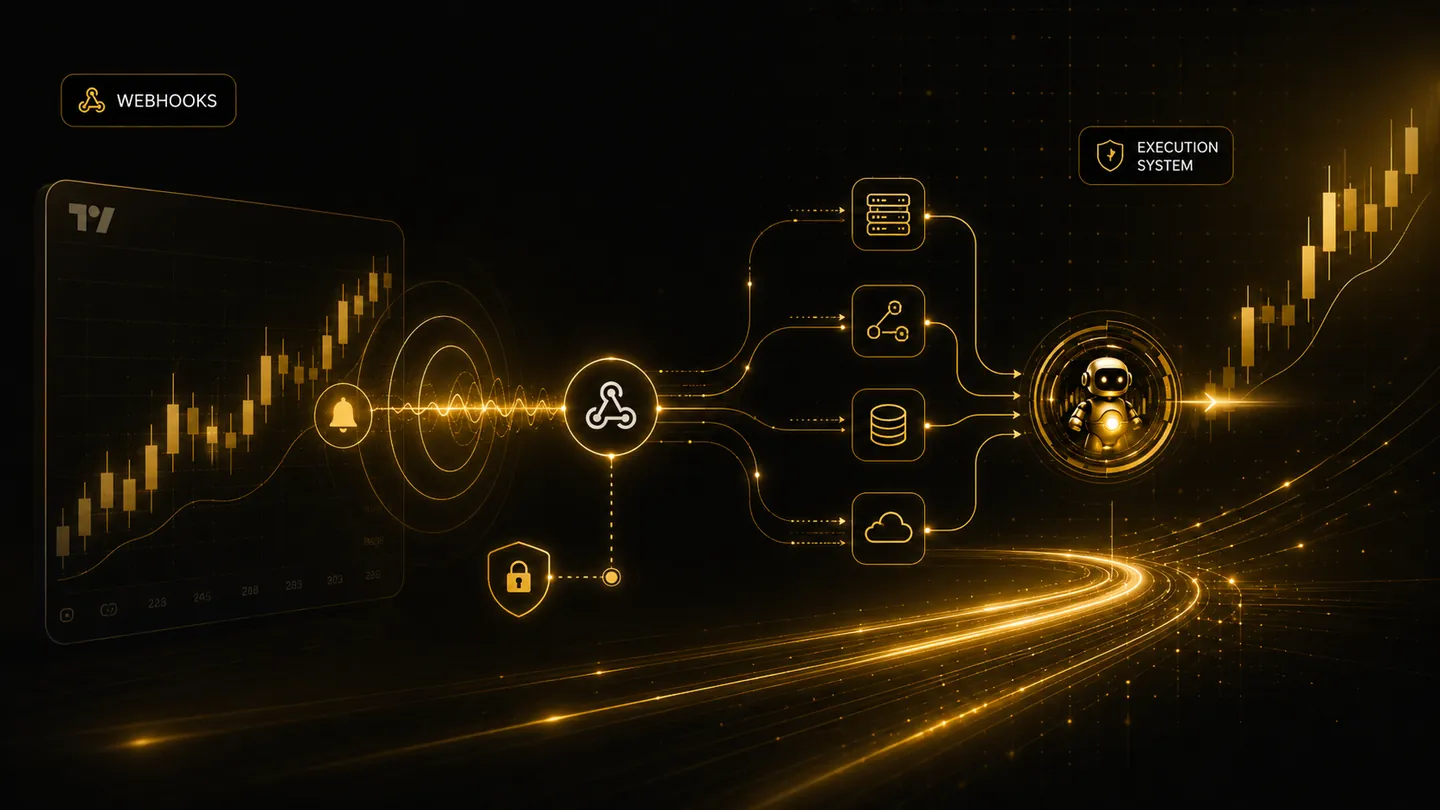
TradingView webhook trading allows a chart alert or strategy alert to send a message to an external system. The webhook is only the delivery method. The important work happens after the alert arrives: authentication, parsing, duplicate control, strategy validation, broker routing, and execution tracking.
What a webhook alert does
A webhook alert sends a message from TradingView to a configured URL. That message may describe a symbol, action, side, quantity, strategy, or bracket settings. Without a control layer, the webhook receiver may not know whether the alert should be trusted or ignored.
TradeLuma provides signed webhook URLs and strategy-specific configuration so a user can connect alerts to an approved execution workflow instead of sending open-ended instructions directly to a broker.
Simple webhooks and strategy webhooks
Simple webhooks are useful for direct alert-to-order workflows where the user wants a straightforward symbol, action, and quantity model. Strategy webhooks are better when the trader wants a named strategy with symbol rules, timeframe expectations, allowed directions, bracket settings, and advanced protections.
TradeLuma supports both patterns so traders can start simply and then move toward more structured strategy automation when they need better control.
Why validation happens before broker routing
Webhook messages can be repeated, malformed, delayed, or triggered at the wrong time. Validation before broker routing protects the account from common automation mistakes such as duplicate entries, wrong symbol format, disabled strategy, unapproved live connection, or unsupported bracket order settings.
The result is a safer workflow where the alert is treated as an instruction request, not an automatic guarantee that an order will be submitted.
Frequently asked questions
Can TradeLuma receive TradingView strategy alerts?+
Yes. TradeLuma is designed for TradingView-style simple alerts and strategy alerts, with secure URLs and strategy-level configuration.
Can a webhook be blocked?+
Yes. Alerts can be blocked when the strategy is disabled, the broker is not ready, the alert is a duplicate, or the account mode is not approved for the requested execution.
See the workflow
Follow the signal from TradingView to broker state.
Review how TradeLuma handles webhook intake, execution controls, broker routing, and reconciliation in the TradingView + Interactive Brokers workflow.
Explore TradingView + IBKR →Continue learning
Related guides.
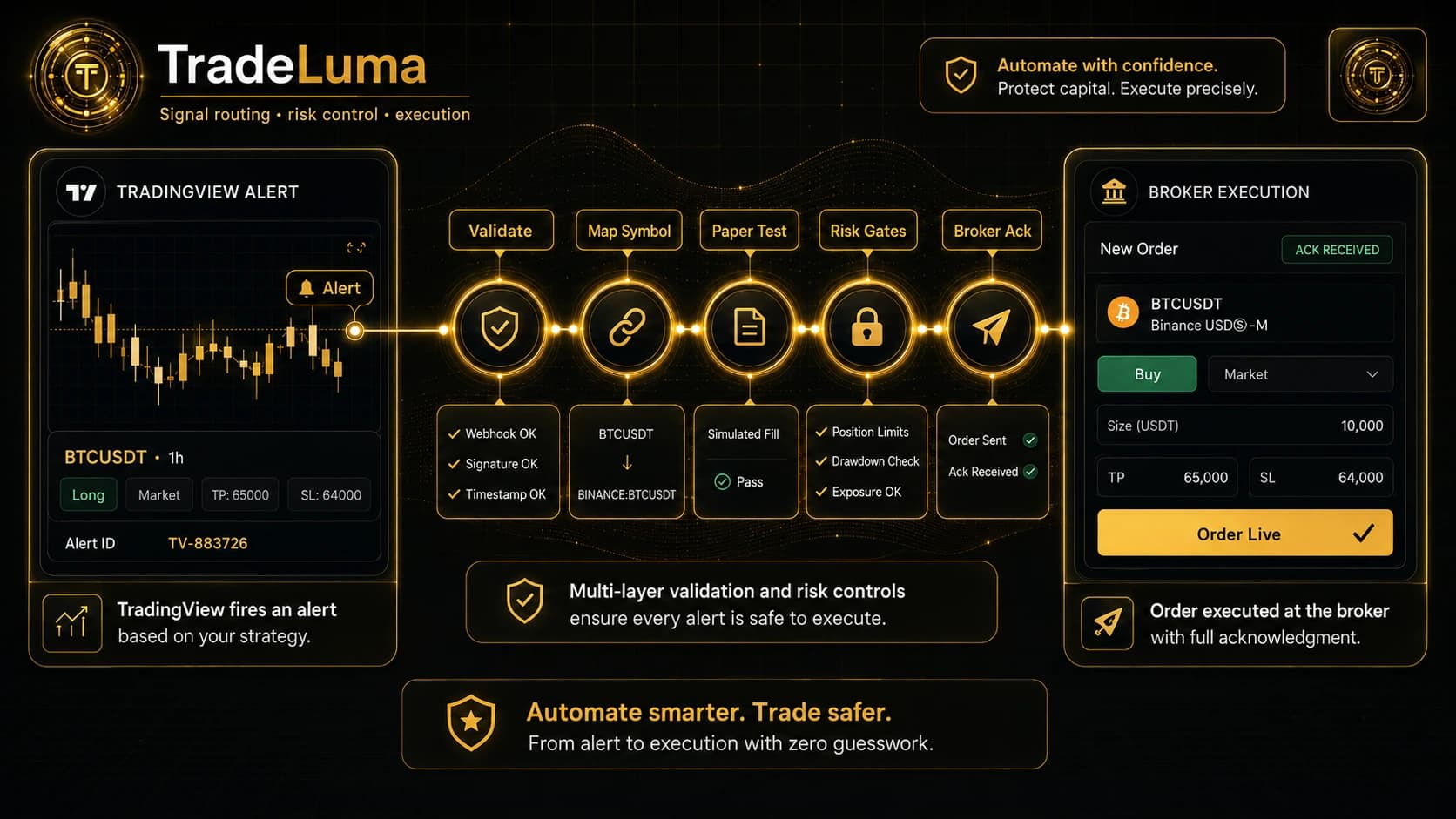
How to automate TradingView alerts to a broker safely
A practical TradingView automation guide covering webhook design, symbol mapping, paper testing, risk gates, broker acknowledgements, and recovery.
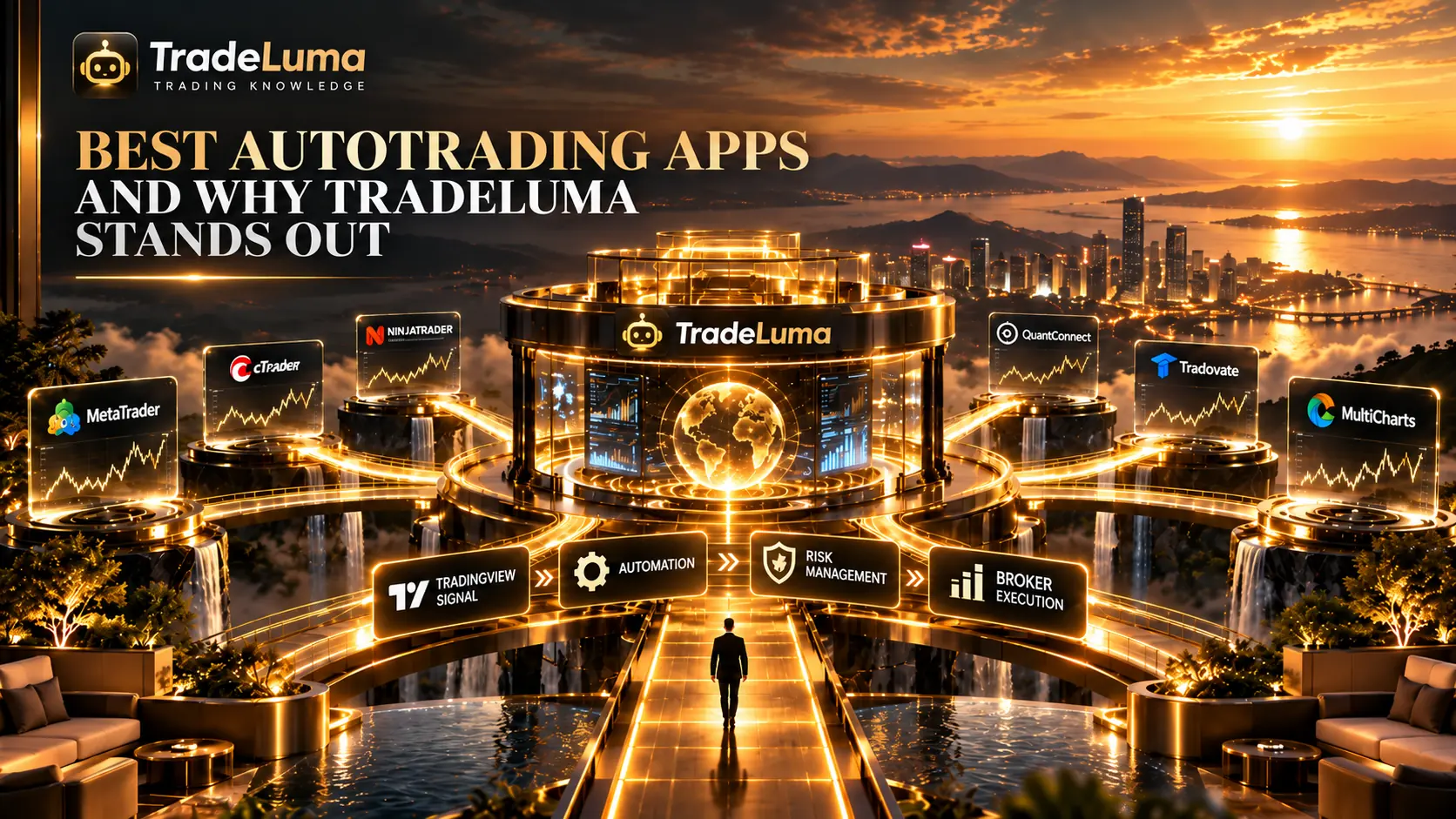
Best autotrading apps: what to compare and why TradeLuma stands out
Learn how to compare autotrading apps and why TradeLuma stands out for controlled execution, clear visibility, trader-first design, and built-in safety.
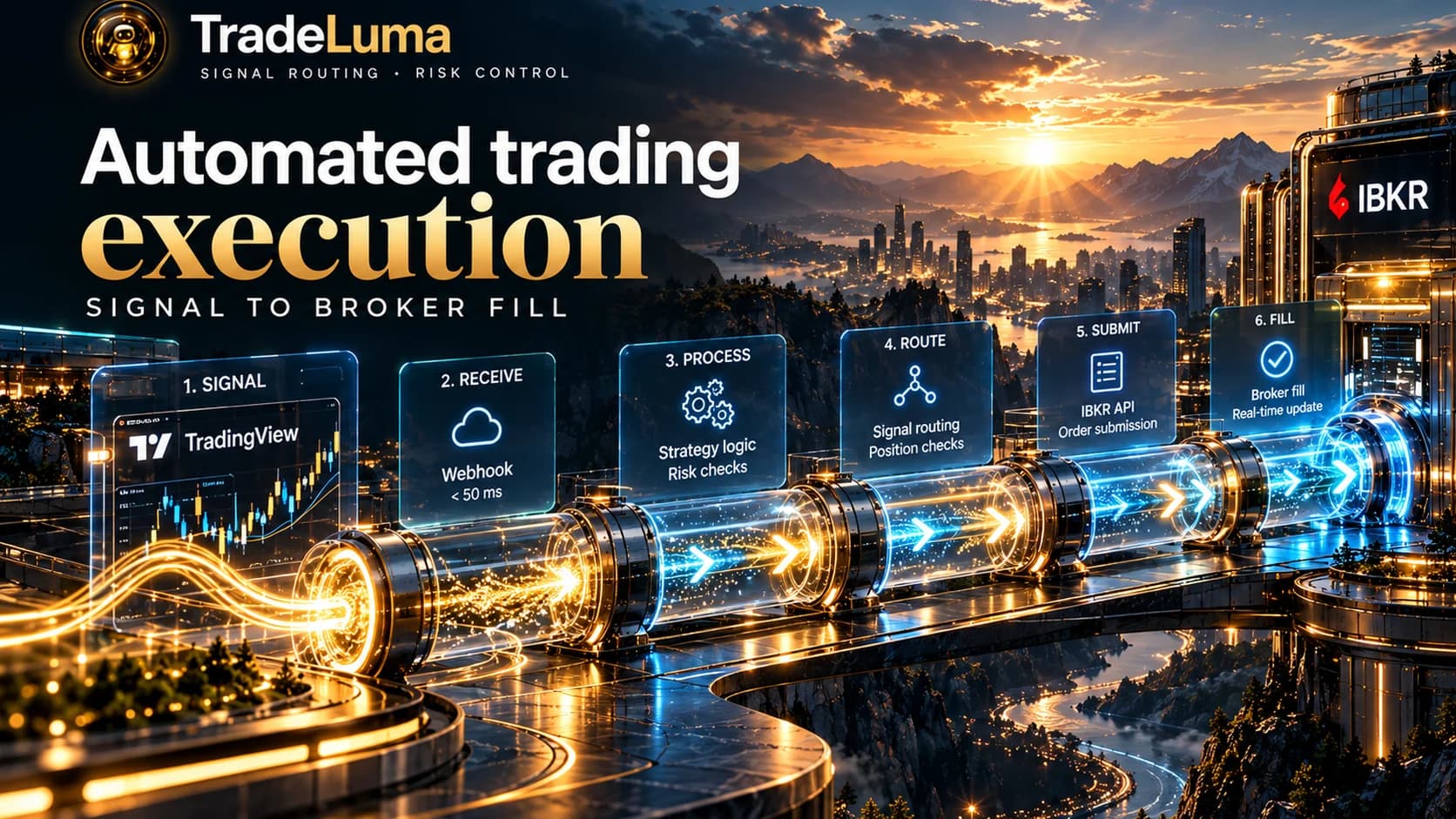
Automated trading execution: signal to broker fill
Follow the automated trading execution lifecycle from alert validation and duplicate control to broker submission, fills, reconciliation, and monitoring.