
TradingView
How to automate TradingView alerts to a broker safely
A practical TradingView automation guide covering webhook design, symbol mapping, paper testing, risk gates, broker acknowledgements, and recovery.
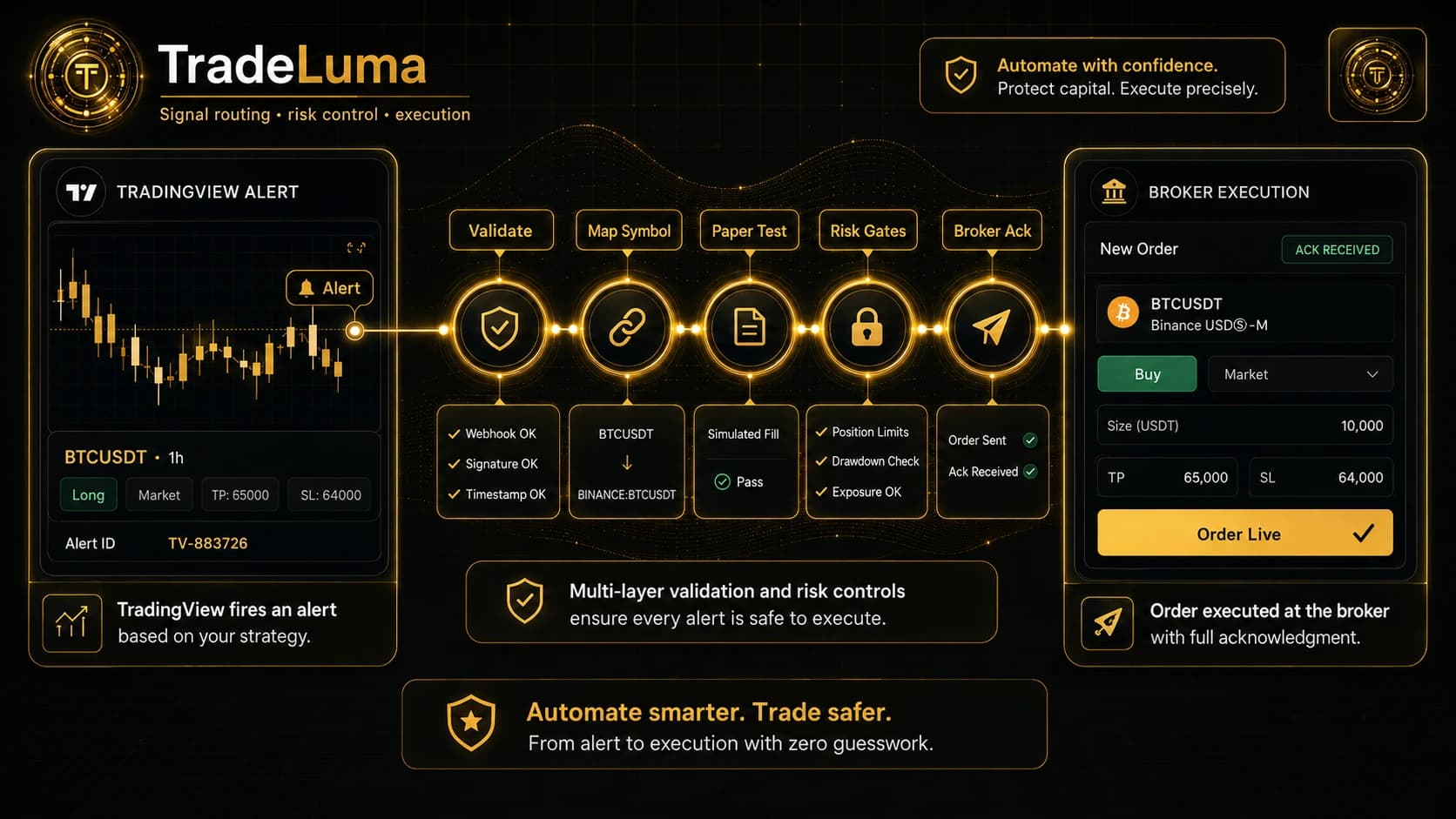
Automating a TradingView alert is not the same as copying a webhook URL into an alert box. A dependable workflow treats every alert as an untrusted request that must be identified, translated, checked, routed, acknowledged, and recorded. The goal is not simply to make an order appear quickly. It is to make the entire journey understandable when markets are moving and recoverable when something goes wrong.
Begin with an alert contract, not an alert message
An alert contract is the small set of fields your automation agrees to understand. It should define the strategy identifier, action, side, symbol, quantity, account mode, order type, and any permitted protective settings. Fields should have one meaning only. For example, a close instruction should not be inferred from a negative quantity if the system also supports an explicit close action.
Keep the payload intentionally narrow. An alert should not be able to change account-wide limits, select an arbitrary broker account, or override live-trading permissions. The webhook carries trade intent; the platform retains control of identity, permissions, mappings, and risk policy on the server side.
Follow one alert through the complete journey
Imagine a strategy closes a bar and emits a long-entry alert. The receiver first authenticates the webhook path, records the arrival time, and confirms the message can be parsed. It then resolves the user and strategy, normalises the action, and creates a stable fingerprint so a retry of the same alert does not silently become a second order.
Next, the instruction passes through strategy status, account mode, symbol permission, quantity, exposure, session, conflict, and broker-readiness checks. Only after those gates approve the request should the execution service create a broker-ready order. The broker acknowledgement, order identifier, fills, cancellations, and rejection messages then become part of the same trace rather than separate fragments.
Map the chart symbol to the instrument that can actually trade
Chart symbols are convenient for analysis, but brokers require precise instruments. A continuous futures chart may represent a rolling history while the broker needs a specific expiry. A CFD, equity, crypto pair, or futures contract may use a different symbol, exchange, currency, multiplier, or trading class at the broker.
Create explicit mappings and verify them with broker data rather than relying on string substitution. Record which mapping was used on every order. For expiring futures, define the rollover process, the last date on which a contract may open new risk, and what happens to working orders and existing positions during the transition.
Paper-test the uncomfortable cases
A successful paper entry is only the beginning. Test an alert sent twice, an alert received after the strategy has been disabled, a quantity above the account limit, a symbol with no mapping, a market that is closed, an unavailable broker session, and an order type the destination does not support. The expected outcome should be visible and consistent for every case.
Then test the order lifecycle: submitted but not acknowledged, partially filled, filled in several executions, cancelled, rejected, replaced, or manually altered at the broker. A paper environment cannot reproduce every live-market behaviour, but it can prove that the platform handles state transitions without inventing a fill or losing track of an unresolved order.
Protect against duplicates, delays, and conflicting signals
TradingView and network infrastructure may retry requests, while users may accidentally create overlapping alerts. Duplicate protection should use stable event identity and strategy context rather than a short blanket cooldown that might block a legitimate later signal. The system should return the original result when the same event is safely replayed.
Delayed alerts need an age policy. Some strategies may reject a signal that arrives after its intended bar or session, while others may accept it if the market context remains valid. Conflicting long and short instructions should be resolved by explicit strategy rules, position state, and account policy rather than whichever request reaches the broker first.
Launch live automation in controlled layers
Move from chart testing to webhook testing, then to paper broker execution, then to the smallest practical live scope. Start with one strategy, one account, restricted symbols, conservative quantity limits, and clear operating hours. Keep a kill switch available for new entries while preserving the ability to cancel orders or reduce risk.
Watch the first live sessions closely. Compare alert time, intake time, validation time, broker submission, acknowledgement, and fill time. Review the broker statement against the platform journal. Expansion should be earned through clean evidence, not assumed because the first few orders were profitable.
Frequently asked questions
Can a TradingView webhook send an order directly to a broker?
A webhook can deliver an instruction to an integration service, but a controlled workflow should authenticate, validate, map, and record the instruction before broker submission. Directness without checks increases operational risk.
What should a TradingView alert payload contain?
Use the smallest stable set of fields needed to describe the strategy intent, such as a strategy identifier, action, side, symbol, quantity, and permitted order settings. Keep account credentials and risk limits out of the alert.
Why can the broker fill differ from the TradingView chart price?
The alert is generated from chart data, while the broker executes against its available market. Spread, latency, order type, liquidity, contract mapping, and price movement can all create a difference.
When is TradingView automation ready for live use?
Only after the exact alert format, mappings, risk controls, duplicate handling, broker states, and recovery paths have been tested in paper mode and the user has explicitly approved live execution.
Continue learning
Related TradeLuma guides
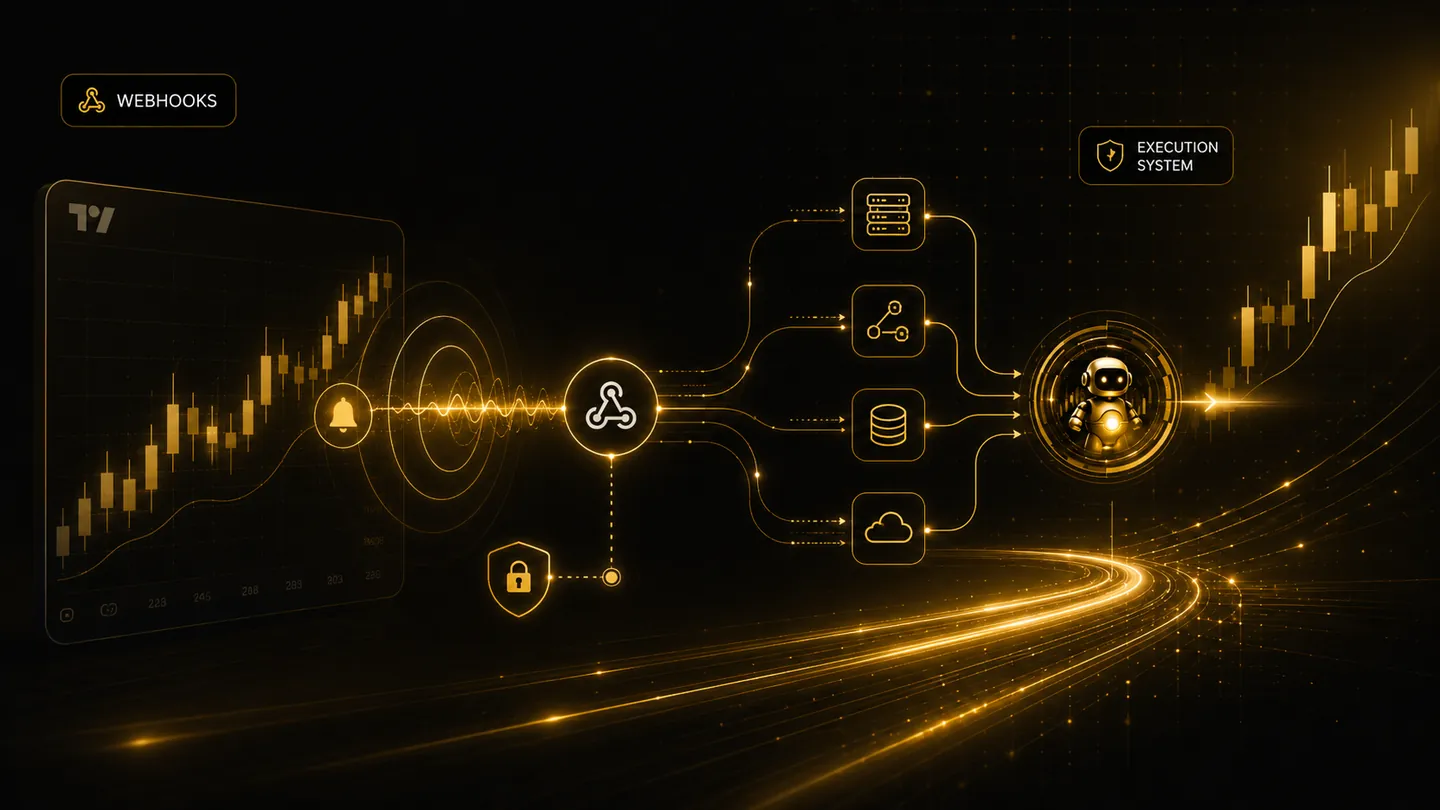
TradingView
TradingView webhook trading: how alerts become controlled broker orders
8 July 2026 · 7 min read
Technology
Trading alerts, bots, webhooks, and broker APIs: what is the difference?
16 July 2026 · 8 min read
Comparisons
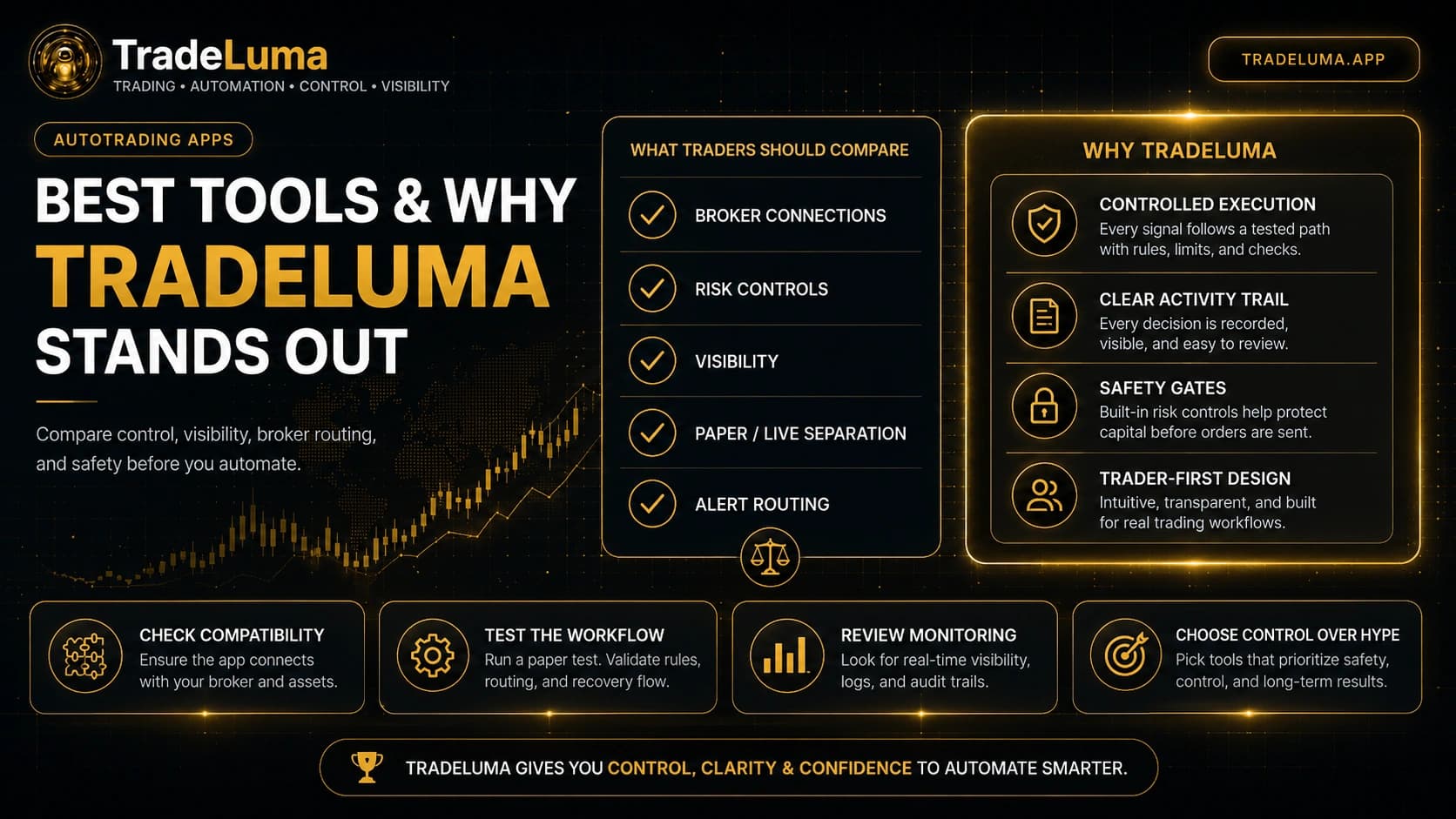
Best autotrading apps: what to compare and why TradeLuma stands out
8 Aug 2026 · 12 min read
Build a controlled automation workflow with TradeLuma
Configure alerts, test in paper mode, apply execution controls, and follow broker outcomes from one workspace.