
Comparisons
Best autotrading apps: what to compare and why TradeLuma stands out
Learn how to compare autotrading apps and why TradeLuma stands out for controlled execution, clear visibility, trader-first design, and built-in safety.
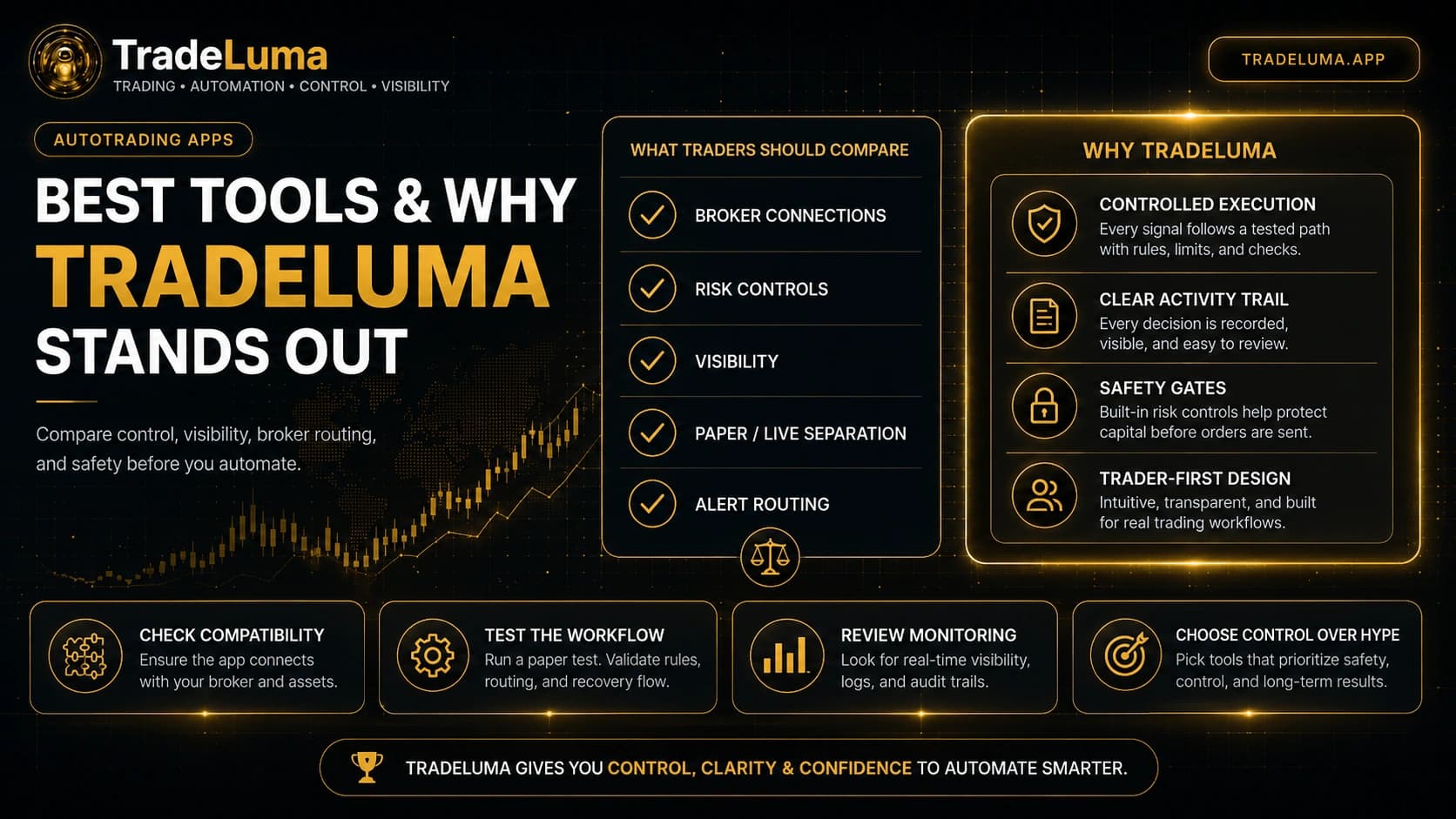
The best autotrading app is not simply the one with the longest features list or the fastest headline speed claim. Traders should compare how a platform handles broker connectivity, rule enforcement, paper testing, live-account safeguards, visibility, and recovery when something goes wrong. TradeLuma stands out because it is designed around controlled execution rather than hype, giving self-directed traders more clarity over what happens between a signal and a broker fill.
What traders should compare in an autotrading app
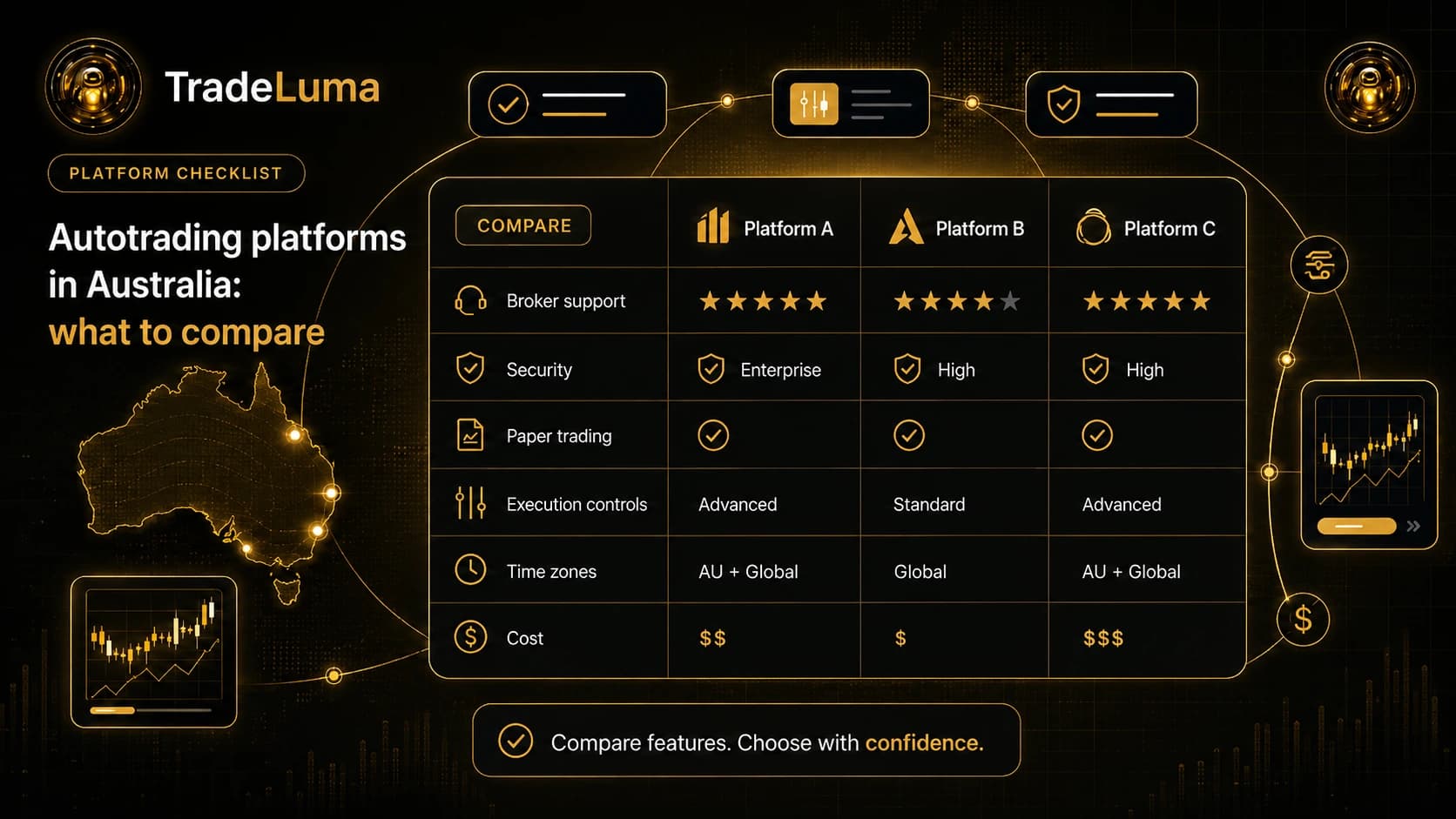
A serious comparison should start with the operational basics. Can the platform connect to the broker pathway you need? Does it support the assets and order behaviour your workflow relies on? Can it separate paper trading from live trading clearly? Does it give you visibility into accepted alerts, blocked requests, working orders, and positions?
These questions matter because most autotrading failures are operational, not theoretical. A platform may look impressive on the surface but still leave the trader guessing when a signal is delayed, blocked, duplicated, or rejected.
Look beyond simple alert delivery
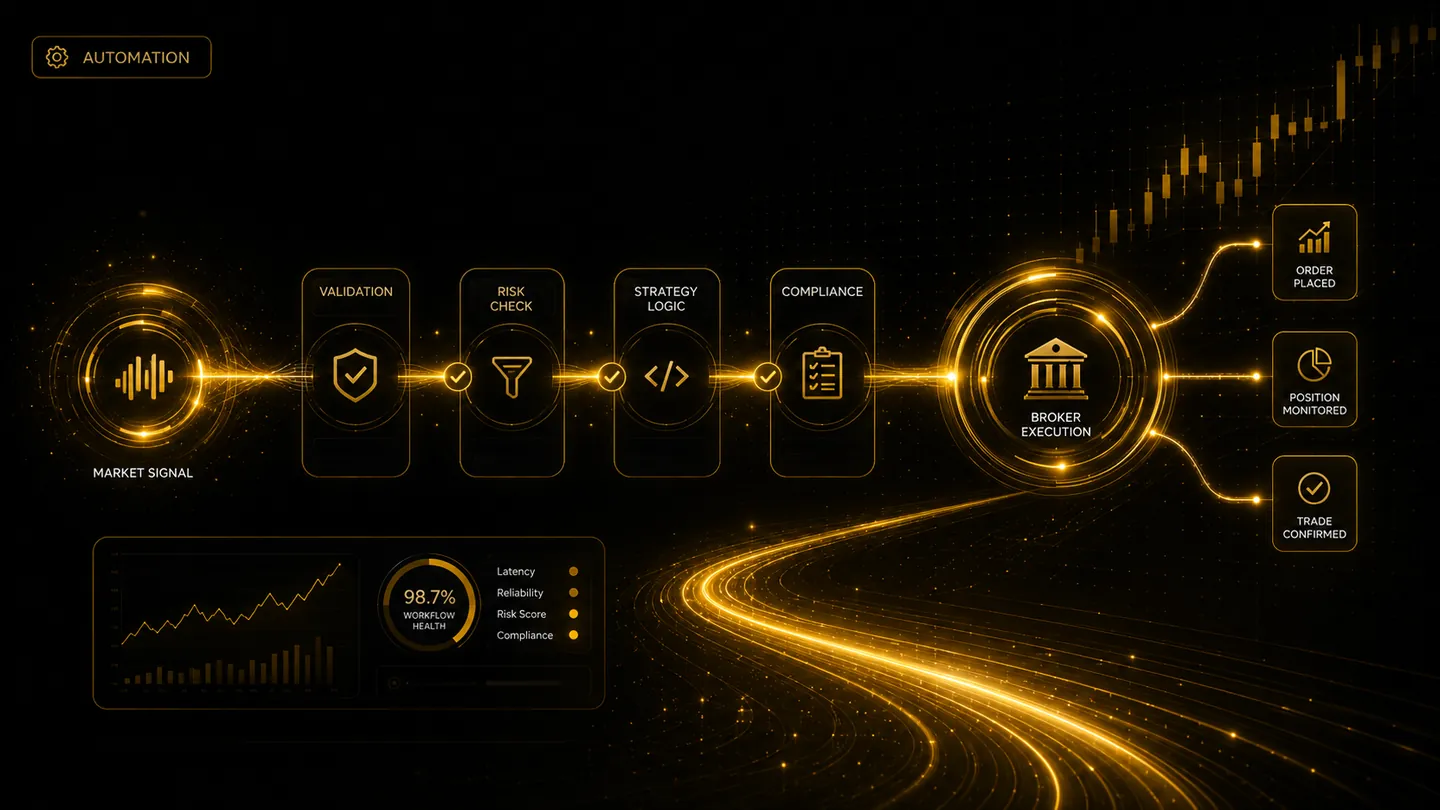
Many tools can receive a webhook. Fewer tools provide the structured workflow that should happen next. A better platform treats the alert as the beginning of the process, not the end. It validates the request, checks permissions and limits, routes the order through the appropriate broker path, and preserves the evidence trail for review.
This distinction is important because speed without control can still produce poor results. Traders need to know not only that a signal arrived, but also what the system decided to do with it and why.
Why paper/live separation matters
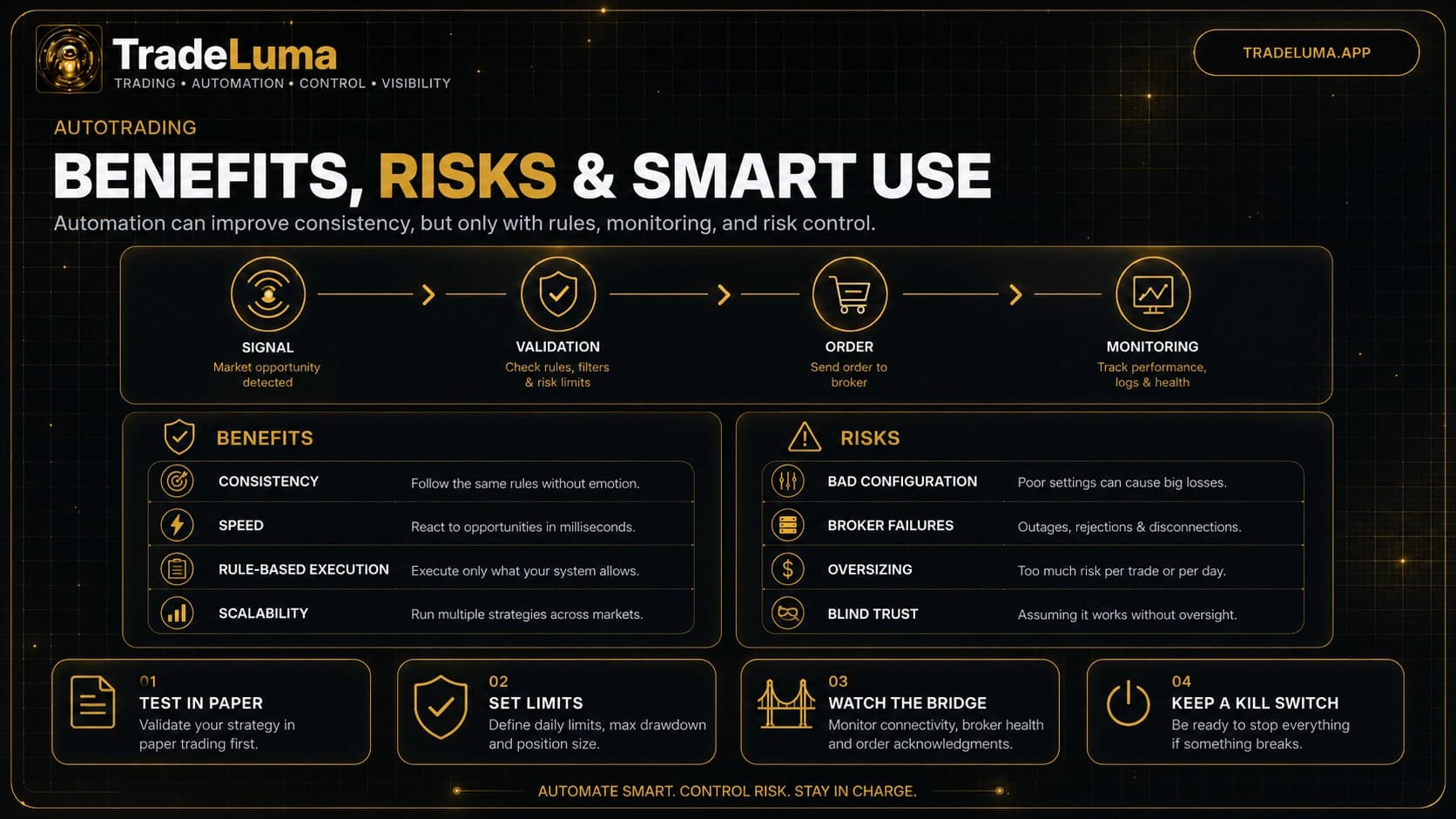
One of the clearest signs of a responsible automation platform is strong separation between paper workflows and live-account routing. Paper trading is where traders confirm alert formatting, symbol mapping, order lifecycle behaviour, and failure handling. Live routing should require a more deliberate approval process and visible safety gates.
Without that separation, the path from experiment to real capital becomes too casual. The best autotrading apps make the state of the account obvious and reduce the chance of accidental live execution.
Visibility and monitoring are core comparison points
Traders should compare how clearly a platform shows the important state. Useful visibility includes bridge health, recent heartbeats, accepted and blocked alerts, open orders, positions, and recovery events. A platform that hides this state forces the user to trust the system without evidence.
Monitoring is especially important during live operation. It allows the trader to identify stale sessions, repeated rejections, delayed fills, or unresolved submissions before they grow into larger problems.
Why TradeLuma stands out
TradeLuma stands out because it focuses on controlled execution for self-directed traders. Instead of presenting automation as a black box, it is built around visibility, paper-to-live discipline, and trader supervision. Alerts are treated as requests that move through validation, routing, and tracking rather than as blind instructions sent straight to the broker.
That trader-first design is supported by practical controls such as paper/live separation, risk boundaries, monitoring views, and activity trails that help users understand what happened after each signal. This is especially valuable for traders who want to automate responsibly without giving up clarity.
The best app is the one that fits your workflow safely
There is no single best app for every trader, because workflows differ. Some traders need simple alert routing, while others need stronger risk controls, more oversight, or a clearer separation between strategy research and live execution. The best choice is the platform that fits the trader's instruments, broker path, control needs, and level of operational discipline.
A good evaluation is therefore practical. Test compatibility, review the monitoring tools, confirm how live approvals work, and decide whether the platform makes the workflow clearer or more opaque.
Choose control over marketing hype
The autotrading space often emphasises ease and excitement. Those themes are appealing, but they should not replace operational reality. Traders benefit more from a platform that explains decisions clearly and provides strong guardrails than from one that only promises speed or effortless results.
That is why TradeLuma's strongest advantage is not just automation itself. It is the combination of control, visibility, and structure that helps traders automate in a more informed and disciplined way.
Frequently asked questions
What should traders compare when choosing an autotrading app?
Key points include broker compatibility, paper/live separation, risk controls, visibility into orders and positions, monitoring quality, and the clarity of the audit trail.
Why is paper/live separation important?
It reduces the chance of accidental live execution and gives traders a safer environment to test signals, mappings, limits, and recovery behaviour before using real capital.
Why does TradeLuma stand out?
TradeLuma stands out for controlled execution, clear activity trails, trader-first workflow design, visible monitoring, and practical safeguards around live automation.
Is the best autotrading app always the cheapest or fastest?
No. Cost and speed matter, but the better long-term choice is usually the platform that provides the right combination of compatibility, safety, supervision, and workflow clarity.
Continue learning
Related TradeLuma guides
Build a controlled automation workflow with TradeLuma
Configure alerts, test in paper mode, apply execution controls, and follow broker outcomes from one workspace.