
Australia
Autotrading platforms in Australia: what to compare
A practical checklist for Australian traders comparing autotrading platforms: broker support, time zones, paper testing, security, execution controls, and cost.
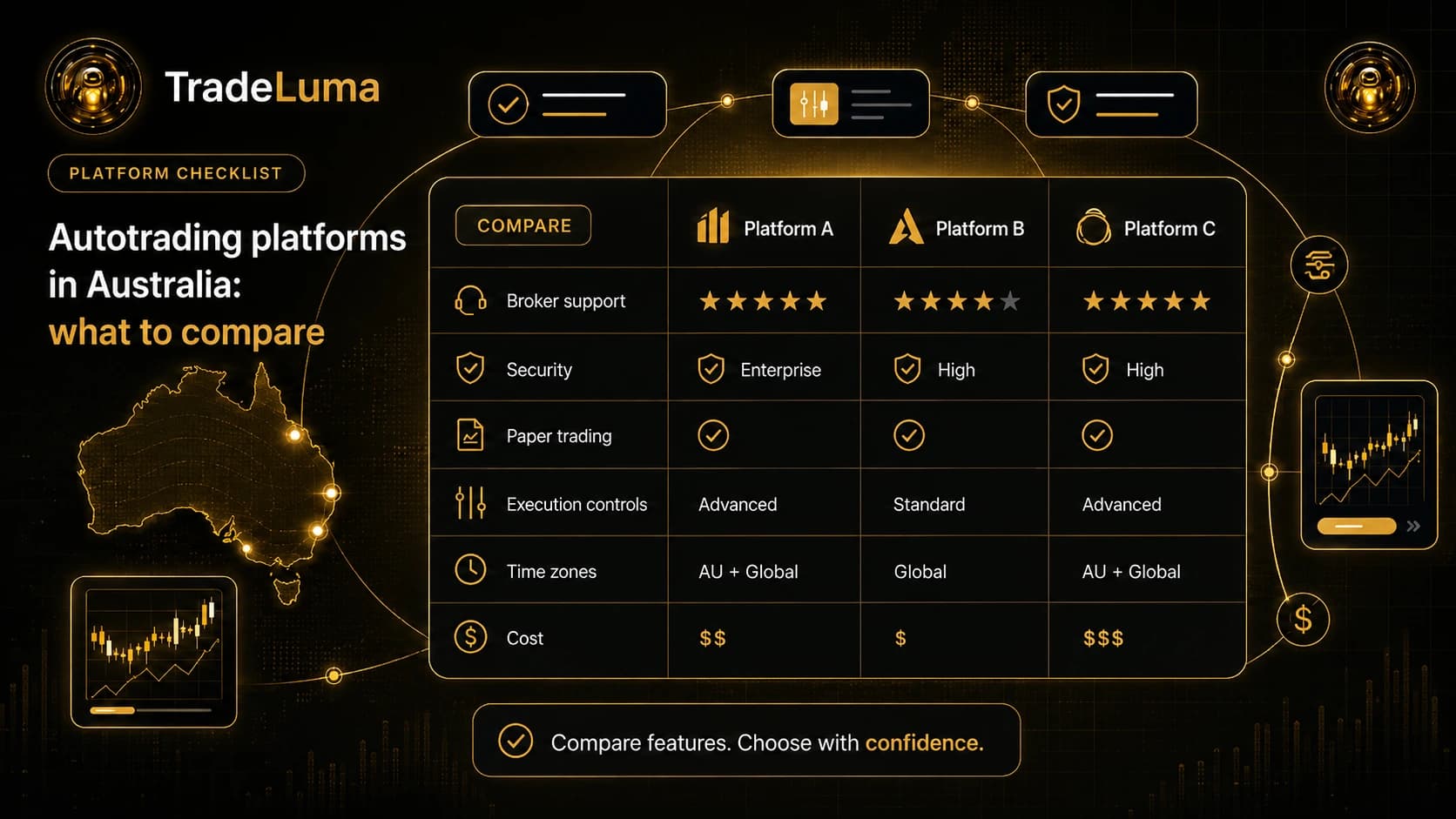
The best autotrading platform is not the one with the longest feature list. It is the one that fits the trader's signal source, broker, instruments, account structure, operating hours, and tolerance for operational complexity. Australian traders also need to think carefully about global market time zones, daylight-saving changes, local support windows, currency, and what happens while they are asleep.
Write your workflow before comparing platforms
Start with a one-page description of what you actually want to automate. Note the signal source, broker, account type, asset classes, expected alert frequency, order types, position-sizing method, protective exits, and whether multiple strategies may trade the same instrument. This prevents attractive but irrelevant features from dominating the decision.
Separate essentials from future possibilities. A trader who needs TradingView alerts routed to one paper account has different requirements from a team operating several live accounts and high-frequency internal models. Choose a platform that handles today's workflow clearly and has a credible path for tomorrow's scale.
Apply the Australian time-zone test
Many popular markets trade during the Australian evening or overnight. Relative session times can change when Australia and overseas markets move into or out of daylight saving on different dates. A platform should store events consistently, display them in an understandable local time zone, and avoid using a fixed clock assumption for exchange sessions.
Ask what happens at 3 a.m. when an order rejects, a broker session disconnects, or a strategy sends opposing signals. Useful automation should not depend on the user watching every tick, but it should surface urgent events, preserve evidence, and provide safe controls when intervention is needed.
Confirm broker and instrument compatibility in detail
A broker logo on a marketing page is not enough. Check whether the integration supports your exact account mode, region, asset class, order types, time-in-force choices, brackets, partial fills, cancellations, and position data. Some connections may support equities but not futures, or paper accounts but not every live-account feature.
For futures, verify contract qualification, exchange selection, multipliers, expiry handling, and continuous-chart mapping. For equities and crypto, check symbol conventions, fractional quantity support, short-sale constraints, and whether the platform reads broker positions as well as sending orders.
Score the platform's safety and operational controls
Look for explicit paper/live separation, per-strategy enablement, quantity and exposure limits, duplicate-event protection, conflict handling, account-level trading locks, and a kill switch. Controls should be enforced before broker submission and leave a clear reason when an instruction is blocked.
Operational visibility matters just as much. The platform should distinguish received, accepted, submitted, acknowledged, partially filled, filled, cancelled, rejected, and unresolved states. A green connected badge is helpful, but it is not a substitute for an order trail and broker reconciliation.
Review security and account boundaries
Broker credentials and API secrets should remain server-side, encrypted, and separated from public webhook messages. Check how the platform authenticates webhook URLs, limits repeated requests, records administrative changes, protects sessions, and handles multi-factor authentication for sensitive actions.
For more than one account, confirm that users, strategies, broker connections, orders, and notifications are isolated correctly. A platform should never depend on a client-side filter to prevent one account from seeing or controlling another account's data.
Calculate the complete cost of automation
The subscription price is only one part of the budget. Include broker commissions, exchange and market-data fees, TradingView or charting subscriptions, VPS or bridge costs, currency conversion, messaging services, and the time required to operate and review the system. A low platform fee can be misleading if the workflow requires several extra services.
Compare limits that affect real usage: live broker connections, paper accounts, active strategies, event volume, retained history, team members, and support. Unlimited alerts may be less valuable than reliable execution controls, while a higher tier may be worthwhile if it removes infrastructure the trader would otherwise maintain.
Run a 30-day evidence-based evaluation
Use the same representative alerts on each shortlisted platform. Record setup time, mapping errors, duplicate handling, order-state accuracy, broker reconciliation, mobile usability, support response, and the quality of logs. Test routine days and deliberately awkward cases rather than judging the platform from a polished demo.
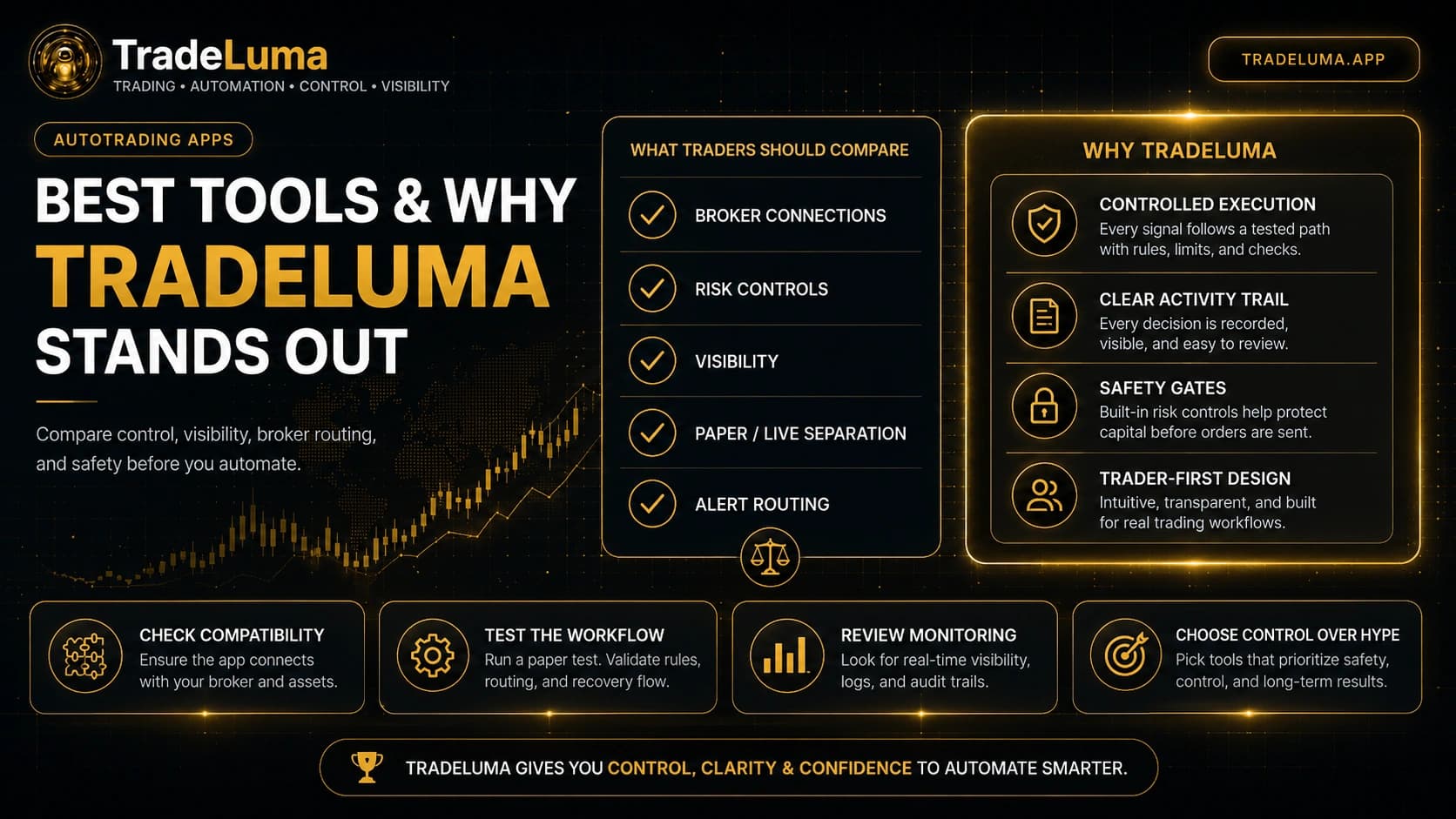
At the end, choose the platform whose behaviour you can explain. Automation deserves trust only when the user can see why an order was accepted, blocked, submitted, filled, or left unresolved. TradeLuma is designed around that controlled, paper-first signal-to-broker workflow for self-directed traders.
Frequently asked questions
Are autotrading platforms legal to use in Australia?
The answer depends on the platform, broker, account, instruments, and how the service is used. Traders should review broker terms and obtain professional advice for their own legal, tax, or licensing circumstances. TradeLuma provides execution technology, not financial advice.
Which broker should an Australian trader choose for automation?
There is no universal choice. Compare the broker's supported markets, account eligibility, API or integration capability, order types, data, fees, currency handling, and the platform's exact support for that connection.
Is a cloud platform better than a VPS bridge?
Each model has trade-offs. Cloud execution may reduce local maintenance, while some brokers require a desktop gateway or bridge. The important questions are availability, security, monitoring, recovery, and who is responsible for keeping each component healthy.
Should pricing be the main deciding factor?
No. Cost matters, but poor mapping, weak risk controls, missing reconciliation, or unreliable broker-state handling can be much more expensive than the subscription itself.
Continue learning
Related TradeLuma guides
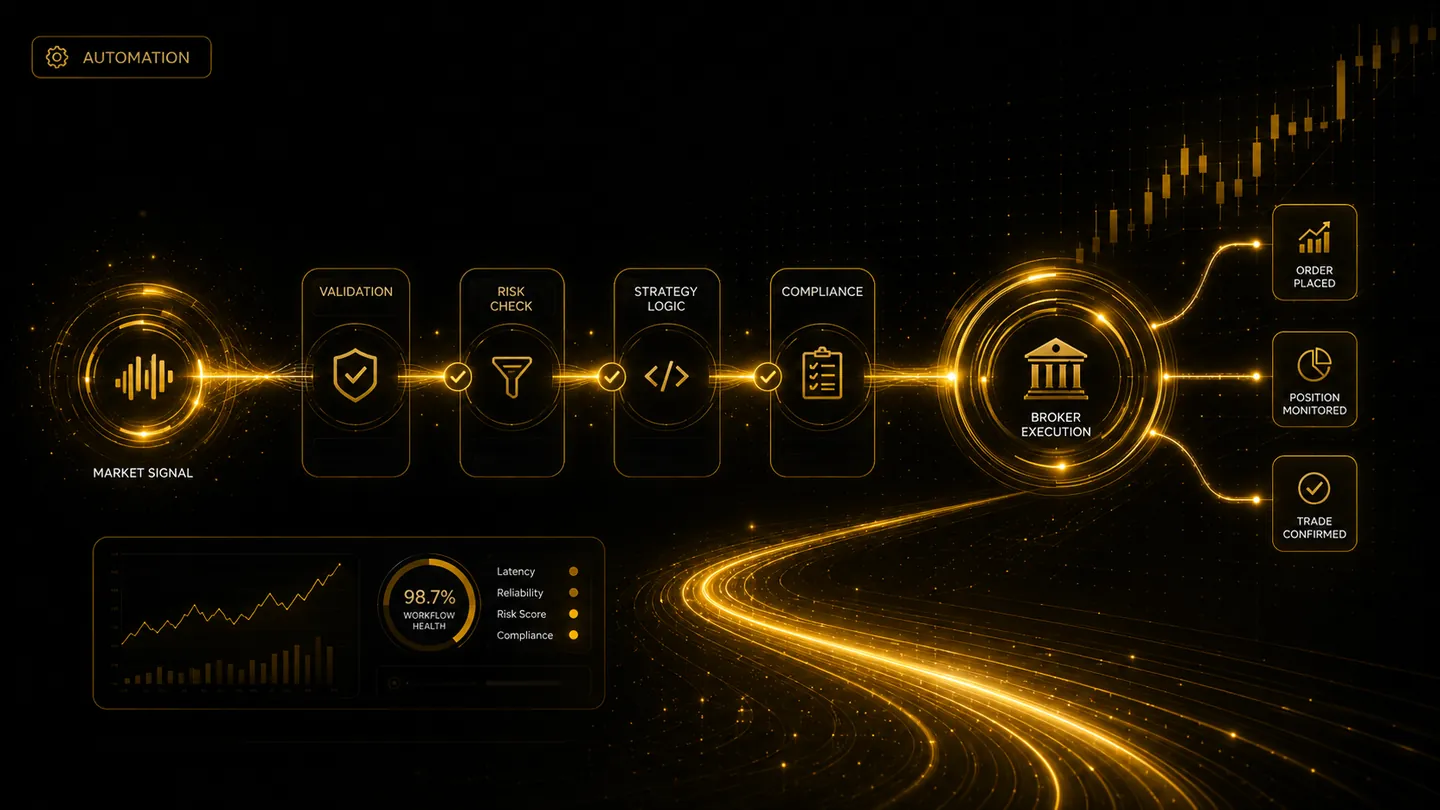
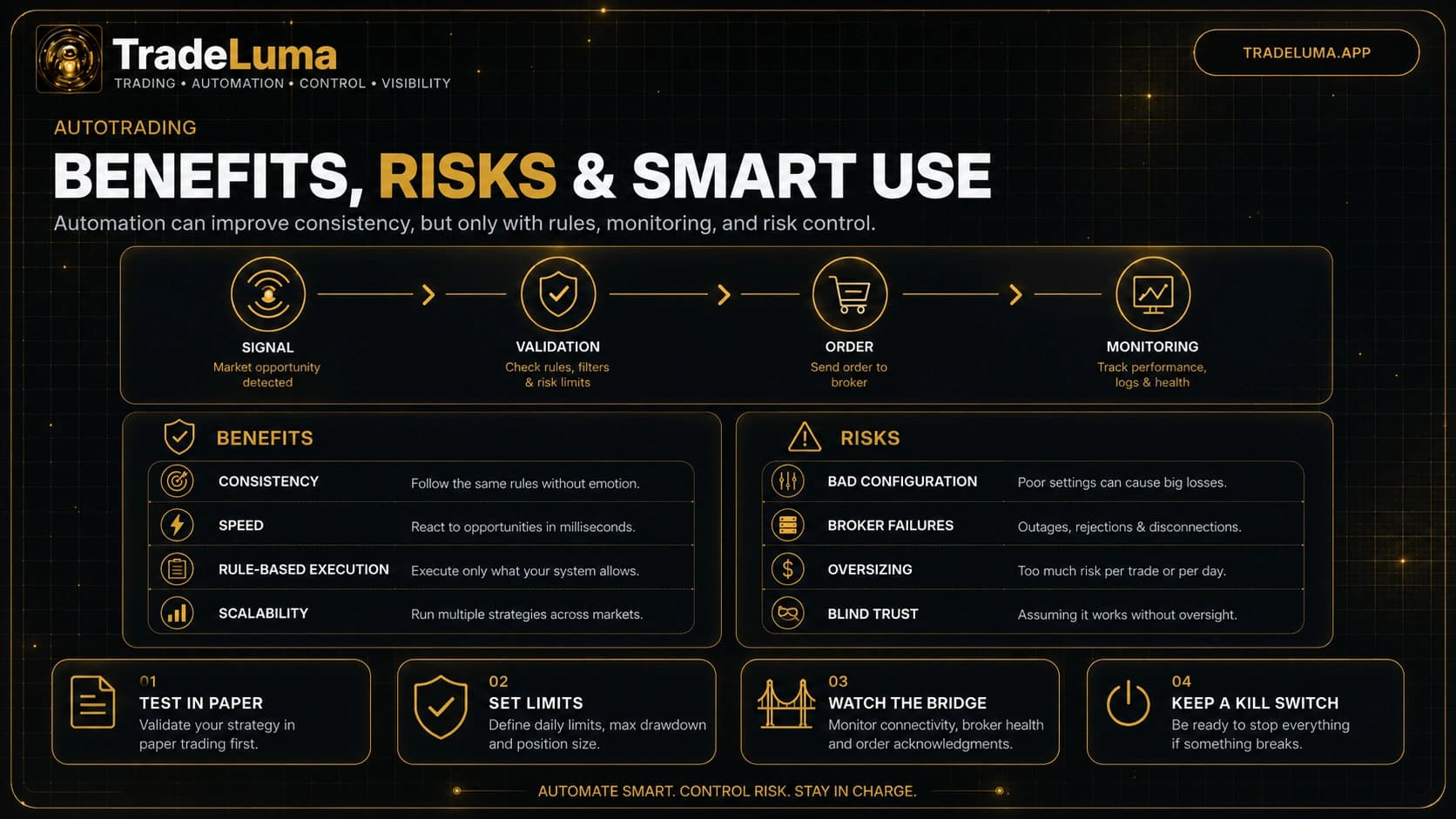
Build a controlled automation workflow with TradeLuma
Configure alerts, test in paper mode, apply execution controls, and follow broker outcomes from one workspace.