
Monitoring
How to monitor automated orders, positions, and broker status
A practical guide to monitoring alerts, submitted orders, fills, rejections, positions, protective orders, and broker connection health.
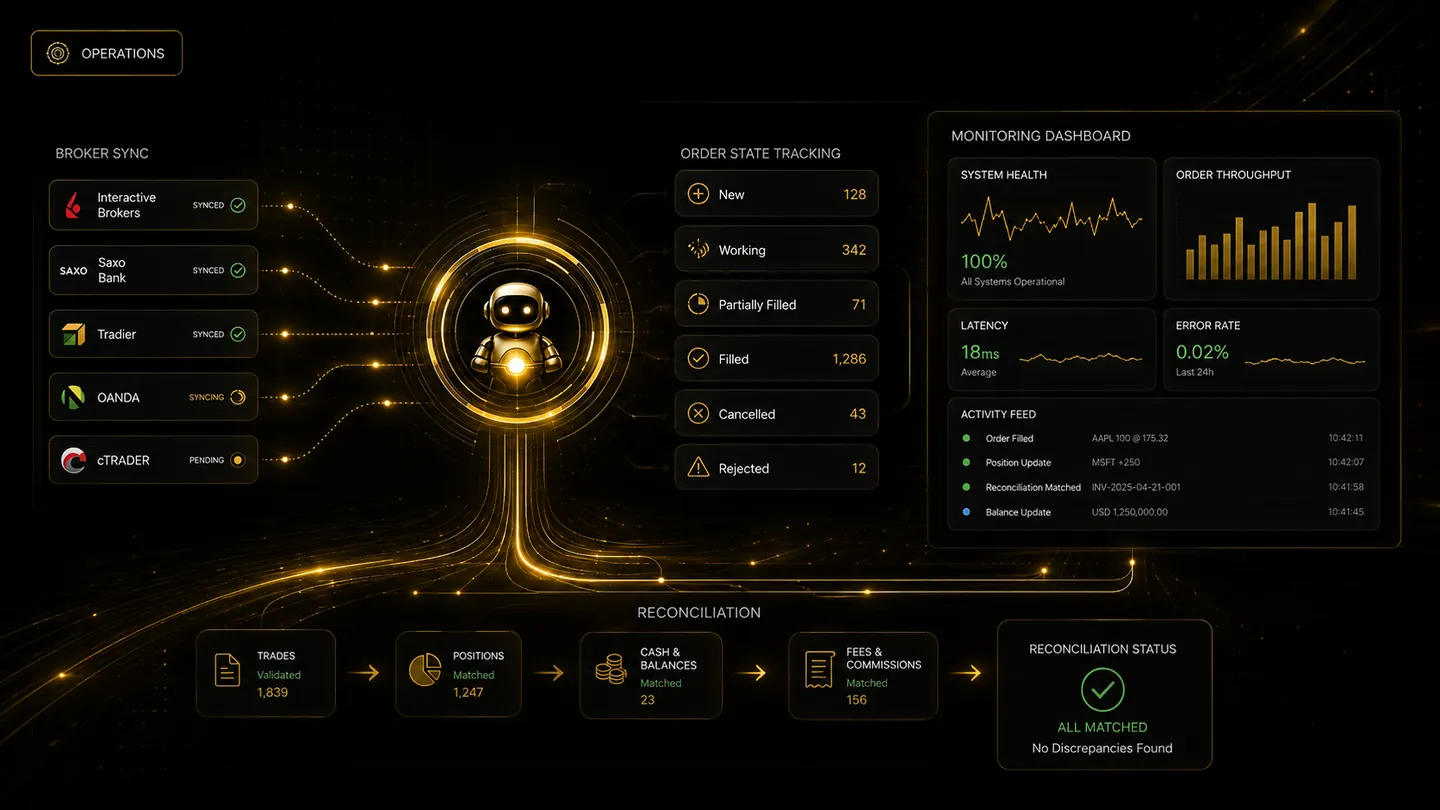
Automation reduces repetitive clicking, not the need for supervision. A trader should be able to move from an alert to the broker outcome and understand every state in between. Monitoring is especially important after restarts, network interruptions, manual broker actions, and fast markets.
Follow the complete order lifecycle
Useful states include received, validated, blocked, queued, submitted, acknowledged, partially filled, filled, cancelled, expired, and rejected. A generic submitted label is not enough if the broker later reports a different result.
The platform should preserve timestamps and broker identifiers so an event can be matched with the broker's order history.
Monitor positions and protective orders together
An open position should be reviewed alongside its working stop, target, or other exit logic. A filled entry without an active intended protective order is a different risk state from a complete bracket.
Quantity changes matter. Partial fills, partial closes, fees, and manual broker trades can leave the platform and broker with different quantities unless reconciliation occurs.
Use alerts without becoming blind to silence
Notifications are useful for fills, rejections, stale connections, and unresolved orders, but the absence of an alert does not prove everything is healthy. Notification delivery can fail independently.
Traders should periodically inspect the broker account and use scheduled checks for long-running strategies. The monitoring plan should be more active during market opens, news periods, and after configuration changes.
Frequently asked questions
Which system is the source of truth for a real position?
The broker account is the source of truth for actual positions, orders, and fills. The automation platform should reconcile its records with the broker.
Should every status change send a notification?
Not necessarily. Too many alerts can hide important events. Notifications should prioritise fills, rejections, connection problems, and unresolved risk while keeping full detail in the activity log.
Continue learning
Related TradeLuma guides
Broker Connections
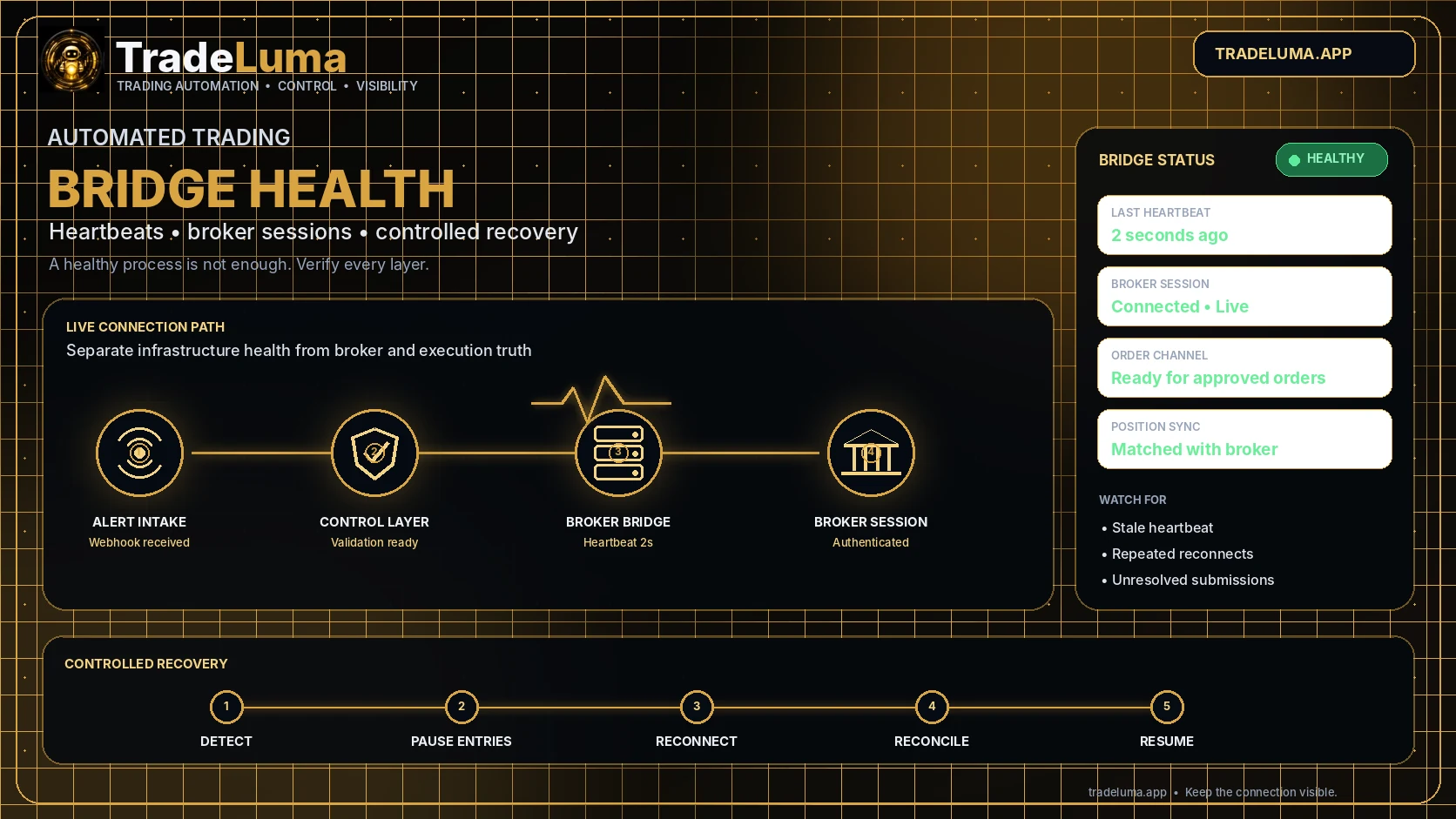
Automated trading bridge health: heartbeats, reconnects, and recovery
6 Aug 2026 · 12 min read
Reconciliation
Broker reconciliation: keeping automated trading records aligned
13 July 2026 · 6 min read
Operations
Rejected orders in automated trading: causes, recovery, and safer retries
29 July 2026 · 9 min read
Build a controlled automation workflow with TradeLuma
Configure alerts, test in paper mode, apply execution controls, and follow broker outcomes from one workspace.