
Operations
Rejected orders in automated trading: causes, recovery, and safer retries
Learn why brokers reject orders, how to classify failures, when not to retry, and how to recover without creating duplicate exposure.
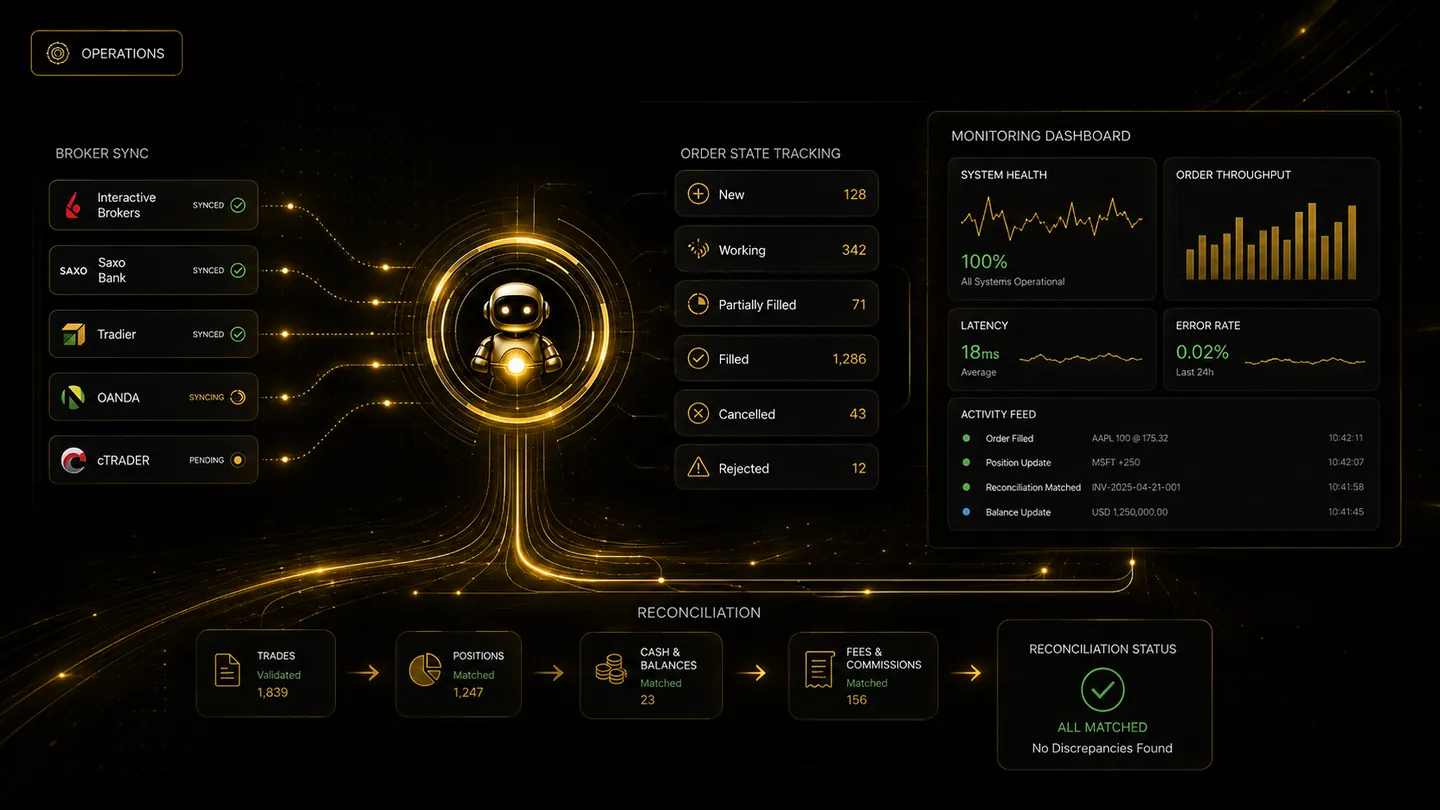
A rejected order is a final broker response that the requested order was not accepted. The reason may involve buying power, permissions, contract expiry, order type, price limits, trading hours, position quantity, account restrictions, or broker risk controls. Recovery should start with the exact broker message.
Preserve the original rejection
The platform should display the broker's code and explanation rather than replacing it with a generic failure. The user needs enough context to distinguish a temporary connection issue from a rule that makes the order invalid.
Record the symbol, contract, account, action, quantity, order type, timestamp, and broker request identifier. These details are essential when comparing logs or contacting support.
Retry only when the outcome is known
Blind retries can create duplicate orders if the first request reached the broker but the acknowledgement was lost. Before retrying, check broker order history and current positions.
Some failures are safe to retry after reconnecting; others require a corrected contract, quantity, permission, or order type. A rejection caused by an expiring deliverable futures contract should not be retried unchanged.
Escalate unresolved close orders
An unfilled entry and an unresolved exit carry different risk. Entry requests can often expire after a defined period, while close requests may need persistent monitoring and high-priority notification.
The trader should have a direct broker fallback for risk-reducing action. Automation should clearly state whether an order was rejected, remains unknown, or was later confirmed.
Frequently asked questions
Does a rejected order create a position?
A confirmed rejection normally means the order was not accepted, but the broker account should still be checked when status communication is unclear.
Should an automation platform retry every connection error?
No. It should first determine whether the broker may have received the order. Retries require idempotency, status checks, and duplicate protection.
Continue learning
Related TradeLuma guides
Operations
Trading sessions, time zones, and daylight saving in automated trading
25 July 2026 · 8 min read
Monitoring
How to monitor automated orders, positions, and broker status
28 July 2026 · 8 min read
Broker Connections
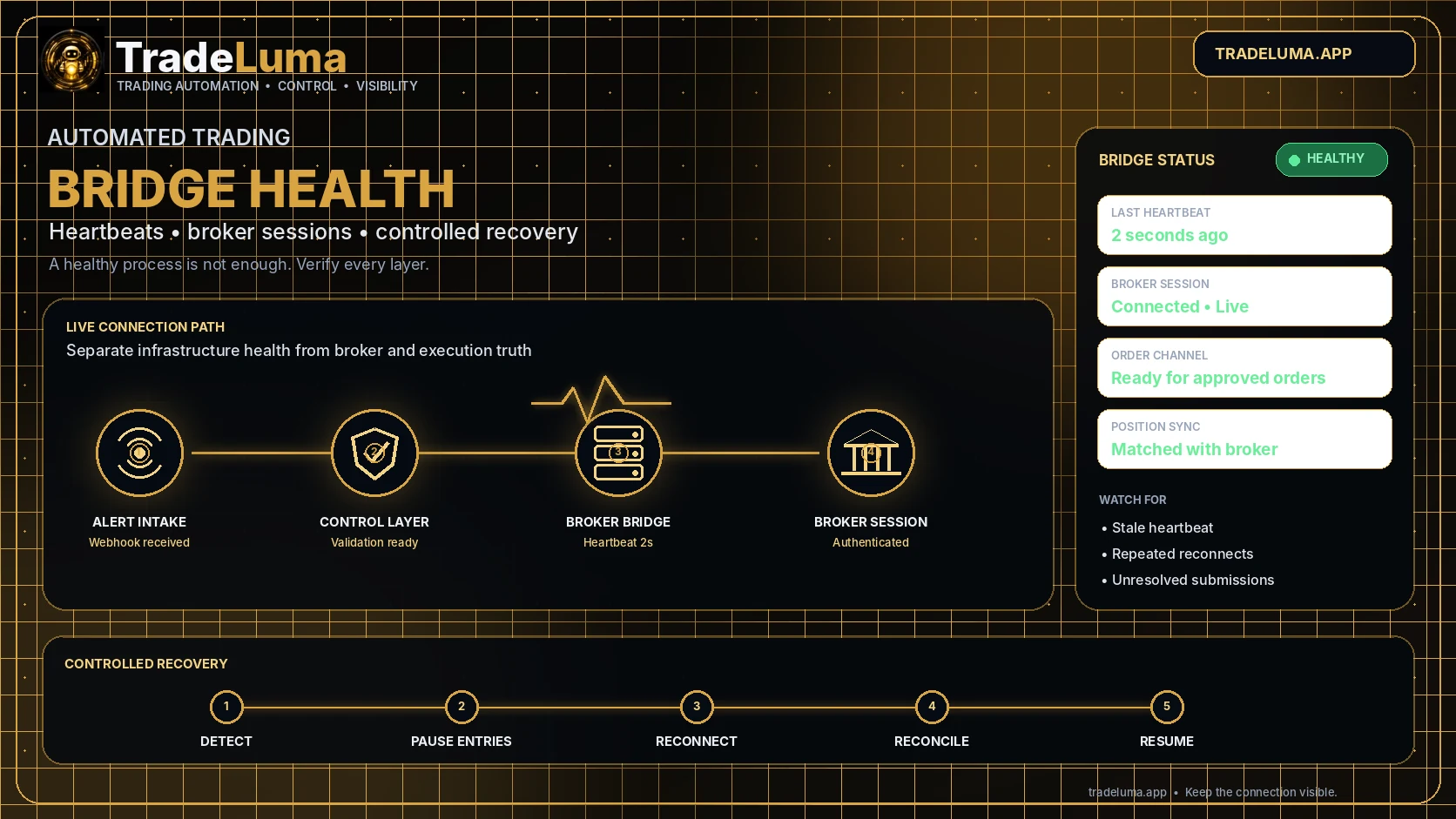
Automated trading bridge health: heartbeats, reconnects, and recovery
6 Aug 2026 · 12 min read
Build a controlled automation workflow with TradeLuma
Configure alerts, test in paper mode, apply execution controls, and follow broker outcomes from one workspace.