
Reconciliation
Broker reconciliation: keeping automated trading records aligned
Broker reconciliation compares local trading records with broker state, helping identify mismatches after fills, cancellations, partial fills, or manual broker actions.
On this page+
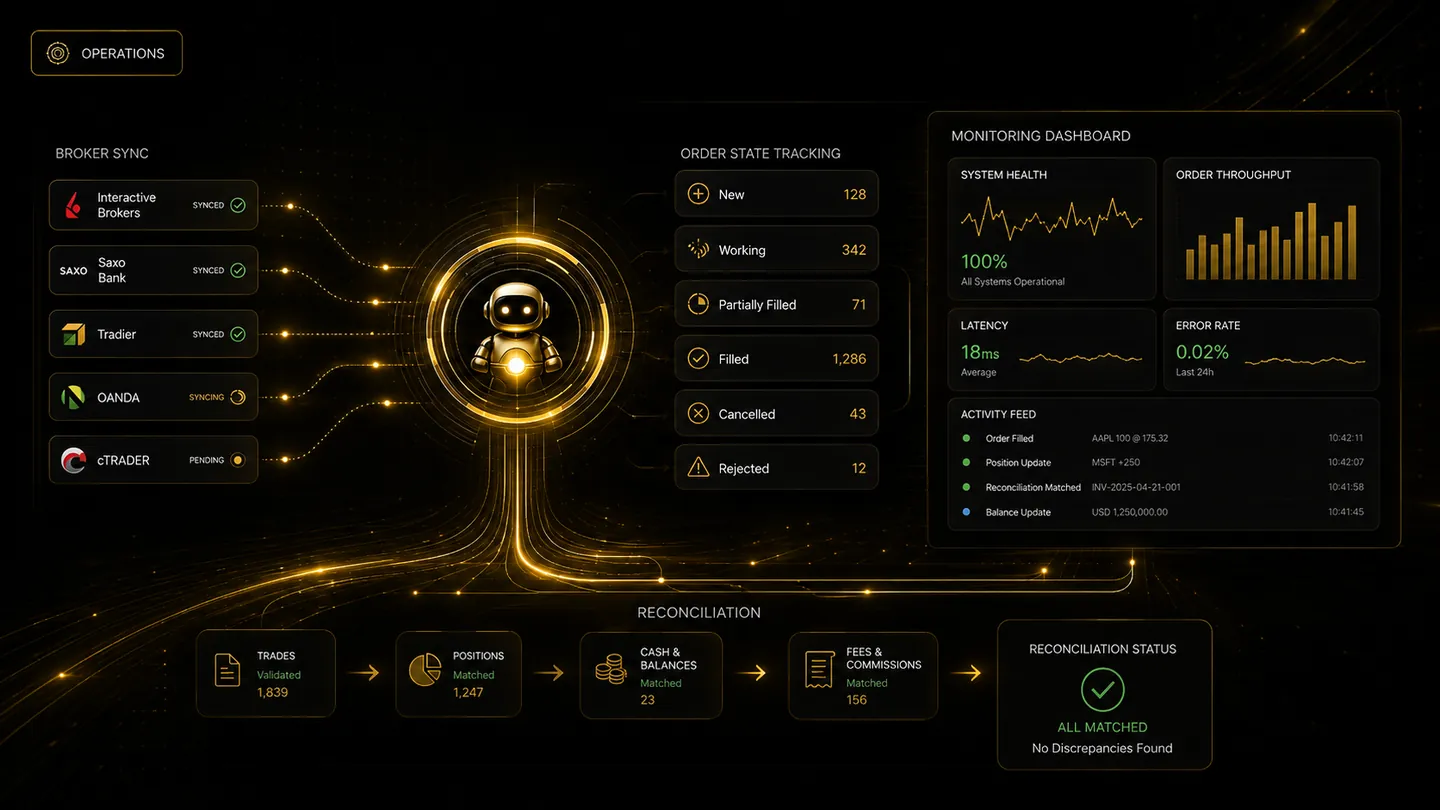
Automated trading does not end when an order is submitted. The platform must keep checking what happened at the broker. Orders may fill, reject, partially fill, cancel, or change state after the initial submission response.
Why local state and broker state can differ
A local platform may record that an order was submitted, while the broker later reports a fill, rejection, cancellation, or adjusted quantity. Manual actions inside the broker account can also create mismatches if the automation platform is not aware of them.
TradeLuma's reconciliation workflow is built to compare platform records with broker positions and order statuses so mismatches can be identified and addressed.
Status polling and post-fill updates
Status polling checks broker orders after submission. Post-fill updates help keep local positions aligned with actual broker quantities, including small quantity differences that can occur in some asset classes.
This matters for exits. A close order should use the real available position size where possible rather than relying on stale local quantity information.
What a trader should monitor
Traders should review open positions, filled orders, rejected orders, cancelled orders, and reconciliation warnings. A platform that makes mismatches visible gives the user a better chance to correct issues before the next alert arrives.
TradeLuma is designed to surface those events in the dashboard rather than hiding them inside worker logs or broker-only screens.
Frequently asked questions
Is reconciliation only needed for live trading?+
No. Paper reconciliation is valuable because it proves the operational model before live-account workflows are enabled.
Can manual broker actions affect automation records?+
Yes. If a user changes positions directly at the broker, reconciliation helps detect that the platform state and broker state may no longer match.
Execution workflow
See how controlled automation is structured.
Explore TradeLuma's execution flow, live and paper modes, broker controls, monitoring, and reconciliation.
See how TradeLuma works →Continue learning
Related guides.
How to monitor automated orders, positions, and broker status
A practical guide to monitoring alerts, submitted orders, fills, rejections, positions, protective orders, and broker connection health.
Rejected orders in automated trading: causes, recovery, and safer retries
Learn why brokers reject orders, how to classify failures, when not to retry, and how to recover without creating duplicate exposure.

Futures Calendar Spreads Explained: Near vs Deferred Contracts
Learn how futures calendar spreads work, how to calculate near-vs-deferred spread P&L, why margin offsets vary, and how to manage two-leg execution risk.