
Automation
How to Automate Futures Trading Without Leaving Your Computer Running
Understand server-side TradingView alerts, cloud webhook processing, broker connectivity, order reconciliation and operational requirements.
On this page+
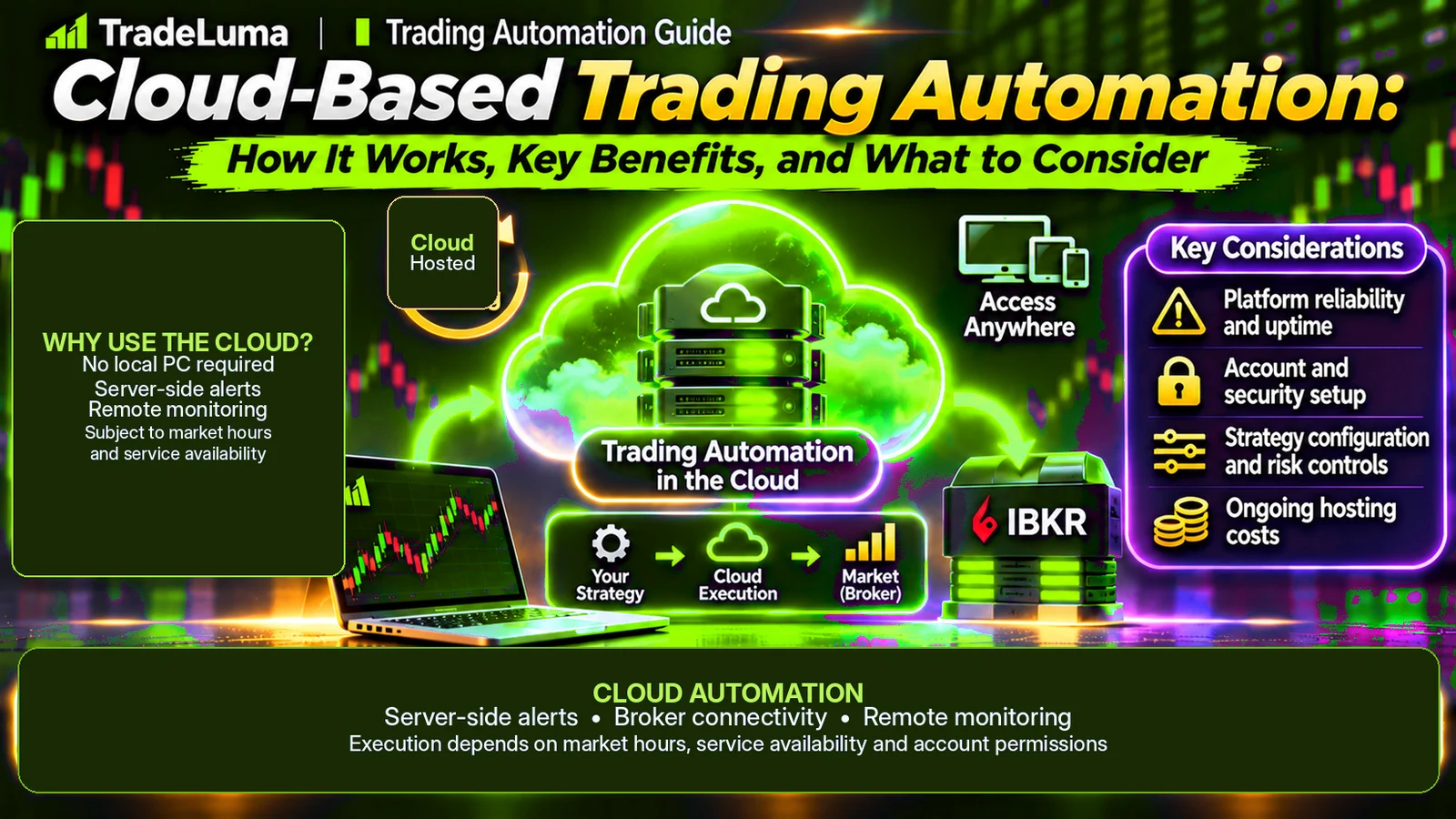
A cloud-based trading workflow can receive and process signals while a trader's personal computer is switched off. The key is that the alert, execution service and broker connection must operate independently of the local device. Cloud hosting does not guarantee that a signal becomes an order or that any order fills. This is general education, not personalised investment advice; futures trading can result in losses exceeding deposits.
What runs on the server?
TradingView alerts can run on TradingView's servers after they have been created, without requiring an open browser. The alert must remain active and correctly configured. Script or input changes do not automatically update a previously saved alert snapshot.
A webhook receiver can validate a signal, identify the intended strategy and submit an order through a supported broker connection. If an architecture depends on a local gateway or local script, that component still needs to be running somewhere.
From alert to broker execution
The essential steps are signal creation, webhook delivery, authentication and validation, contract resolution, order submission, broker acknowledgement and execution reconciliation. A received alert is not a confirmed broker fill.
TradeLuma's cloud automation workflow is designed to support this separation and make order status visible. Access and supported instruments depend on the platform's current beta availability and broker permissions; check eligibility rather than assuming open public access.
What can still interrupt automation?
Market closures, exchange maintenance, expired sessions, broker authentication, contract rollover, network errors and platform incidents can all interrupt execution. Some events may require human intervention. Hosting a service around the clock does not mean futures trade around the clock every day.
Use duplicate-alert protection, explicit order identifiers and a recovery plan for uncertain submissions. Never blindly resend an order when its broker status is unknown.
Test while your computer is off
Start with paper trading, verify a controlled alert reaches the cloud receiver, and confirm the broker acknowledgement and subsequent status. Compare the actual account position with the expected one. Repeat across session breaks and connection interruptions before considering live use.
Maintain appropriate monitoring and risk controls even when the personal computer is off. Use an independent way to review positions and close orders through the broker if the automation service is unavailable. Paper fills are simulations.
Frequently asked questions
Must I keep TradingView open for alerts?+
Not for active server-side TradingView alerts, but the alert must be correctly configured and remain active.
Can the cloud trade every hour of every day?+
No. Market sessions, broker connections and service availability constrain execution.
Does TradeLuma automation require my computer to be running?+
Its cloud workflow is intended to be independent of the personal computer, provided the supported broker connection and services remain operational. Check beta access and requirements.
Execution workflow
See how controlled automation is structured.
Explore TradeLuma's execution flow, live and paper modes, broker controls, monitoring, and reconciliation.
See how TradeLuma works →Continue learning
Related guides.
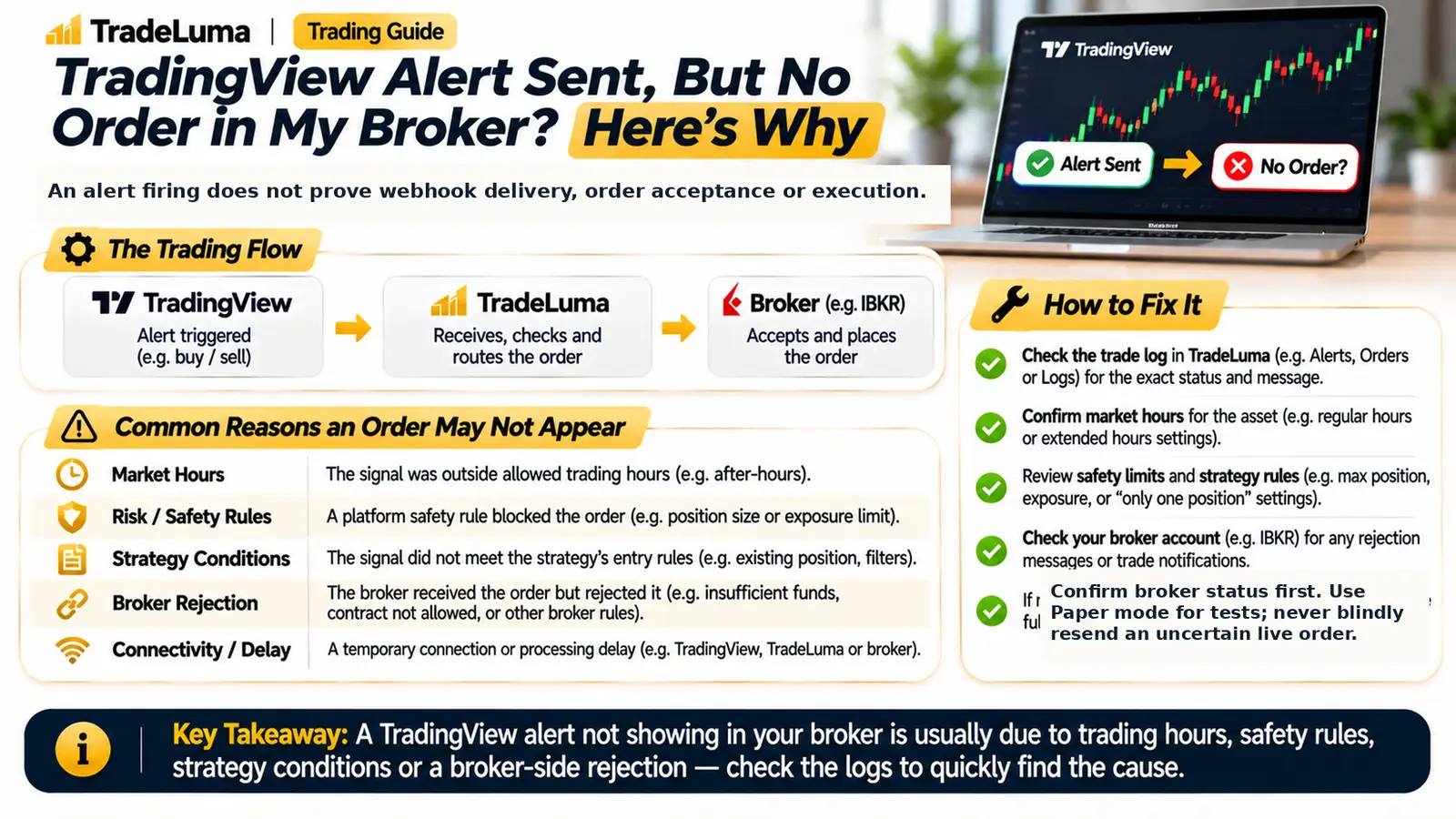
Why Your TradingView Alert Fired but No Broker Order Appeared
Trace webhook delivery, validation, broker acknowledgement and fills without blindly retrying live orders.
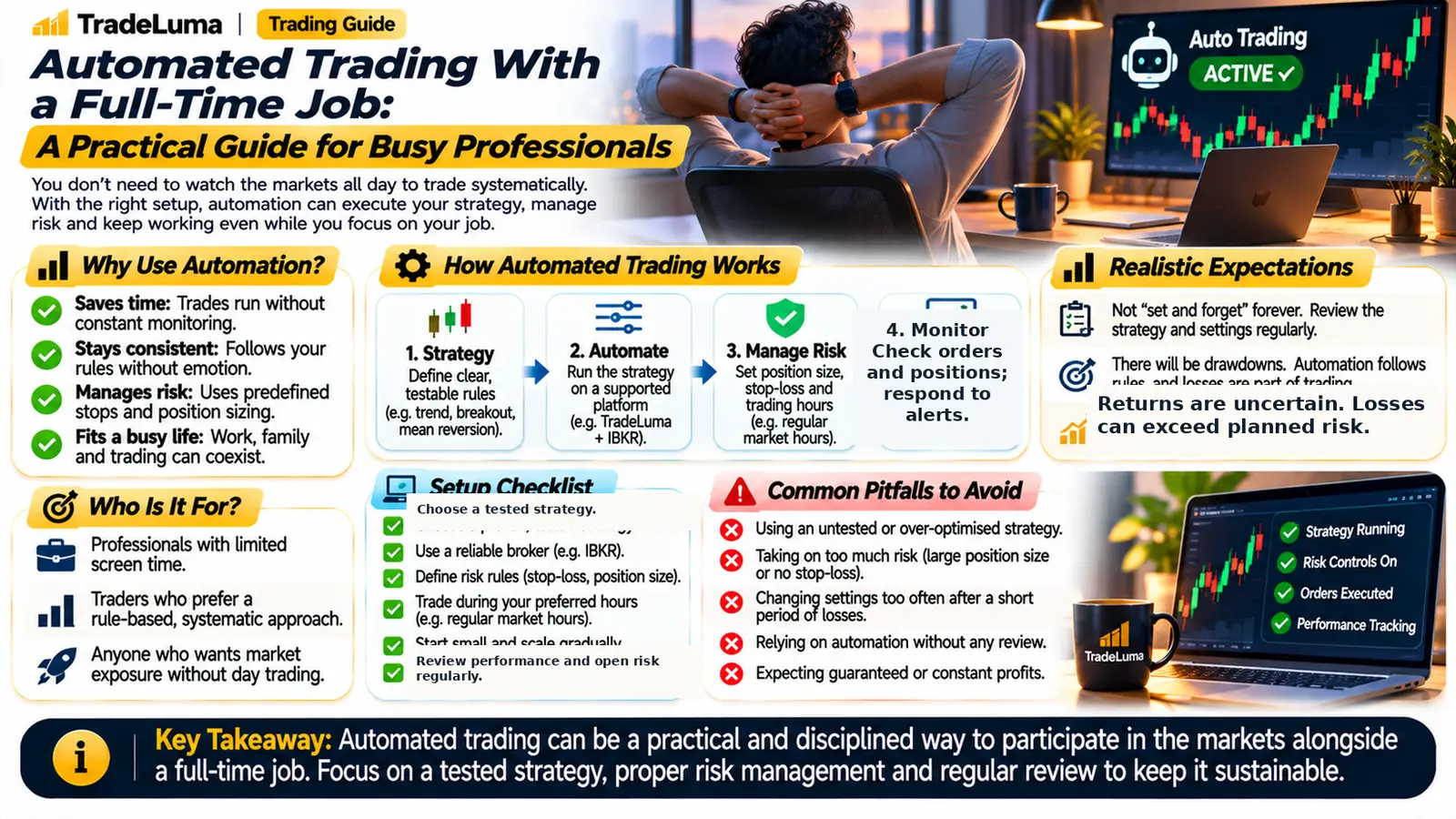
Can Automated Trading Work With a Full-Time Job?
Plan automation around work, monitoring, broker checks and incident response without promising passive income.
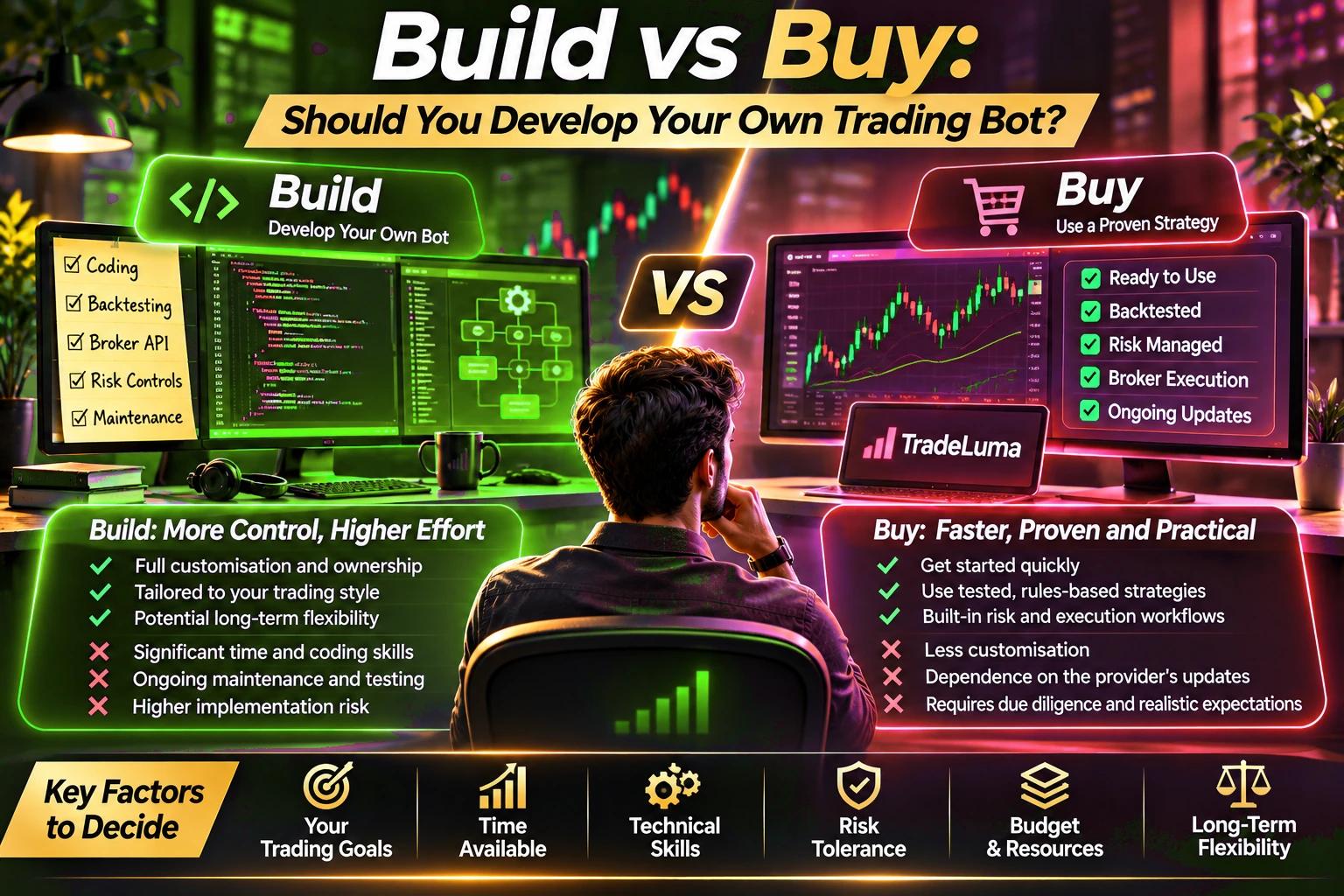
Build vs Buy: Should You Develop Your Own Trading Bot?
Compare building trading software with buying a strategy or execution service: control, development time, cost, support and operational risk.