
Futures
Futures rollover and contract expiry: an automation guide
Understand expiry, liquidity migration, first notice, physical delivery risk, rollover mapping, and how automated futures workflows should respond.
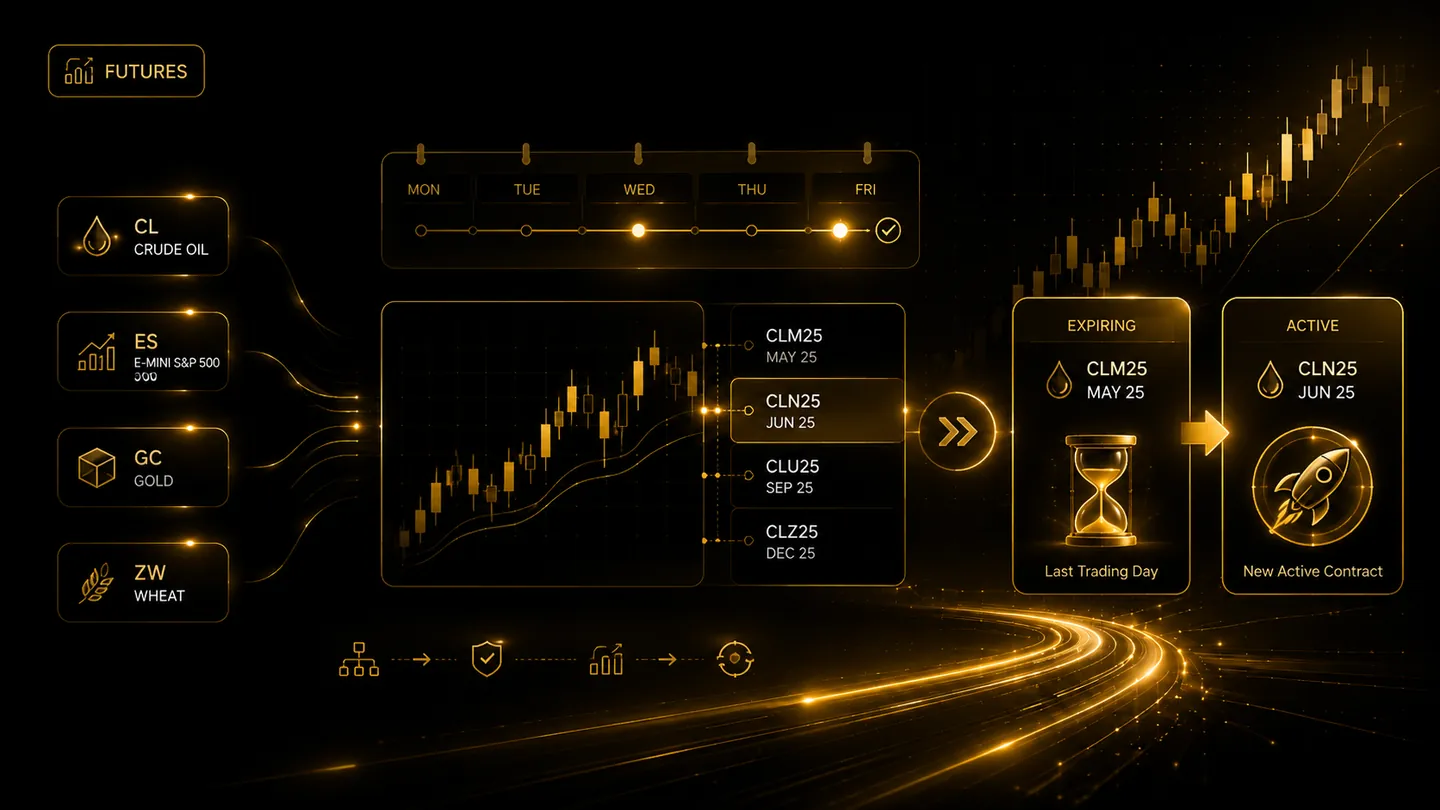
Futures are time-limited contracts. As expiry approaches, trading activity usually moves from the current contract to a later month. Automated workflows must update new-entry mapping without confusing an existing position, and traders must understand delivery-related broker restrictions.
Expiry involves more than the final trading day
Relevant dates can include first notice, last trade, settlement, and broker-specific close-out deadlines. Physically deliverable contracts may be restricted before exchange expiry because many retail accounts are not intended to make or take delivery.
Broker rules can be stricter than the exchange calendar. The platform should not assume an order remains acceptable simply because the contract still appears on a chart.
Rollover changes the tradable contract
A rollover process typically directs new signals to the next approved contract after a chosen cutoff. Existing positions in the old contract should remain identifiable and should not be silently relabelled as the new contract.
Closing the old contract and opening the new one creates two orders and may realise profit or loss. It also introduces spread, commission, and possible basis differences.
Test mappings and backtests separately
Before a mapping changes, confirm the next contract's exchange symbol, multiplier, tick size, market data, liquidity, and broker eligibility. Paper-test entries and exits.
Historical continuous charts may roll on a different date from the live mapping. Document both the research series and the execution rule so performance analysis remains understandable.
Frequently asked questions
When should a futures contract be rolled?
There is no single date for every market. Traders consider exchange dates, broker deadlines, liquidity, open interest, strategy rules, and delivery risk.
Can automation manage rollover automatically?
It can assist with calendars and new-entry mappings, but the user should retain visibility and control because open positions, broker restrictions, and market liquidity vary.
Continue learning
Related TradeLuma guides
Futures
Continuous futures charts vs tradable contracts: what automation must map correctly
18 July 2026 · 8 min read
Risk Management
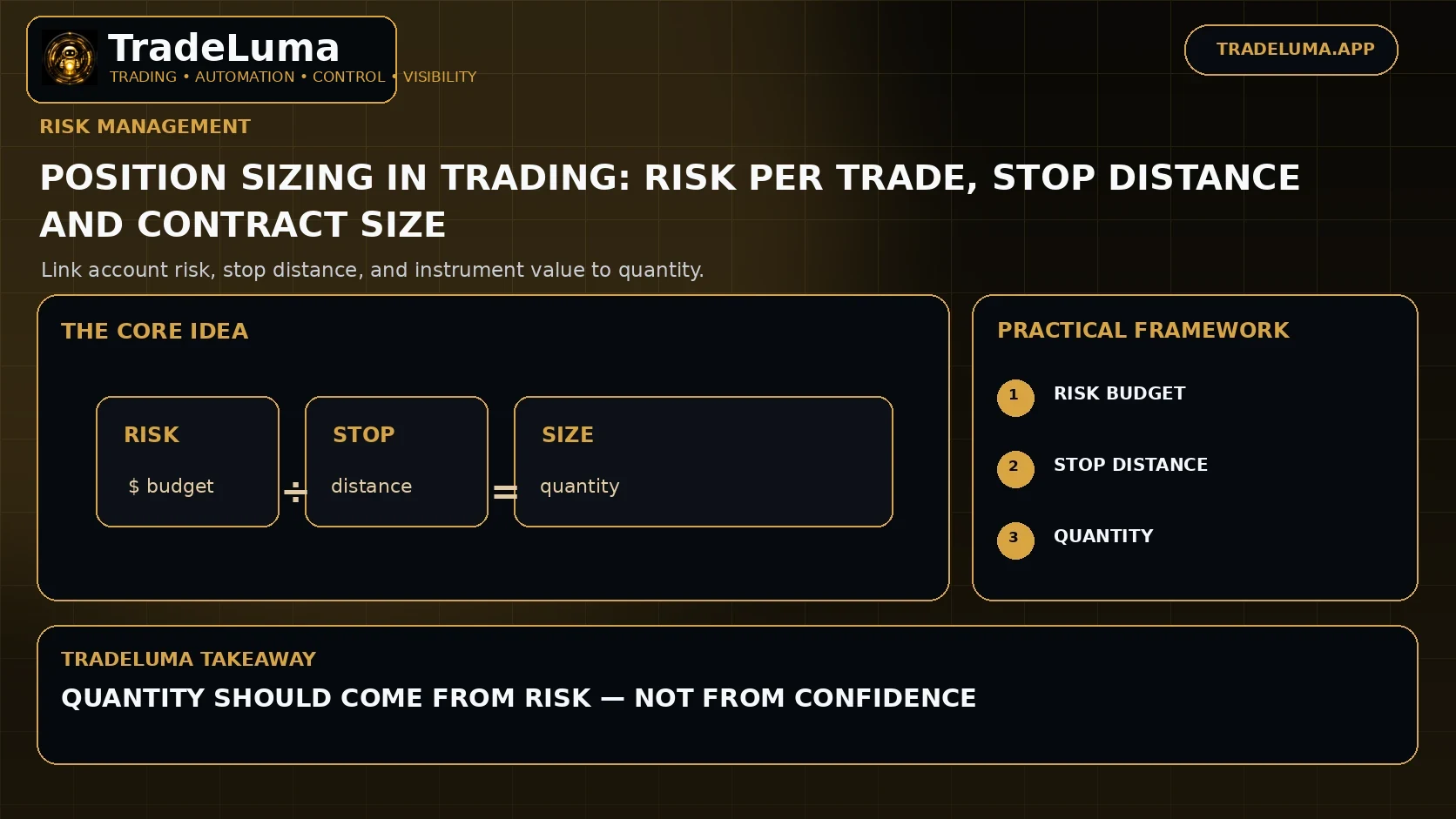
Position Sizing in Trading: Risk Per Trade, Stop Distance and Contract Size
5 Sept 2026 · 12 min read
Operations
Trading sessions, time zones, and daylight saving in automated trading
25 July 2026 · 8 min read
Build a controlled automation workflow with TradeLuma
Configure alerts, test in paper mode, apply execution controls, and follow broker outcomes from one workspace.