
Automation
Do You Need IBKR Real-Time Market Data for TradingView Automation?
Separate TradingView signal data, IBKR quote subscriptions, trading permissions and broker execution before automating orders.
On this page+
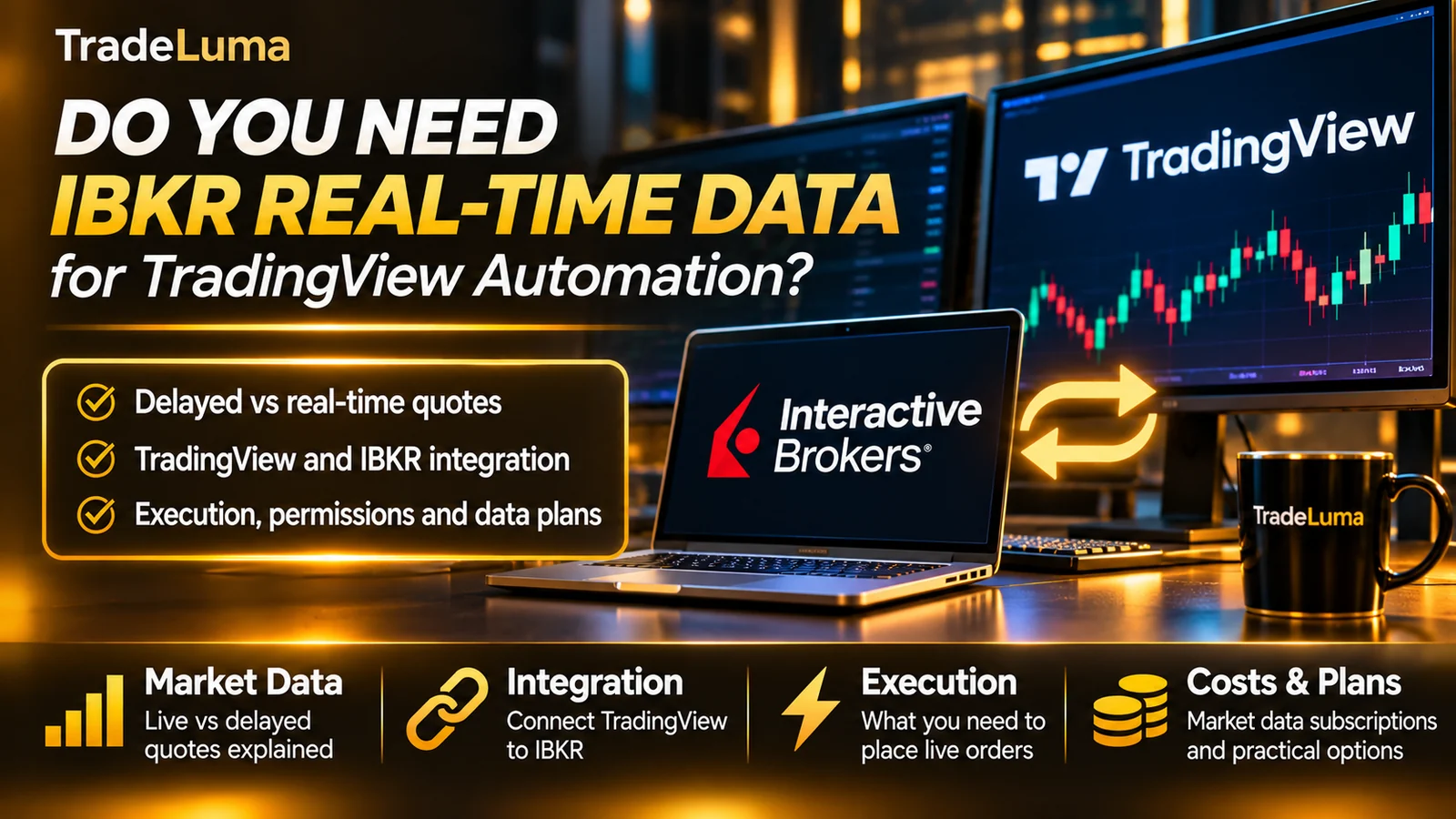
Traders connecting TradingView alerts to Interactive Brokers often ask whether paying for exchange data on both services is necessary. The answer depends on how signals are calculated, how orders are submitted and whether the execution workflow must request live broker quotes. Market data and trading permissions are related but not identical.
Signal data versus broker execution
TradingView uses its chart feed to calculate indicators and strategies. An alert transmits information from that signal; the broker executes against the market under its own rules. Paying for real-time chart data does not automatically grant every API market-data entitlement or confirm that an order is executable.
What IBKR actually requires
IBKR's published guidance distinguishes trading without an IBKR data subscription from requesting real-time quotes through its APIs. Most API instruments require appropriate top-of-book data entitlement for live quote retrieval. Orders also require valid trading permissions, account eligibility, margin and supported instructions. Certain routes may show warnings or require confirmations, which must be handled rather than ignored.
When broker-side quotes are important
If automation calculates limits using the current broker bid and ask, checks price collars, or uses broker quotes to validate stale alerts, delayed or missing data can interfere with that logic. If an order carries an explicit valid price from an independently live signal source, a broker quote subscription may not be necessary for that specific submission path. Confirm the actual implementation rather than generalising.
Why feeds can disagree
Different providers can use different session definitions, symbol mappings, delayed feeds and aggregation rules. A continuous futures chart can represent an adjusted series rather than the listed contract. Review the invalid tick size guide when an apparently reasonable price cannot be submitted to the broker.
Avoid paying twice without checking
Start by identifying which exchange instruments the strategy uses and which data endpoints the workflow calls. Check the subscriptions in each account and any applicable sharing restrictions. IBKR's direct TradingView integration and TradeLuma's webhook-based integration are separate workflows; requirements for one should not be assumed to apply to the other.
TradeLuma practical checklist
Use the relevant TradeLuma TradingView-to-IBKR integration guide, check your connection and account mode, and paper trade the intended order path. Confirm whether the broker rejected a price, lacked permissions, or requested a confirmation. Review the order and fill record independently of the alert. Do not enable live trading until the workflow has been validated; simulated fills do not guarantee live results.
Identify the data dependency of each automation step
Draw the workflow as a sequence: chart feed, strategy calculation, alert, validation, broker submission and order-state reconciliation. Next to each step, record whether it reads a price and where that price comes from. A chart alert may carry an explicit price while a broker-side check requests the current bid and ask. An order status update can contain a fill price without supplying a continuous live quote feed. If your system chooses a limit from the broker's quote, a missing entitlement can affect that decision even if the chart data is excellent. Conversely, purchasing a quote subscription does not fix a webhook that points to the wrong contract. The purpose of the dependency map is to establish which subscription supports which function, rather than assuming that every connection uses identical data.
Why a quote warning is not the same as an order rejection
IBKR's published guidance notes that API order submission without a real-time quote feed can trigger a warning. A warning may require a response depending on the interface, whereas a rejection means that the instruction was not accepted in its current form. A transport timeout can instead leave the order state uncertain. These are separate situations and a safe automation workflow must not treat every non-success message as permission to retry. Review the actual broker response, determine whether an order identifier exists, and reconcile working orders and executions. Do not bypass warnings simply to achieve an apparently successful test. If a workflow cannot safely handle the broker's required confirmation, keep that workflow disabled until its behaviour is understood. The availability of a subscription alone does not resolve these order lifecycle distinctions.
The distinction between platform display and API entitlement
An exchange may license real-time data for display in a broker application but impose separate conditions for off-platform use through an API. IBKR describes additional subscription requirements for certain feeds and notes that not every feed can be used off-platform. Professional classification, account conditions and the particular exchange may influence availability and cost. A screenshot showing a live price in a broker workstation therefore does not establish that the same data is available to every connected service. Verify the instrument and API interface independently. Delayed quotes can also be labelled or returned differently from live quotes; a workflow that silently accepts stale data may behave unexpectedly. If a price is essential to order validation, decide how the system should respond when freshness cannot be confirmed.
A practical test matrix for new connections
Begin in paper mode and choose the exact instrument and contract month you intend to test. Record the chart's source, timestamp and price type, then compare the order instruction with the broker's accepted price and reported state. Test a valid limit, an intentionally invalid increment and a scenario in which the workflow cannot retrieve a required quote, without assuming paper execution matches live conditions. Check whether the resulting message is correctly classified as a warning, reject or unresolved submission. Review order identifiers and verify that repeat alerts do not generate unintended additional exposure. Finally, check the market-data subscriptions in the respective accounts against the documented dependencies. This can help identify unnecessary subscriptions, but any change should preserve the real-time data and confirmations that the particular workflow genuinely requires.
Frequently asked questions
Do I always need an IBKR data subscription to place an order?+
No, but specific order workflows and broker-side live quote requests can have additional requirements.
Does TradingView data grant IBKR API data?+
Do not assume so. Check exchange entitlements and the actual integration.
Can delayed chart data trigger alerts?+
It may, depending on the feed and alert configuration, but signal timeliness must be checked.
Are market data and trading permissions identical?+
No. Data access does not grant permission to trade an instrument.
Can I skip paper testing if both feeds are live?+
No. Live data does not prove correct routing or execution.
Do I need identical data packages on TradingView and IBKR?+
Not automatically. Each service has its own licensing and functions. Determine which instruments and quote requests your chart strategy and execution workflow actually use.
Can I test the workflow using paper orders alone?+
Paper testing is useful for permissions, messages and mappings, but data availability, simulated fills and live execution may differ. Treat successful paper tests as necessary evidence rather than a guarantee.
Execution workflow
See how controlled automation is structured.
Explore TradeLuma's execution flow, live and paper modes, broker controls, monitoring, and reconciliation.
See how TradeLuma works →Continue learning
Related guides.
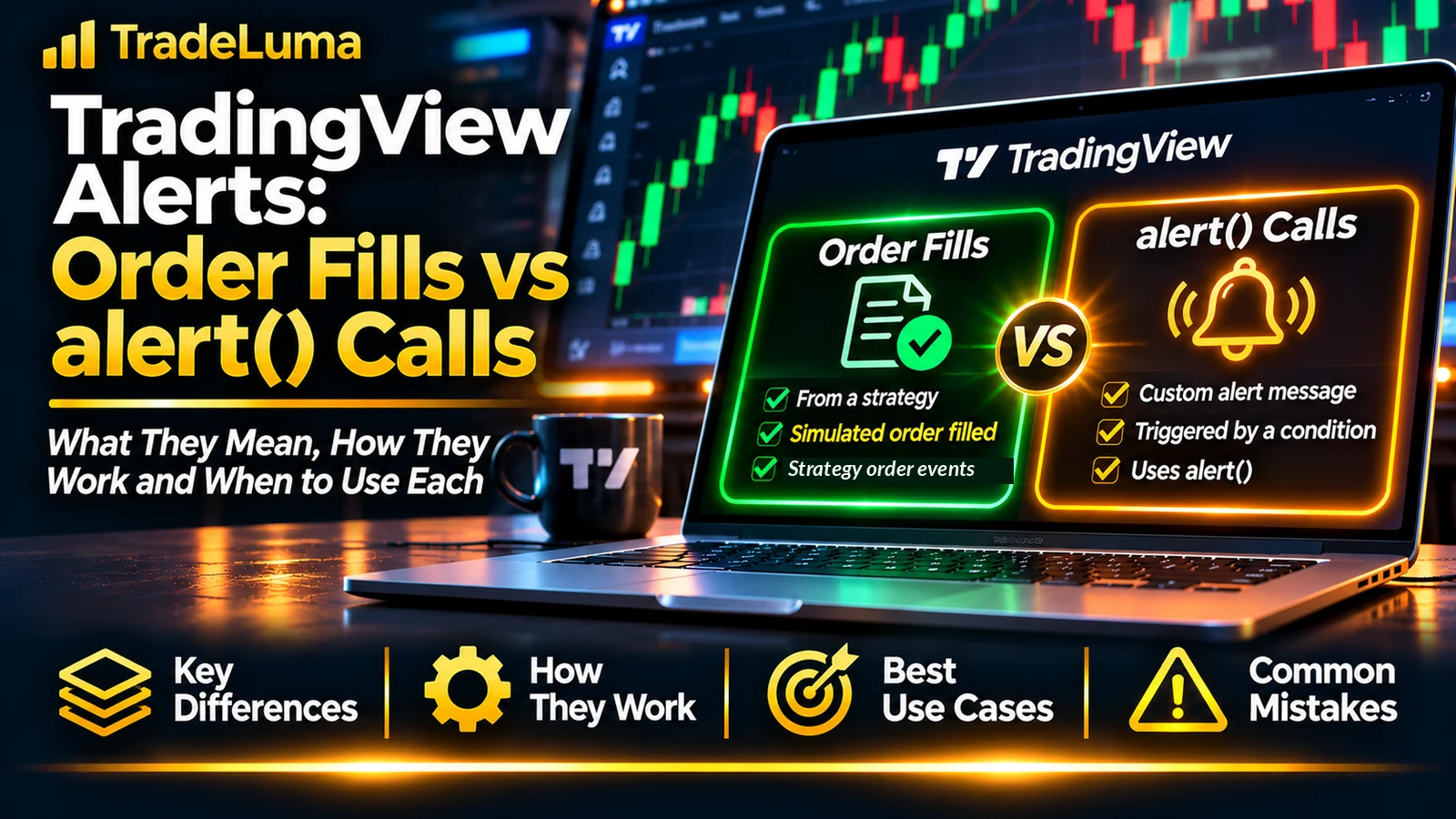
TradingView Alerts: Order Fills vs alert() Calls Explained
Compare TradingView strategy emulator fill alerts and Pine alert() events, message templates, duplicates and broker reconciliation.
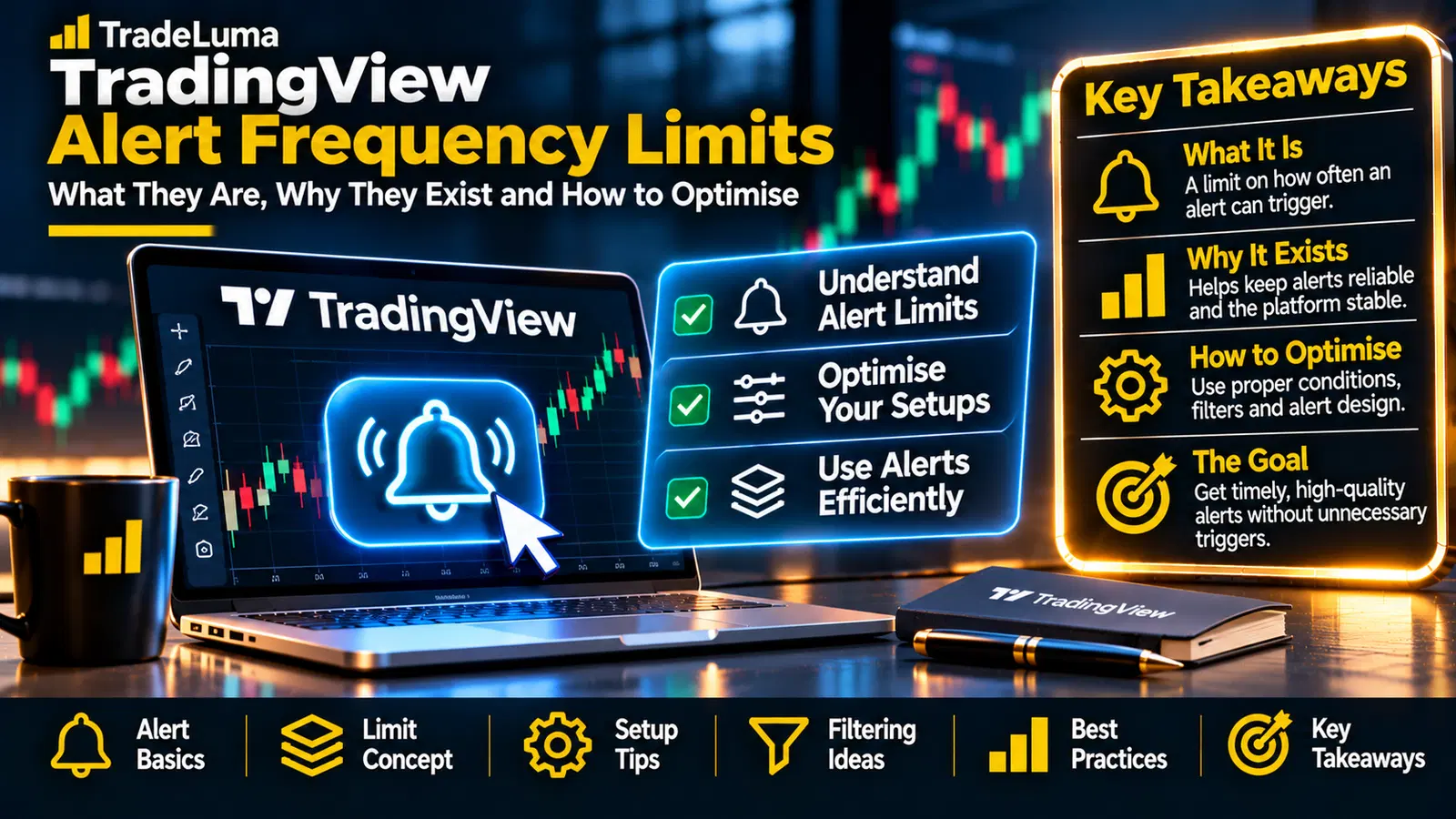
Why TradingView Stops Sending Alerts: Understanding Alert Frequency Limits
Understand TradingView's 15-trigger-per-three-minute rule, watchlist limits, burst detection, debugging and safe order reconciliation before restarting automation.
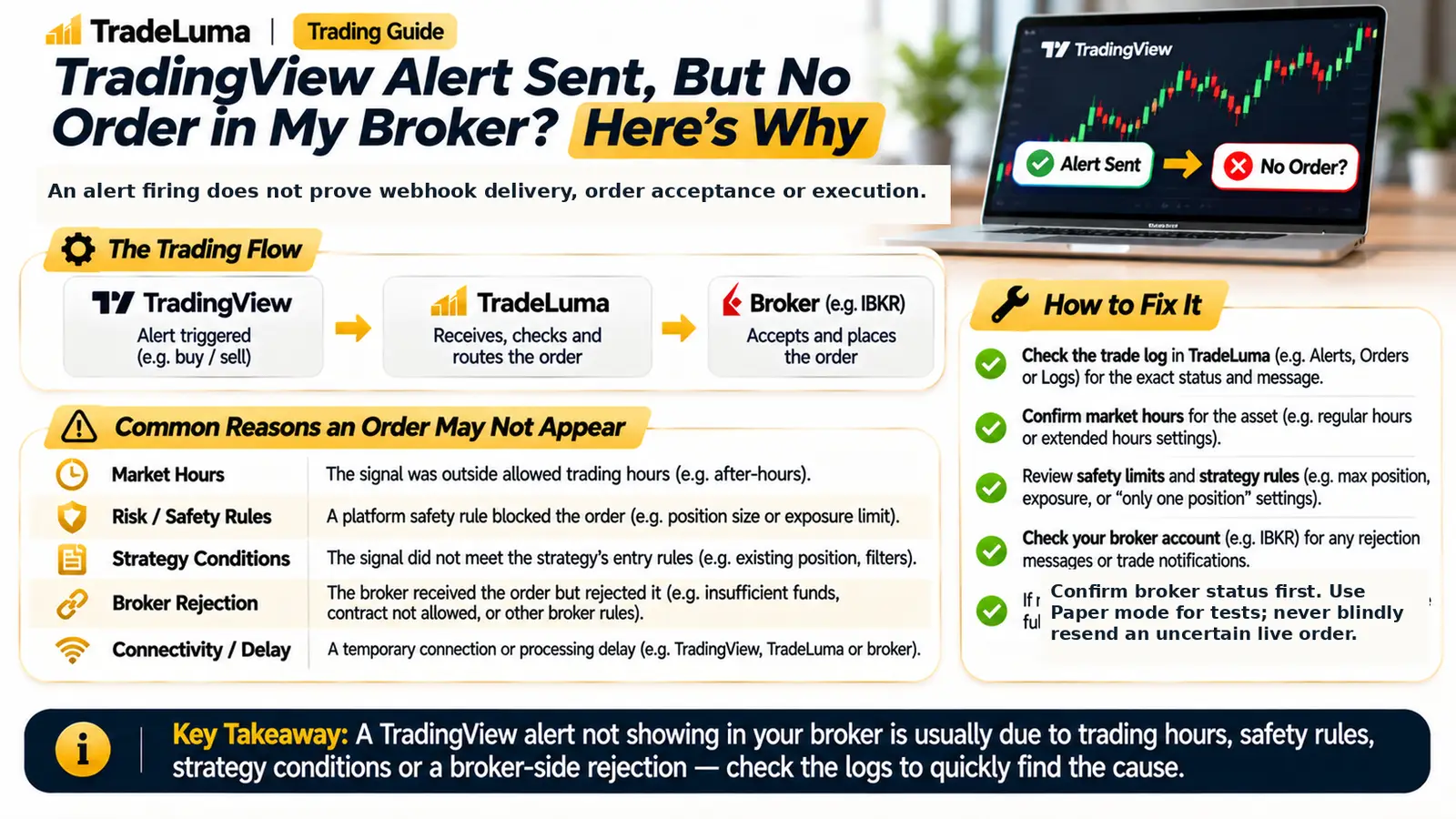
Why Your TradingView Alert Fired but No Broker Order Appeared
Trace webhook delivery, validation, broker acknowledgement and fills without blindly retrying live orders.