
Automation
Why TradingView Stops Sending Alerts: Understanding Alert Frequency Limits
Understand TradingView's 15-trigger-per-three-minute rule, watchlist limits, burst detection, debugging and safe order reconciliation before restarting automation.
On this page+
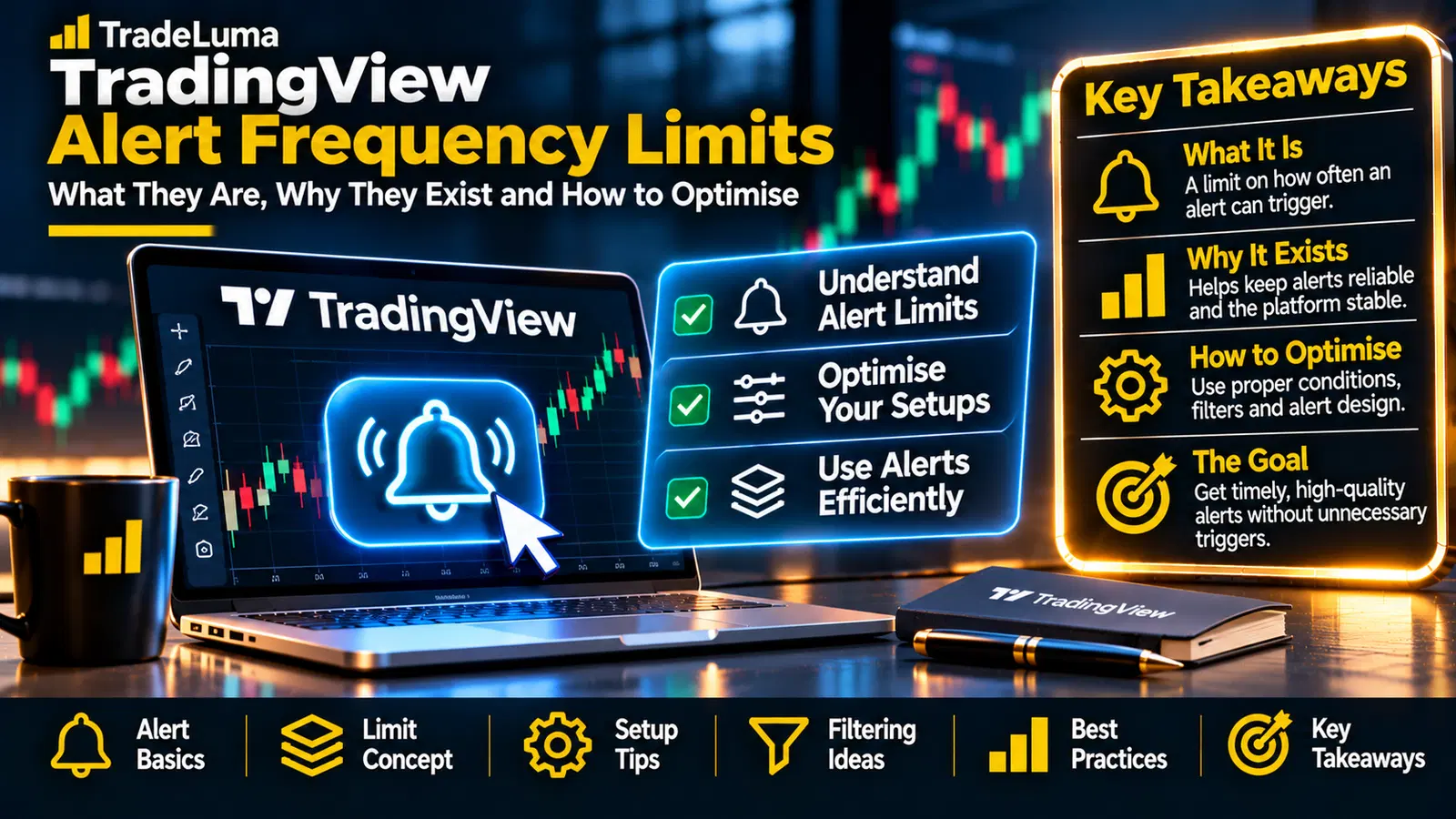
An active TradingView strategy can suddenly stop delivering notifications even while the chart continues displaying signals. One specific reason is the platform's trigger-frequency protection. This is different from the subscription quota for the total number of alerts you can create. TradingView documents a regular-alert limit of 15 triggers within three minutes and describes separate aggregate rules for watchlist alerts. Understanding how the limit is reached and how to recover safely is important when alerts drive automated broker orders.
The actual frequency limit
TradingView's support material states that a regular alert is limited to 15 triggers during a three-minute period. Its strategy-alert guidance says the alert stops if it exceeds that number in the interval. This is a burst protection rule, not a monthly notification allowance or a table assigning a different per-second rate to each subscription tier. Platform policies can change, so confirm the current help documentation when investigating a failure. The important operational consequence is that the alert itself can stop, rather than merely delivering a delayed notification after a brief queue. A strategy may continue showing chart orders after the alert is no longer active. Check the alert's actual state and log.
Why average alerts per day can mislead
Imagine a strategy producing 20 notifications in a day. If those notifications occur at widely separated times, the daily total alone does not imply a three-minute frequency problem. If 16 notifications instead occur in a short volatile interval, the alert can cross the published burst limit even though it has been quiet for the remainder of the session. Analyse the densest rolling time windows rather than dividing total alerts by trading hours. An order-fill strategy can produce entry and exit notifications in the same bar; a script using condition alerts may have different trigger behaviour. The relevant count is the actual alert notifications associated with the configured alert, not simply the number of bars or trades on a chart.
Watchlist alerts have an additional aggregate rule
TradingView separately describes watchlist alerts. The documented aggregate ceiling is 1,000 triggers across the watchlist in three minutes, with the regular per-symbol restriction also applying. Under the platform's described behaviour, a symbol that reaches its own limit can stop without stopping all the remaining symbols; the aggregate ceiling can stop the whole watchlist alert. These rules are specific to the watchlist alert mechanism and should not be treated as a higher allowance for an ordinary strategy alert. Identify the alert type before calculating the applicable exposure to burst conditions. A multi-symbol workflow also needs to monitor whether individual symbols are still active rather than assuming one global indicator proves that all signals are reaching their destinations.
Common reasons for repeated trigger bursts
An indicator condition that remains true for several updates may produce multiple notifications if the script and selected alert frequency permit repeated evaluation. On short intervals, a price oscillating around a threshold may repeatedly cross it. A strategy designed to recalculate on fills or intrabar updates can generate several emulator order events within one bar. Pyramiding, repeated entry attempts and tightly spaced exits can contribute additional events. These are possible mechanisms, not proof of a particular malfunction. Inspect the precise alert condition and order event types in your own configuration. A backtest that reports only one completed trade may hide the actual number of order-related notifications generated while that trade develops.
Detect a burst with a rolling event log
Capture alert timestamps, the alert identifier, symbol, event category and relevant strategy order identifier without recording private webhook secrets. Sort events in chronological order and, for each observation, count earlier triggers falling within the preceding 180 seconds for that alert. Track the maximum count and the time of the densest windows. For a watchlist, keep both per-symbol and aggregate counts. This can highlight whether the problem comes from one volatile symbol, one order type or a broad burst across the watchlist. Use the platform's alert history to confirm that the recorded events actually occurred; an execution service may not have received every notification. A gap in downstream logs alone does not establish a TradingView frequency-limit violation.
Design changes that preserve strategy intent
Where a strategy intends one notification per confirmed condition, a state-transition check can help distinguish a newly true condition from one that remains true. A bar-close alert may be suitable for a strategy explicitly designed around confirmed bars, but changing intrabar logic to bar-close evaluation can materially alter entries and exits. A cooldown may reduce redundant nonessential signals but should not silently suppress a necessary exit. Test changes against the original trading logic and count the resulting notifications under stressful price sequences. Do not fragment one problematic alert into multiple redundant alerts merely to try to evade platform limits. If a valid strategy genuinely requires a higher message rate, reassess whether the alert-based execution architecture is suitable.
Distinguish a stopped alert from a webhook failure
If the TradingView log shows a trigger but the automation service has no matching receipt, the investigation should consider delivery status, webhook configuration and network handling. If the alert is marked stopped because it triggered excessively, changing the receiving server alone will not restore it. If the service received an instruction but the broker rejected the order, inspect the broker response and contract validation. These are different stages of the workflow with different evidence. Record when the last confirmed notification was issued, when the last broker order was accepted and whether the chart has since produced other simulated orders. A diagnosis based on the exact stage of failure is more useful than repeatedly recreating alerts without understanding the cause.
Safe recovery when an alert stops during a trade
An alert can stop while an actual broker position remains open. Do not assume that a simulated exit shown later on the chart was delivered or executed. Review the actual broker position and working orders, identify any protective orders already acknowledged by the broker, and decide how to manage the existing exposure using the authorised account controls. If you cannot establish the current state, avoid sending a replacement instruction that could create additional exposure. Once the frequency problem is understood and corrected, restart or recreate the alert using the intended strategy version and verify that its starting state is compatible with the real account. Never infer a successful recovery solely from a green indicator in the charting application.
Test the strategy under realistic burst conditions
Use paper testing to exercise the intended alert configuration during quiet and rapidly changing market conditions. Include scenarios with repeated condition transitions, simultaneous order-related events, session boundaries and unusual price movements. Measure the maximum actual trigger count in a three-minute window rather than relying on a daily average. A backtest can help identify likely bursts, but historical calculation behaviour may differ from real-time execution. Confirm that entries and protective exit logic still behave as intended after any modification. Keep the original baseline and compare both trade results and message frequency. The goal is to reduce avoidable repeated notifications without introducing a new failure mode or modifying risk-critical signals without validation.
Operational monitoring for TradeLuma workflows
For a chart-alert-to-broker workflow, monitor each stage independently: active alert status, received notification, accepted order, execution and resulting position. Keep a record of the last successful event and any exceptions, and establish an appropriate process for manual review when the expected signal stream stops. TradeLuma's educational execution guides describe the difference between chart events and actual broker outcomes; those distinctions remain important when troubleshooting frequency limits. An alert can be quiet because there is no signal, because it stopped or because delivery failed. The absence of an event is not sufficient to identify which explanation applies. Confirm the account's true state before resuming automation, and never interpret a paper test as a guarantee of live execution.
Frequently asked questions
What is TradingView's regular alert frequency limit?+
The documented limit is 15 triggers within three minutes for a regular alert. Strategy alerts can stop when that rate is exceeded.
Is this the same as the number of alerts included in my subscription?+
No. A subscription quota limits how many alerts can be configured, whereas a frequency limit concerns repeated triggering.
Can a strategy trigger multiple alerts in one bar?+
Yes. The strategy-alert behaviour can produce multiple real-time order notifications within a bar, depending on its settings and orders.
What happens to watchlist alerts?+
The platform documents per-symbol and watchlist-wide burst controls. The aggregate limit is 1,000 triggers within three minutes.
Will a stopped TradingView alert close my broker position?+
Do not assume so. Inspect the actual broker position and working orders and manage exposure independently of the stopped chart alert.
Should I change every alert to once per bar close?+
Only if that fits the intended strategy. Changing intrabar signal timing can affect execution and historical performance.
Does upgrading my plan solve this burst limit?+
Do not assume it does. Plan alert quotas are different from the documented frequency protection. Investigate the actual trigger pattern.
Execution workflow
See how controlled automation is structured.
Explore TradeLuma's execution flow, live and paper modes, broker controls, monitoring, and reconciliation.
See how TradeLuma works →Continue learning
Related guides.
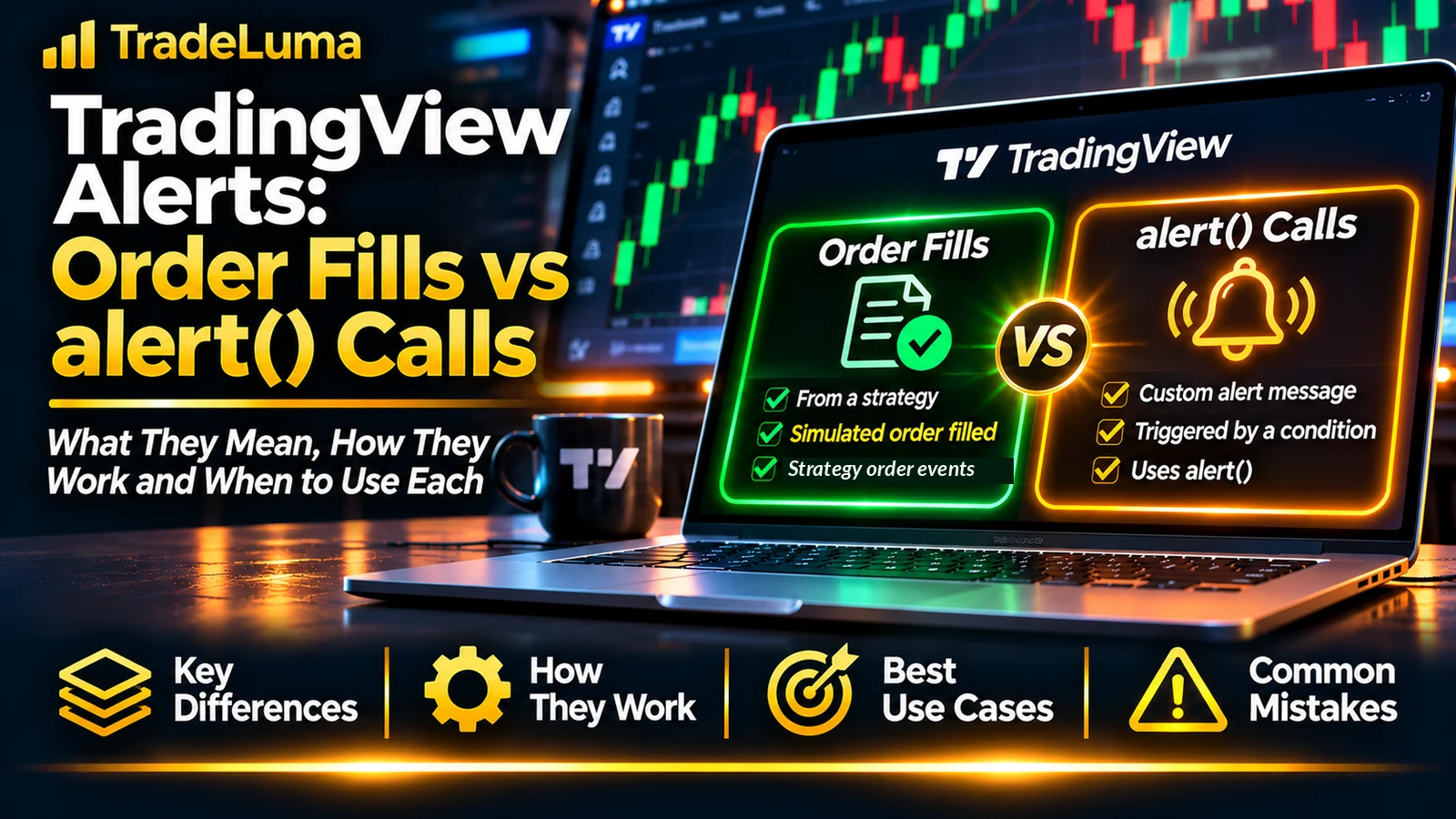
TradingView Alerts: Order Fills vs alert() Calls Explained
Compare TradingView strategy emulator fill alerts and Pine alert() events, message templates, duplicates and broker reconciliation.
Do You Need IBKR Real-Time Market Data for TradingView Automation?
Separate TradingView signal data, IBKR quote subscriptions, trading permissions and broker execution before automating orders.
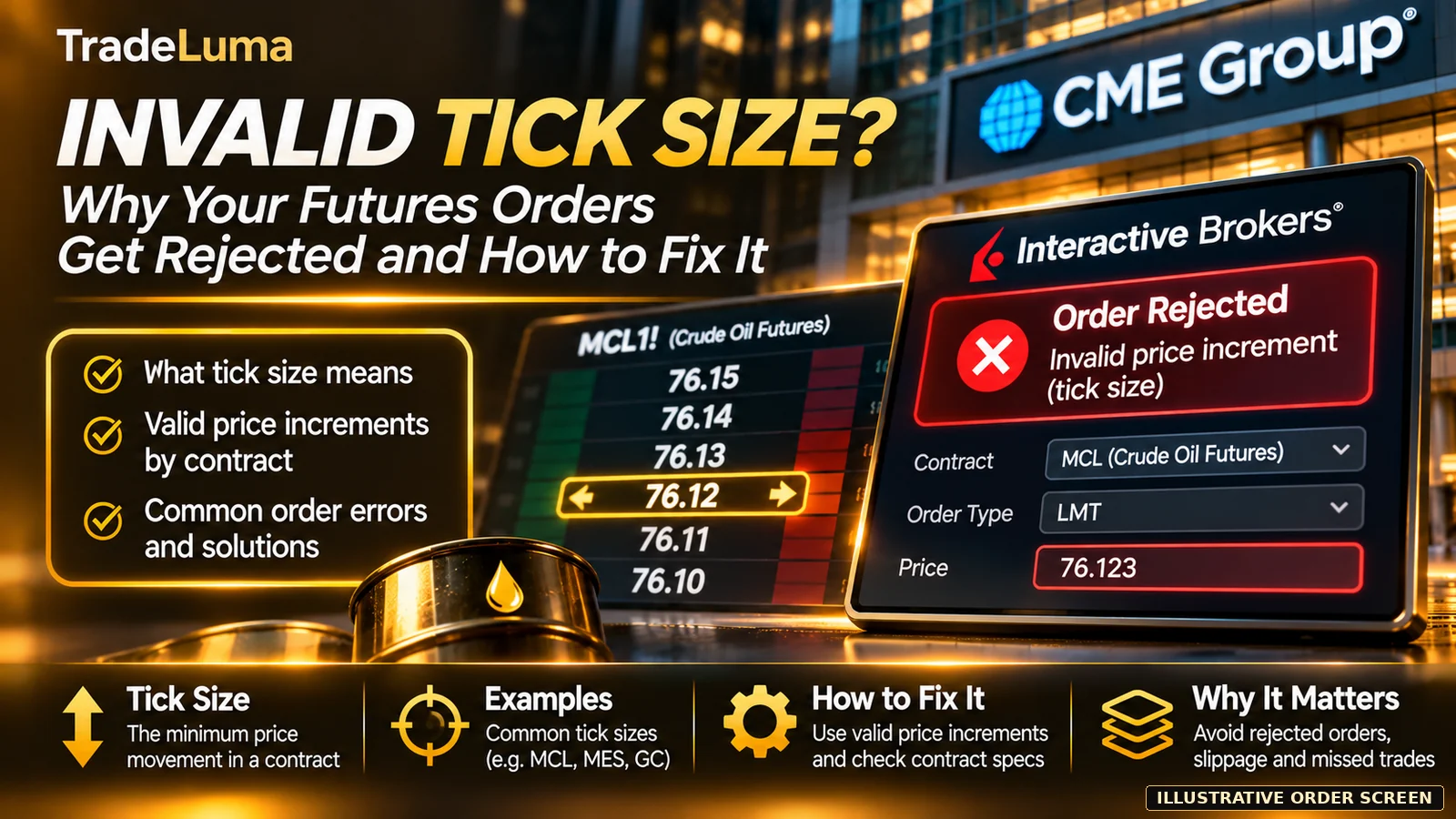
Invalid Tick Size: Why Your Automated Futures Orders Get Rejected
Identify invalid futures price increments, round limit and stop prices intentionally, and troubleshoot rejected TradingView-to-broker orders.