
Strategy Research
Bar-Close vs Intrabar Trading: Why Strategy Timing Matters
Understand bar-close and intrabar signals, TradingView calculation settings, simulated order fills, realtime behaviour and practical timing checks.
On this page+
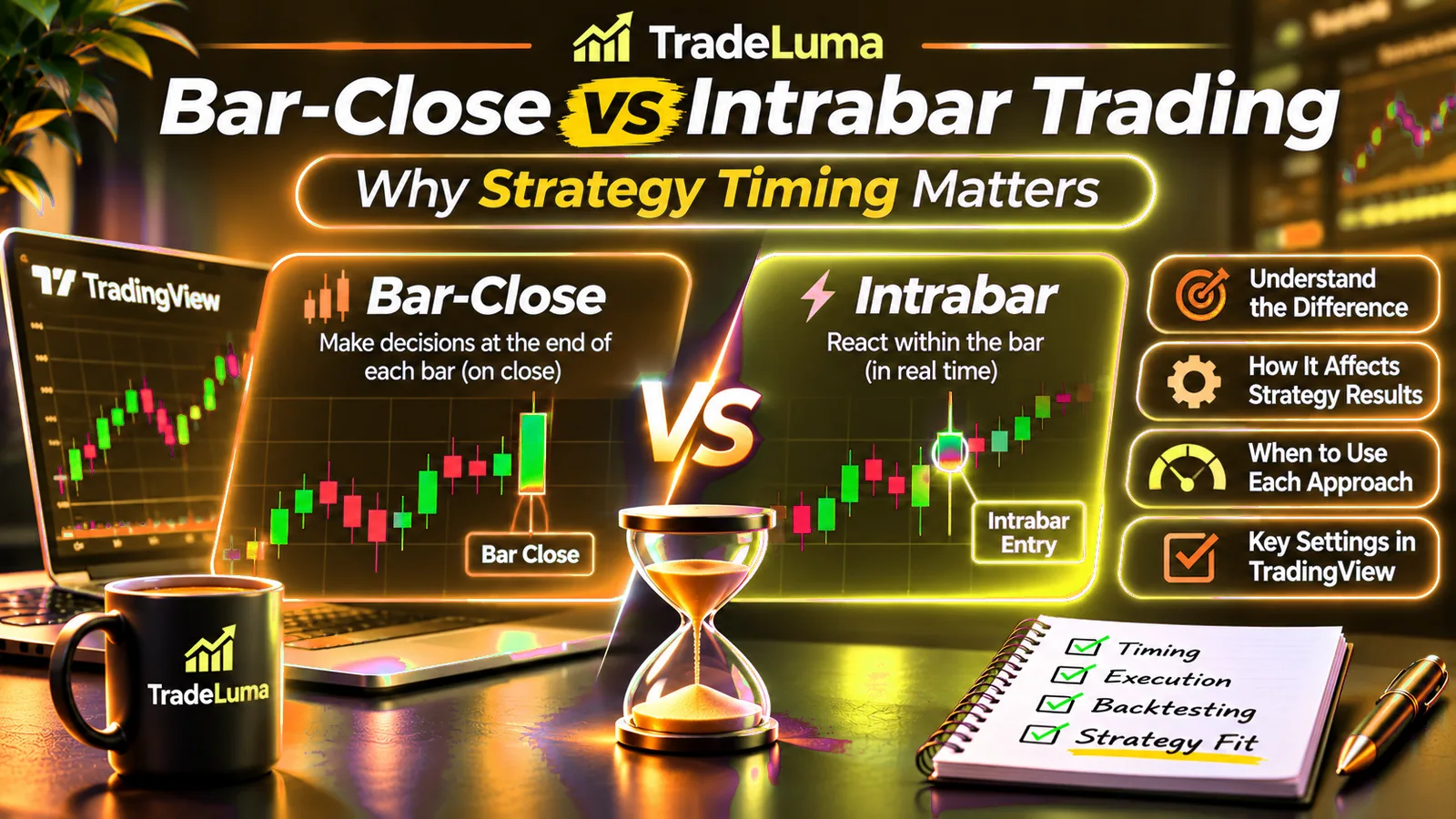
A trading signal that exists halfway through a candle may disappear by the close. Two scripts with similar conditions can therefore produce different trades simply because they evaluate those conditions at different times. Understanding signal evaluation, simulated fills and actual broker execution separately is essential when researching a TradingView strategy. The cover shows schematic candlesticks, not actual entry recommendations. TradeLuma has a commercial interest in its own invite-only TradingView strategies. The catalogue is first-party product information, not an independent recommendation. Historical simulated results do not guarantee future performance. Futures are leveraged and losses can exceed initial margin.
Bar-close and intrabar decisions
A bar-close approach evaluates a specified condition using the completed candle. An intrabar approach can respond to a condition while that candle is developing. For example, suppose an illustrative threshold is 100, a bar reaches 103 and closes at 98. A condition that was true during the bar might not be true at the close.
The correct choice depends on how the rules are intended to work, not on a general claim that one approach is more profitable. A completed bar reduces certain forms of transient signal variation, but does not remove every source of repainting or fill risk.
Calculation time is not fill time
Separate three timestamps: the signal calculation, simulated order execution, and actual broker fill. A strategy that calculates on the closing update can create an order at that time; the emulator's default next-available-tick behaviour may place a market fill at the following bar's open. Other order types and settings can change simulated fill timing.
An order generated at a session's final close may not reach a real market while that session is open. A simulated close price is not guaranteed to be obtainable by a live broker.
What the TradingView properties control
The calculation settings include calc_on_every_tick for additional realtime updates and calc_on_order_fills for recalculation following simulated fills. The process_orders_on_close setting can change the emulator's order-processing timing. These settings influence behaviour in distinct ways and should not be treated as interchangeable.
Check the current official documentation for available calculation and historical data options. Where supported, Bar Magnifier uses more granular historical price information to improve some simulated fill assumptions; it does not recreate all live exchange events, liquidity or queue positions.
Historical and realtime behaviour can differ
An open realtime bar has a developing sequence of updates. A historical record may not preserve that complete sequence at the same granularity, so an intrabar condition seen in realtime can be absent or different after a reload. Higher-timeframe inputs and data revisions can also affect results.
A backtest must be interpreted using its actual calculation and fill model. Testing with realistic costs and a separate evaluation sample helps reduce overconfidence but cannot remove uncertainty.
Protective orders are a separate issue
A bar-close entry system can still use stop or limit orders that are active between decisions. Do not assume that all risk controls wait for the next bar close just because the entry calculation does. Review the implementation and the separate broker order behaviour.
An alert or simulated stop is not a guarantee of real-world protection. Gaps, slippage, connectivity and broker order states matter. Confirm that any live order-handling arrangement matches the intended protective rules before risking capital.
A practical timing verification checklist
Record the exact symbol, timeframe, chart settings, strategy properties and intended signal rule. Observe a qualifying event in realtime where available, note the bar state and timestamp, then compare with the historical display after reload. Record the alert event and any paper-order outcome separately.
TradeLuma publishes reference chart settings for its market-specific futures strategies. Use those settings as the starting point for evaluating any individual script; this guide does not assert that all products share the same intrabar implementation. Compare the documented behaviour during a trial, rather than selecting a setting merely because it improves a backtest.
Frequently asked questions
Does bar-close trading guarantee no repainting?+
No. It reduces some transient open-bar changes, but other data and script behaviours can still cause discrepancies.
Can stops fill before a bar closes?+
Yes. An already active stop or limit order can be simulated within a bar depending on order and fill assumptions.
Does calc_on_every_tick reconstruct every historical tick?+
No. Realtime recalculation does not recreate a complete historical realtime update sequence.
Does processing orders on close guarantee a live fill at the close price?+
No. A simulated fill and a real broker fill are different events.
See the workflow
Follow the signal from TradingView to broker state.
Review how TradeLuma handles webhook intake, execution controls, broker routing, and reconciliation in the TradingView + Interactive Brokers workflow.
Explore TradingView + IBKR →Continue learning
Related guides.
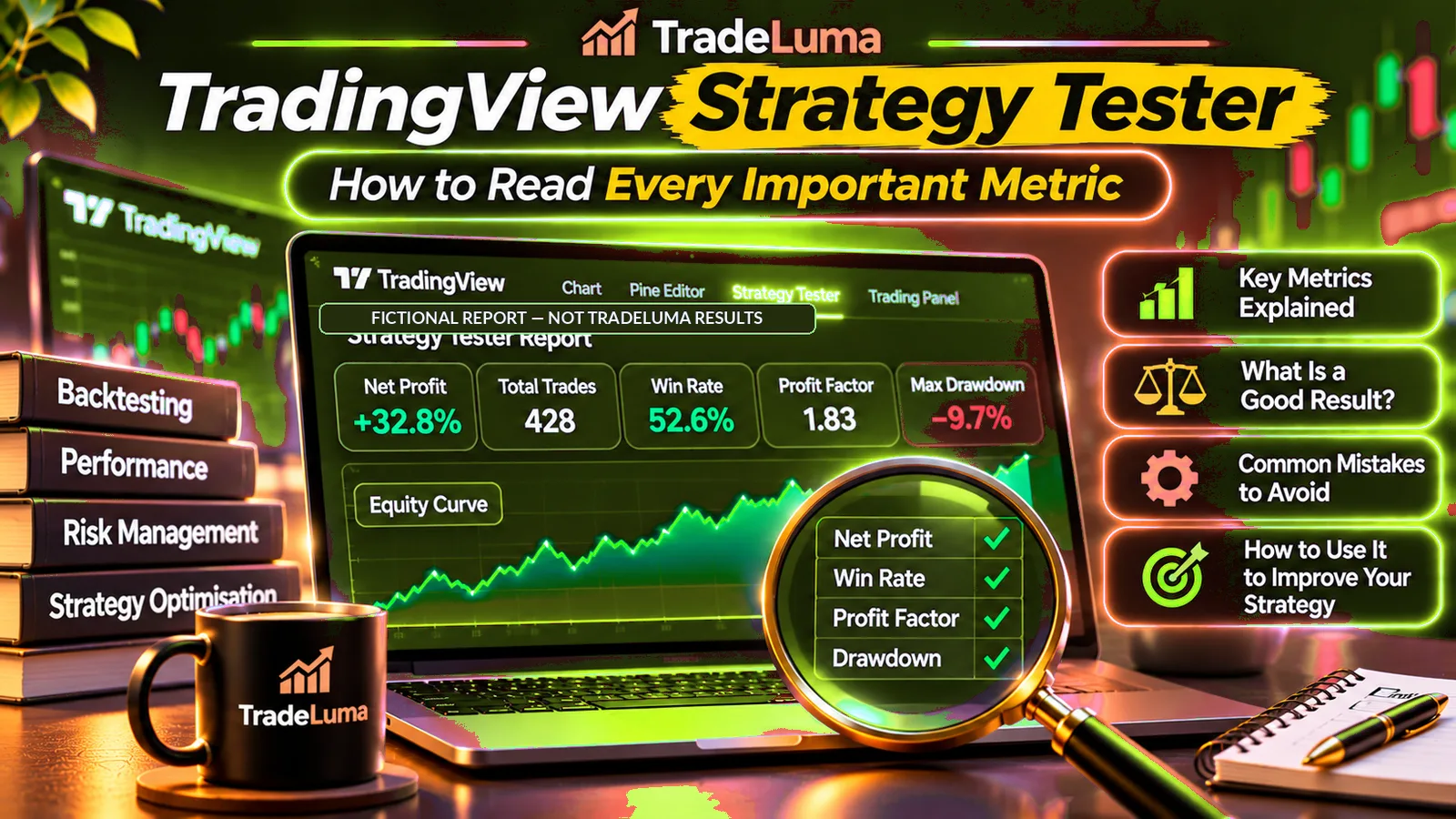
TradingView Strategy Tester: How to Read Every Important Metric
Interpret TradingView Strategy Tester and Strategy Report metrics including net P&L, profit factor, drawdown, expectancy, trade count and cost assumptions.
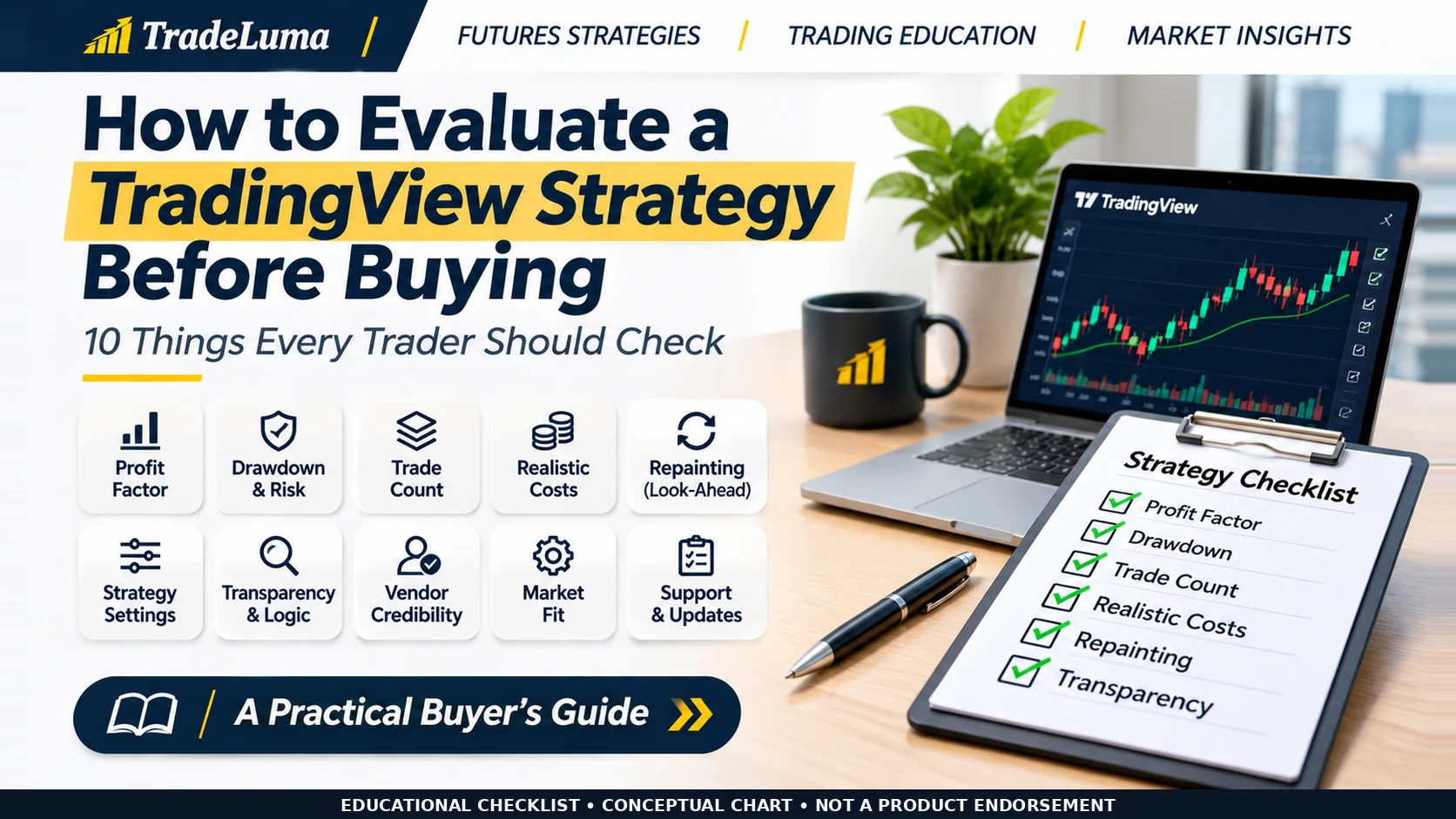
How to Evaluate a TradingView Strategy Before Buying: 10 Things Every Trader Should Check
Ten practical checks before paying for a TradingView strategy: profit factor, drawdown, trade count, realistic costs, repainting, settings, market fit and vendor terms.
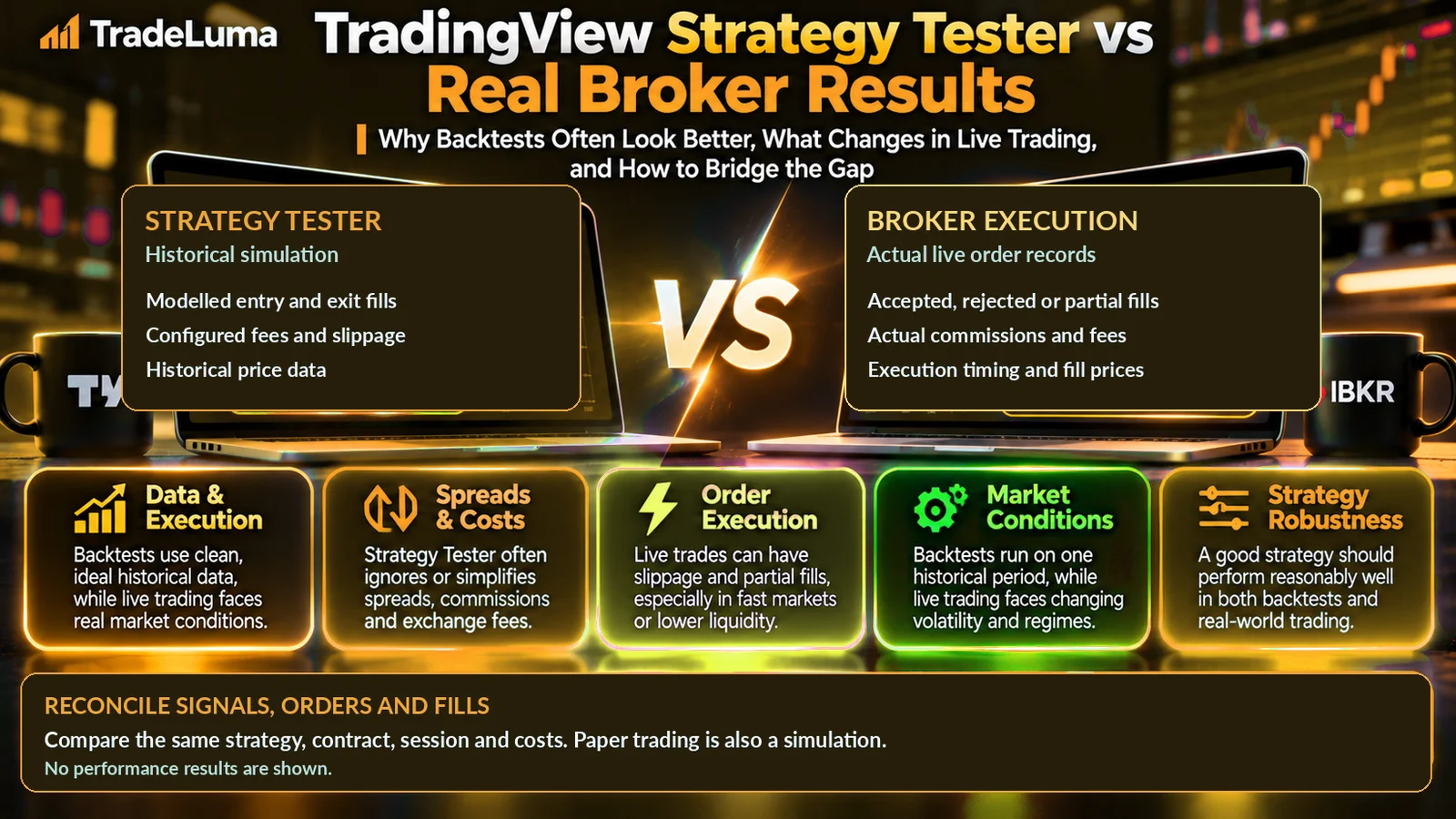
TradingView Strategy Tester vs Real Broker Results: Where Does the Profit Go?
Compare simulated and actual trade records using timestamps, commissions, slippage, missed orders, partial fills and a reconciliation workflow.