
Orders
Market, limit, and stop orders explained for automated trading
A clear guide to market, limit, stop, and stop-limit orders, including fills, price control, gaps, and common automation trade-offs.
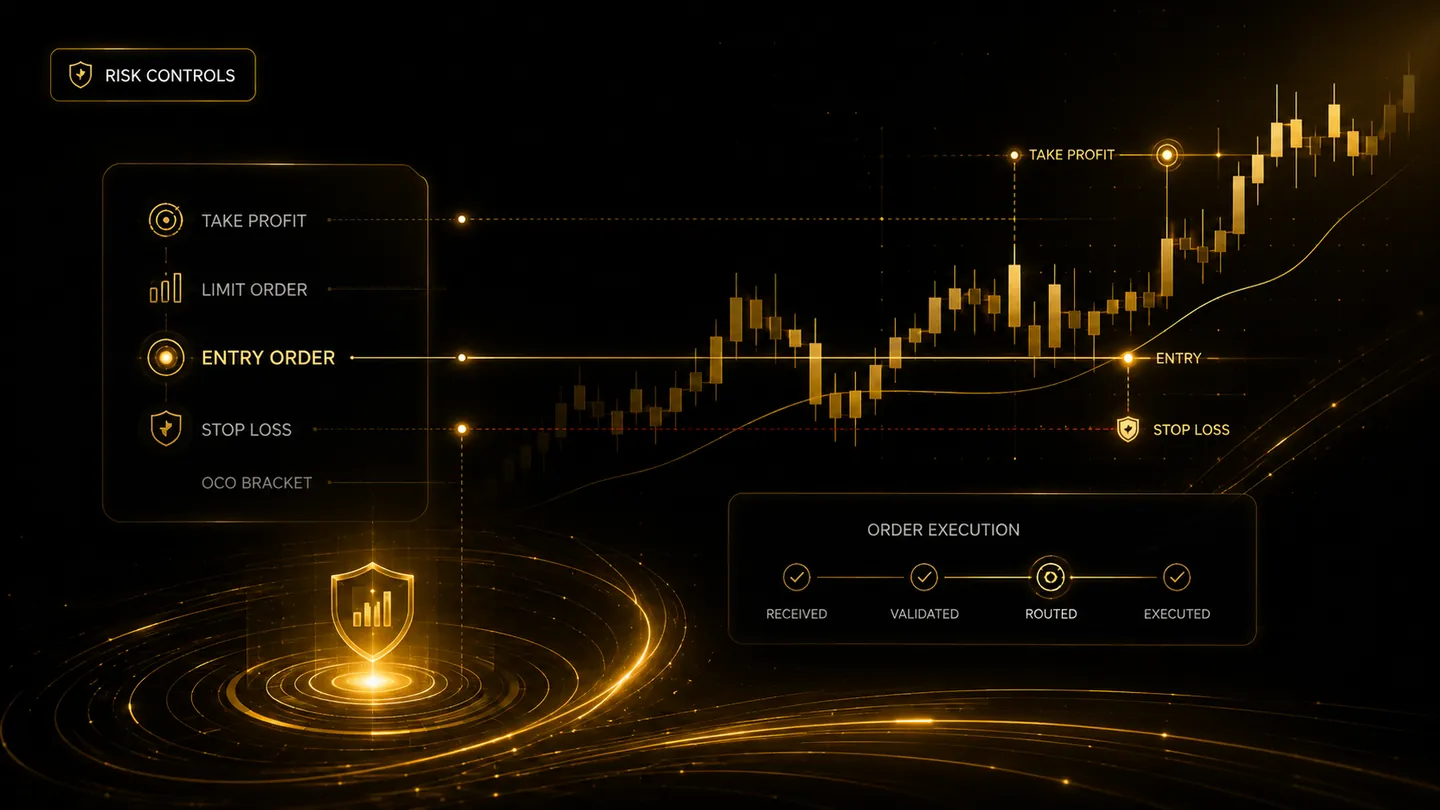
Order type changes how an instruction interacts with the market. Automation can submit an order consistently, but it cannot remove the trade-off between certainty of execution and certainty of price. Traders should understand the broker's exact behaviour before using an order type in a strategy.
Market orders prioritise execution
A market order requests execution at the best available prices. It may fill quickly in a liquid market, but the final average price can differ from the last traded price or the price seen when the alert fired.
During fast movement, thin liquidity, session transitions, or market gaps, a market order may experience substantial slippage. Automation should record the requested time, broker acknowledgement, fill time, and average fill price.
Limit orders prioritise price
A limit order sets the worst acceptable price: a buy limit will not fill above its limit, and a sell limit will not fill below its limit. The order may receive a partial fill or no fill at all.
Strategies that assume every limit order fills can produce misleading backtests. Live logic needs a plan for unfilled entries, stale orders, cancellations, and signals that change while the order is still working.
Stop and stop-limit orders trigger later
A stop order becomes active after a trigger price is reached and is commonly used for protective exits or breakout entries. Once triggered, it may behave like a market order, depending on broker and order configuration.
A stop-limit order adds a price limit after triggering. It provides more price control but can remain unfilled during a fast move. Traders should test the exact broker implementation and understand whether the trigger uses last, bid, ask, mark, or another price source.
Frequently asked questions
Which order type is safest?
No order type is safest in every situation. Market orders carry price uncertainty, while limit and stop-limit orders carry non-execution risk. The appropriate choice depends on the strategy, instrument, liquidity, and risk plan.
Can an automated stop guarantee the exit price?
No. A stop can trigger an exit request, but gaps, liquidity, broker rules, and market conditions can produce a different fill price or prevent execution.
Continue learning
Related TradeLuma guides
Orders
Bracket orders and automated risk controls in webhook trading
10 July 2026 · 7 min read
Trading Foundations
Liquidity in Trading Explained: Why It Matters for Entries and Exits
7 Sept 2026 · 11 min read
Operations
Rejected orders in automated trading: causes, recovery, and safer retries
29 July 2026 · 9 min read
Build a controlled automation workflow with TradeLuma
Configure alerts, test in paper mode, apply execution controls, and follow broker outcomes from one workspace.