
Safety
Trading kill switches and emergency controls for automated accounts
Design a practical emergency plan using pause controls, cancel-only mode, order cancellation, broker checks, and direct account access.
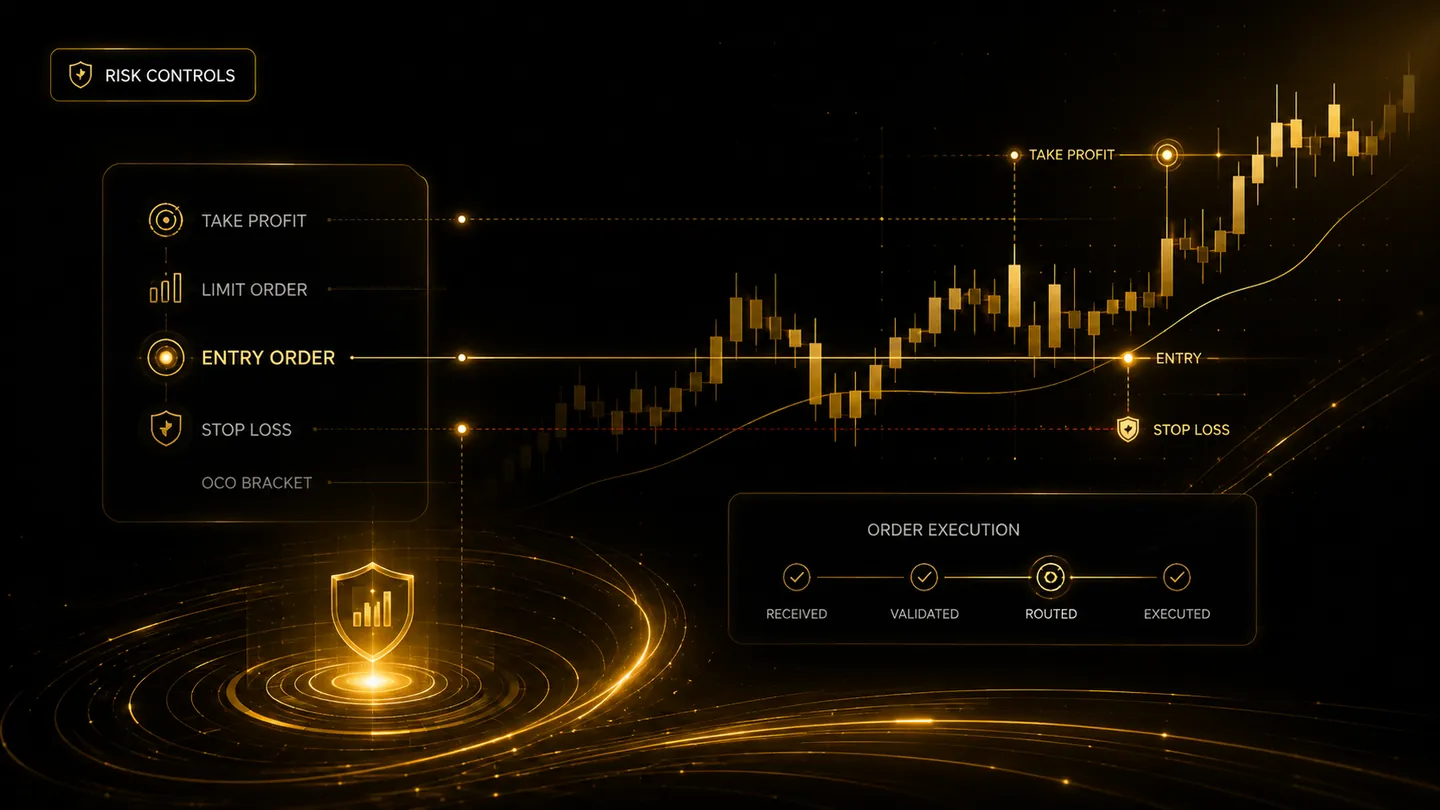
A kill switch is not one button that solves every problem. An automated account may need separate controls for blocking new entries, allowing exits, cancelling working orders, disconnecting a strategy, or pausing all broker submissions. The emergency plan should match the type of incident.
Pause new risk without blocking exits
A useful safety state prevents new exposure while continuing to allow risk-reducing closes and cancellations. A complete shutdown that also blocks exits can make an incident worse.
Platforms should distinguish entry, increase, reduce, close, cancel, and replace actions. The user should see which actions remain available in each emergency state.
Know the order of operations
During an incident, the trader may need to pause strategies, inspect the broker account, cancel open entry orders, verify protective orders, and reconcile positions. The correct sequence depends on whether there is an unexpected position, a stale platform display, or a broker outage.
Direct broker access must remain available. The automation dashboard is useful, but the broker is the source of truth for actual account positions and working orders.
Practise before the emergency
Test pause and resume controls in paper mode. Confirm who can activate them, how quickly they take effect, whether all workers and webhooks respect them, and how the event appears in logs and notifications.
Write a short incident checklist and keep broker contact details accessible. A rehearsed plan reduces rushed decisions when markets are moving.
Frequently asked questions
Should a kill switch cancel every open order?
Not automatically in every situation. Cancelling a protective exit could increase risk. Emergency actions should distinguish entries from risk-reducing orders.
Can disconnecting the automation close positions?
Usually disconnection only stops communication. Existing broker positions and orders may remain active and must be checked directly.
Continue learning
Related TradeLuma guides
Safety
Automated trading readiness checklist: what to test before enabling live orders
17 July 2026 · 9 min read
Safety
Why paper trading should come before live trading automation
9 July 2026 · 6 min read
Safety
Duplicate alert protection: a critical safety layer for automated trading
11 July 2026 · 5 min read
Build a controlled automation workflow with TradeLuma
Configure alerts, test in paper mode, apply execution controls, and follow broker outcomes from one workspace.