
Safety
Automated trading readiness checklist: what to test before enabling live orders
Use this practical readiness checklist to test signals, symbols, quantities, broker health, exits, failures, and monitoring before live automation.
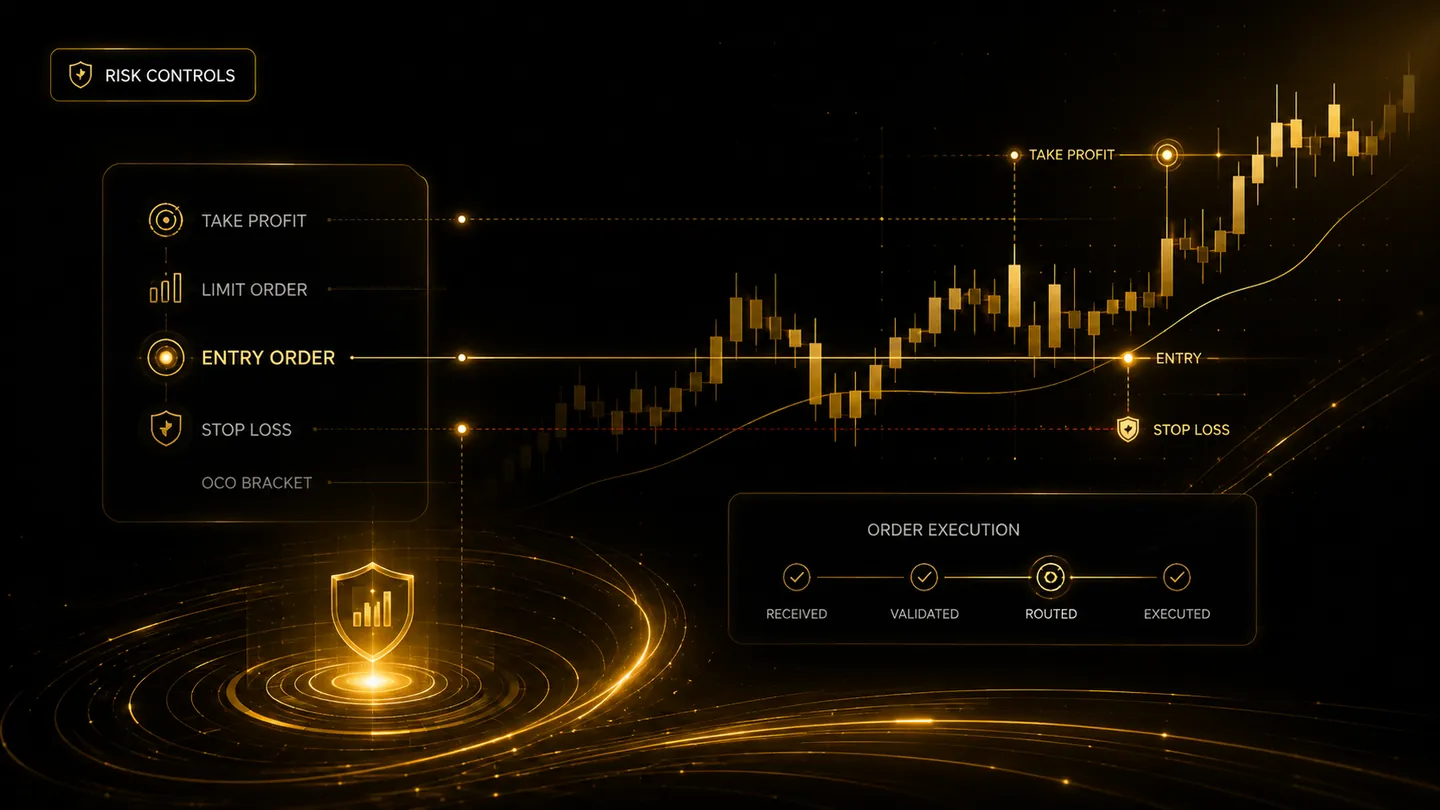
Live automation should be the final step in a testing process, not the first. A readiness checklist creates evidence that the signal, execution settings, broker connection, and recovery procedures behave as expected. The aim is not to prove that a strategy will make money; it is to reduce preventable operational errors.
Validate the instruction path
Send representative alerts for entries, exits, reversals, and ignored conditions. Confirm that every message contains the intended strategy identifier, symbol, side, action, quantity, timeframe, and unique event reference. Deliberately send an invalid message and confirm it is blocked with a visible explanation.
Test duplicate alerts inside and outside the configured duplicate window. A legitimate second trade should remain possible, while an accidental retry should not create an extra order.
Validate broker and order behaviour
Confirm the exact tradable symbol or futures contract, account mode, supported order types, minimum quantity, and market-session rules. Test accepted, rejected, cancelled, partially filled, and expired states where the broker or paper environment supports them.
For bracket workflows, verify the parent entry and both protective legs. Test what happens when the entry does not fill, when one exit fills, and when the position is closed manually.
Prepare for interruptions
Disconnect the broker session, disable a strategy, pause live routing, and simulate stale status. The platform should fail safely, show the problem, and avoid silently assuming an order filled. Traders should know where the kill switch is and how to inspect the broker account directly.
Document the maximum intended position, daily stop conditions, contact path, and steps for reconciling an unexpected position. A written response plan is easier to follow during a real incident.
Frequently asked questions
How long should a strategy stay in paper mode?
There is no universal duration. The workflow should remain in paper mode until representative normal and failure scenarios have been tested across the market conditions relevant to the strategy.
Does passing the checklist prove the strategy is profitable?
No. The checklist tests operational readiness. Strategy performance, market risk, slippage, and future results are separate questions.
Continue learning
Related TradeLuma guides
Build a controlled automation workflow with TradeLuma
Configure alerts, test in paper mode, apply execution controls, and follow broker outcomes from one workspace.