
Review
Building an automated trading journal that explains every result
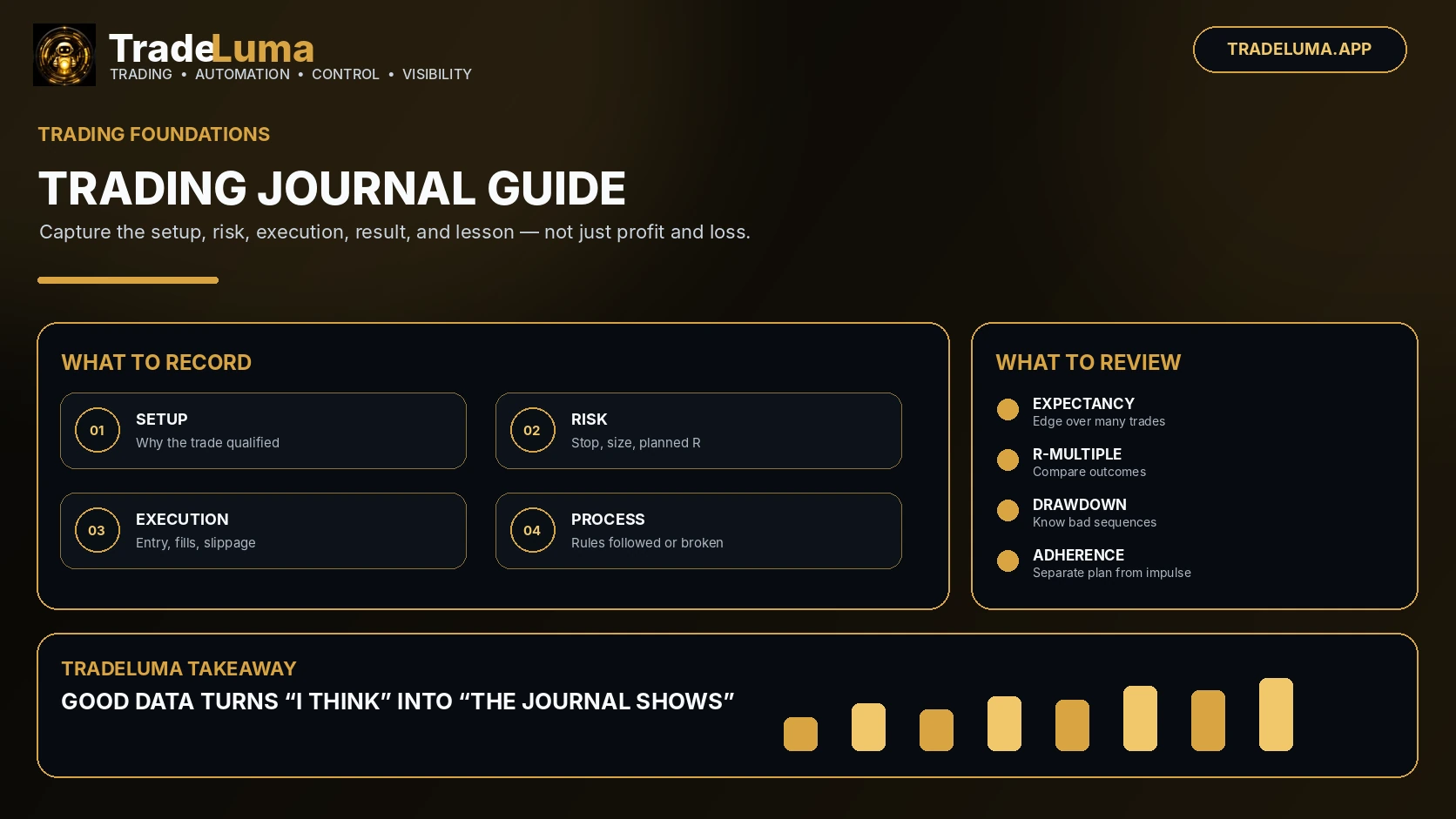
Create a useful trading journal by linking signals, orders, fills, costs, exits, screenshots, strategy versions, and review notes.
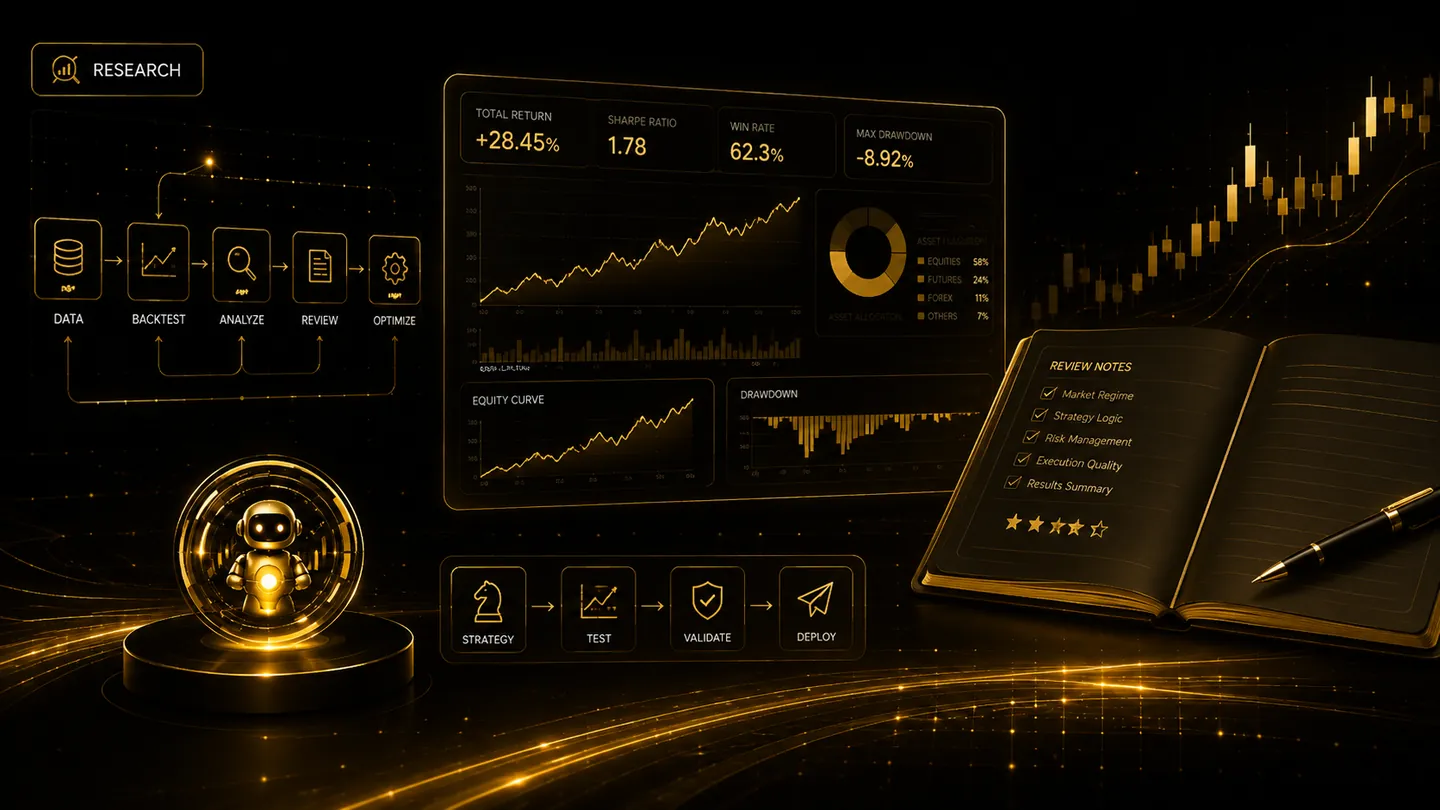
An automated journal should do more than list profit and loss. It should connect the original signal with the settings used, the order submitted, the broker fill, the exit, the costs, and any operational warnings. This makes strategy review and incident investigation far more useful.
Link the full chain
Each journal record should include strategy, version, symbol, specific contract where relevant, direction, intended quantity, actual quantity, signal time, submission time, fill time, average prices, commissions, and close source.
Keep identifiers that connect the journal entry to webhook events and broker orders. This allows the trader to investigate a surprising result without searching across unrelated screens.
Separate strategy outcome from execution outcome
A losing trade may have executed exactly as designed, while a profitable trade may have involved an unsafe duplicate or missing stop. Review both the market decision and the operational behaviour.
Useful execution measures include signal-to-submit time, submit-to-acknowledgement time, slippage, rejected orders, missed alerts, partial fills, and reconciliation differences.
Review patterns, not isolated emotion
Schedule regular reviews by strategy and market condition. Look for clusters by session, day, volatility, contract month, direction, or software version. Record configuration changes before evaluating whether they helped.
Do not rewrite history after seeing the outcome. A journal is most valuable when reasons and expectations are recorded at the time, then compared with what actually happened.
Frequently asked questions
Should paper trades be journalled?
Yes. Paper journals help validate signal logic and execution workflow, although paper fill quality should not be assumed to match live trading.
What is the most important journal field?
There is no single field, but linking the signal, platform event, broker order, and final position outcome is essential for a trustworthy audit trail.
Continue learning
Related TradeLuma guides
Build a controlled automation workflow with TradeLuma
Configure alerts, test in paper mode, apply execution controls, and follow broker outcomes from one workspace.